Table of Contents
This updated guide examines Death Stranding PC: Configure Death Stranding on PC and organizes the essential facts, background, and practical takeaways in clear American English.
Although the time for Death Stranding to land on the PC is quite far, Steam's system has reserved this game and also stated that the time of Death Stranding will be released next summer according to the house's plan. released.
And the first thing that many people care about when Death Stranding appears on the PC is that the game's configuration is too heavy. Below is the configuration of Death Stranding on the computer based on the configuration of the Game-debate page.
- Configure playing The Evil Within 2 on the computer
- Configure Control gaming on the computer
- Configure playing Far Cry New Dawn on the computer
Introducing the storyline and gameplay of Death Stranding

Players will accompany protagonist Sam Bridges (Norman Reedus) on a journey across the United Cities of America (UCA) with the mission of connecting humanity together. There is also a companion with Sam, that is Bridge Baby (BB) .
Bridge Baby is an artificial intrauterine fetus, capable of Sam to see monsters from other dimensions (Beached Things) are raging everywhere at UCA.

Our main character will be given a fairly simple task. It is providing aid packages from Knot City to Port Knot City, things in the aid package are quite important items in the game, including: Anti-Beached Things weapons, drugs, food and. worms and eggs.
Before taking on the "carrier" mission, you can choose what you will bring. Including the aforementioned aid packages plus an item such as weapons, shoes, ropes. And the items brought will affect the ability to move, weight of the character.
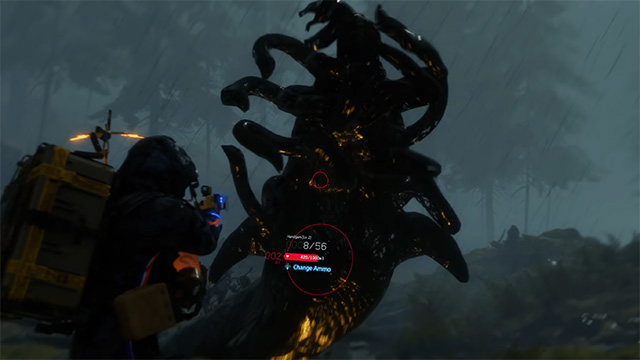
The authenticity of the game will be described through the movement and equipment of the character when you can wear the equipment in Sam's hands, or put them in a backpack and they will affect Sam's speed. If he ran too fast, Sam wouldn't be able to suddenly change direction and he would slow down if overloaded.
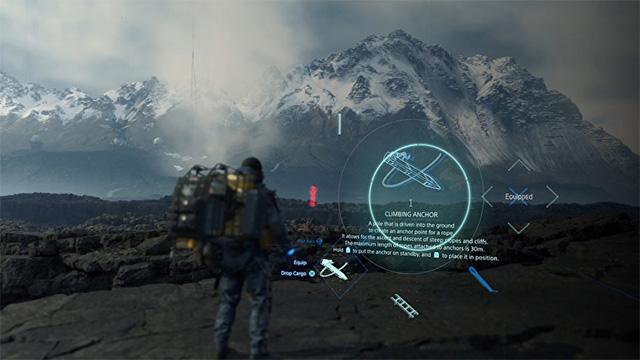
If you are going to fight, you can put down your belongings. In addition, you can collect Floating Carrier to support easier luggage transfer. To minimize the risks you may encounter along the way, the game calculates the route to the destination and shows you the terrain on the right path.
Minimum configuration Death Stranding on PC
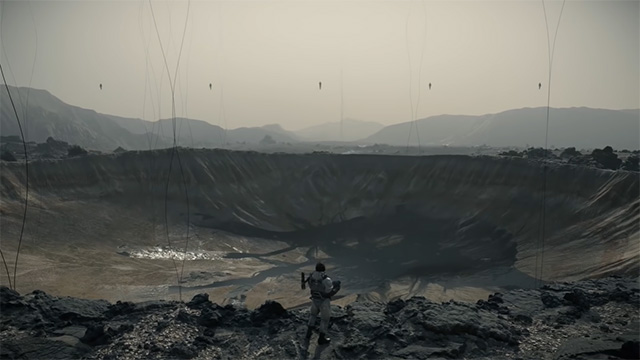
- Operating system: Windows 7 64bit and above
- CPU: Intel Core i5-2500K 3.3GHz or AMD FX-8320
- RAM memory: 8GB
- Graphics Card: NVIDIA GeForce GTX 960 2GB or AMD Radeon R9 380
- Hard drive space: 50GB
- DirectX 11
Configuration requires Death Stranding on PC
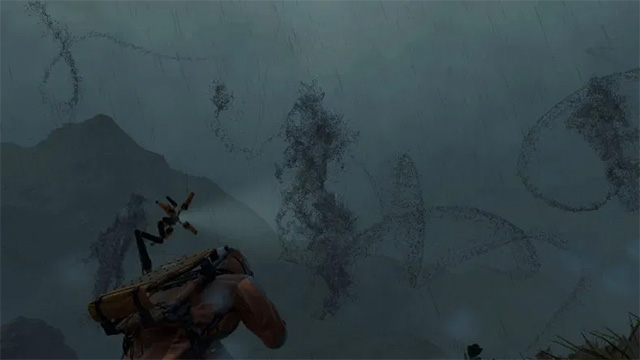
- Operating system: Windows 7 64bit and above
- CPU: Intel Core i7-6700K 4-Core 4.0GHz or AMD Ryzen R5 1600 G
- RAM memory: 16GB
- Graphics Card: NVIDIA GeForce GTX 1070 or AMD Radeon RX Vega 56 8GB
- Hard drive space: 50GB
- DirectX 11
Through the Death Stranding configuration above, you can see that the Death Stranding requirements on the PC are not too high compared to the titles released in 2019. If you can build a good PC, go ahead, otherwise leave Low Settings and experience the gameplay of Death Stranding.
FAQ
What is Death Stranding PC: Configure Death Stranding on PC about?
It provides a structured overview of death stranding pc, explains the main context, and highlights practical takeaways for readers.
Why does this topic matter?
Understanding the main concepts helps readers evaluate the issue, avoid common mistakes, and make better-informed decisions.
How should readers use this information?
Use the guidance as a practical starting point, confirm details that may have changed, and follow current product, safety, or security recommendations.
Related Articles
 Death Stranding Is Officially Available on iOS, Configuration, Price Explained7 minutes read
 The Fastest Way to Download and Play Death Stranding on PC3 minutes read
 Review Death Stranding - Tau75 Game by Hideo Kojima7 minutes read
 Death Vortex - a Period of Foretold Death5 minutes read
 Worlds of No Dead Places in the World: Itsukushima Island5 minutes read
 In Addition to the Blue Screen of Death, There Are 8 Other6 minutes read
Reader Comments 0
Sign in with email or Google to join the discussion.