Table of Contents
This guide provides a clear overview of learn html, including Use Unnecessary HTML Elements, Alt Text for Pictures Is Not Included. Use it to understand the topic, compare the available options, and make a more informed decision.
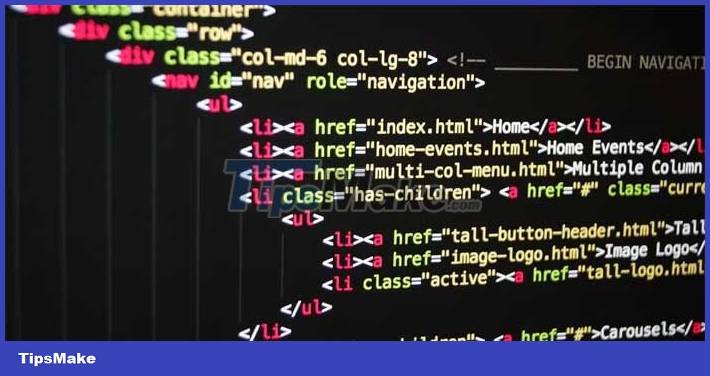
Use Unnecessary HTML Elements
HTML has changed over time, so some elements and attributes are now redundant. Modern browsers no longer support them. Therefore, using them can adversely affect the speed of the web.
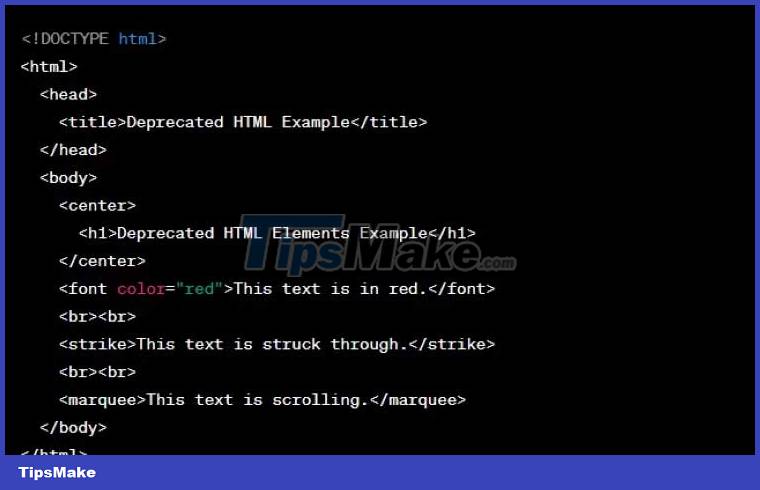
Tags to center text, tags to format text, and to strikethrough text are some of the most frequently used deprecated HTML elements. You should use new, equivalent options for these components.
For example, you can use CSS to center content, instead of tags. Alternatively, you can set font styles with CSS instead of the.
Alt Text for Pictures Is Not Included

While images are an important component of online design, the visually impaired cannot see them. Therefore, you should use alt text for photos to help them visualize.
Alt text allows the text-to-speech engine to read the image description aloud to the user. It's not only for screen readers, but it also helps programmers with search engine optimization. Most browsers will display alt text if the image fails to load.
Incorrect Nesting of HTML Elements
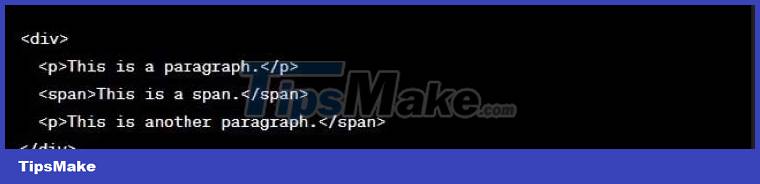
To ensure that the code can run and function properly on the web, the HTML elements need to be nested properly. The wrong integration can lead to strange effects, including messy layouts, missing content, broken links, etc.
For example, you should close each div before opening a new one. Similarly, never use the card
outside of an ordered or unordered list.
Using Too Many Div. Tags
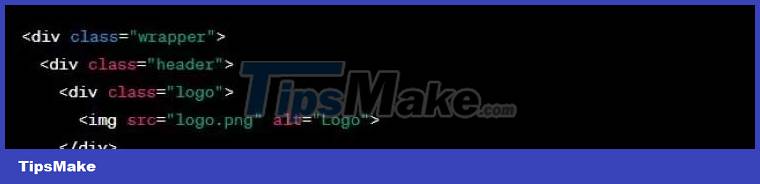
The div tag is a flexible HTML element used for grouping and styling content. However, using too many of these tags can lead to a 'poorly' organized web and hard to maintain code.
You should implement semantic HTML elements that make meaningful content instead of using div tags for everything. You can use the card
for a good title
for navigation bar rather than tag.
Don't Use Semantic HTML

Without using semantic elements like
,,
, and, the site can be cluttered or disorganized, making it difficult for users to navigate and find information.
Your website may also be ranked lower on search engine results pages if it has problems indexing content.
The above are common HTML mistakes that should be avoided when designing web pages . Hope the article is useful to you.
Conclusion
Understanding Learn HTML makes it easier to compare options, avoid common mistakes, and apply the information in this guide more effectively. Review the relevant requirements before making changes or choosing a solution.
FAQ
What is Learn HTML?
This guide provides a clear overview of learn html, including Use Unnecessary HTML Elements, Alt Text for Pictures Is Not Included.
Why is Learn HTML important?
Understanding Learn HTML helps you evaluate features, compatibility, performance, and potential limitations before you choose a product or follow a procedure.
What should you consider when using or choosing Learn HTML?
Consider your specific goal, compatibility requirements, available features, cost, security, and the practical recommendations described in this guide.
Related Articles
 React Mistakes to Avoid for Successful App Development9 minutes read
 11 Common Mistakes When Building a PC and How to Avoid Them: What You Need to Know12 minutes read
 Common Mistakes When Sowing Seeds9 minutes read
 12 Common Mistakes When Cooking That You Should Avoid7 minutes read
 Common Mistakes When Buying Shoes That Harm Your Feet5 minutes read
 What Is HTML? Basic HTML Structure6 minutes read
Reader Comments 0
Sign in with email or Google to join the discussion.