Table of Contents
This guide covers 'beat the dell streak 5-inch screen box with practical context and easy-to-follow details. Use it to understand the subject and apply the information confidently.
Dell Streak was sold last Friday on the O2 network in the UK. The first impression on this model is the screen up to 5 inches wide, capacitive tap technology, resolution of 480 x 800 pixels, multi-point data entry.
With a rather large design, size 152. 9 x 79. 1 x 10 mm, weighs 220 grams, this model is not suitable for putting into pants pocket, users can only hold in hand, put into the pocket of the jacket. .
Currently, Dell Streak is running Android 1. 6, but will be fully upgraded to the latest version in the second half of this year. It has a 1 GHz Qualcomm Snapdragon QSD8250 processor, 16GB internal memory, both RAM and ROM are 512MB.
Machine with 5 " Dot Camera", supports autofocus, face recognition. Streak equipped with Wi-Fi, 3G / HSDPA, HSUPA, GPS with A-GPS, Bluetooth support A2DP.
Below is a series of photos to open the box of this ultra portable.
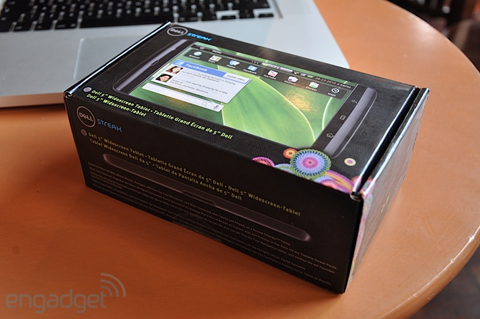 Machine case.
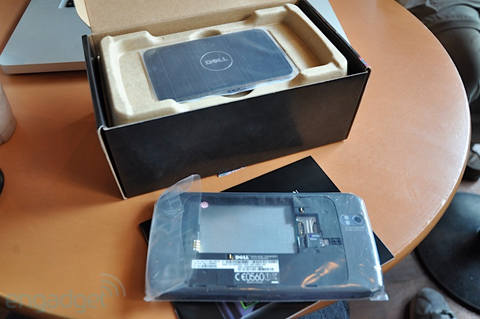 The device is on top.
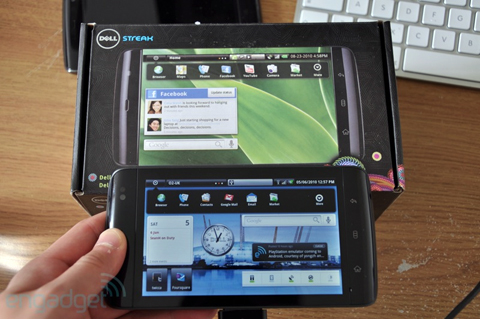 The typical Android home screen interface on the screen is up to 5 inches wide.
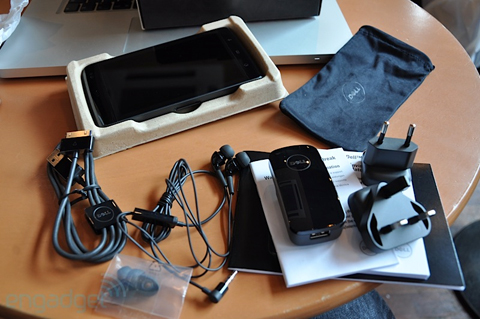 Machine accessories such as chargers, headsets, dock.
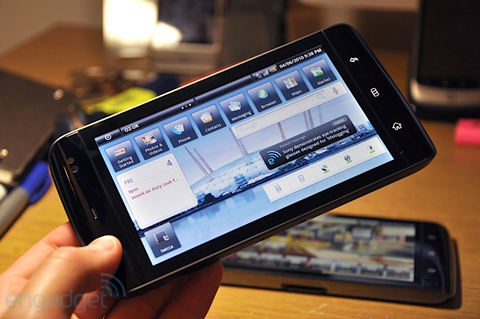 This is considered the Android device with the largest screen integrated phone function.
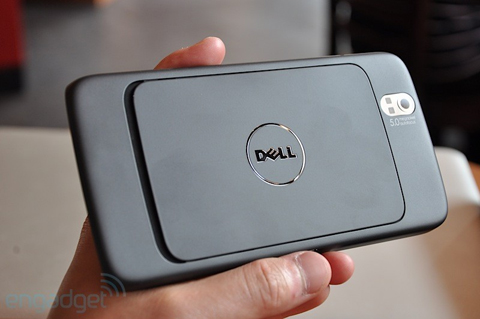 Backside.
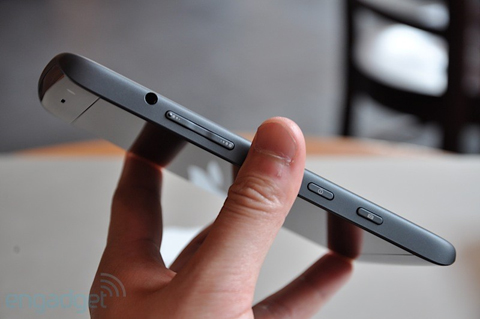 Streak thin 10mm.
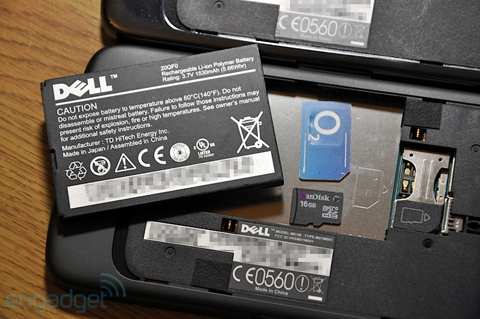 The battery is 1, 530 mAh in capacity.
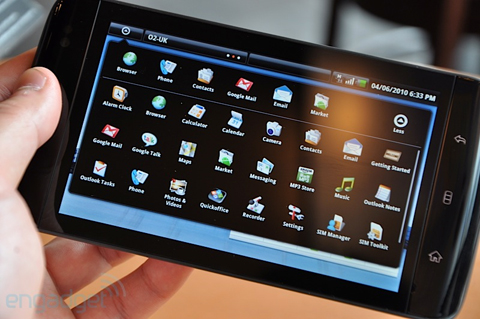 Menu.
Menu.
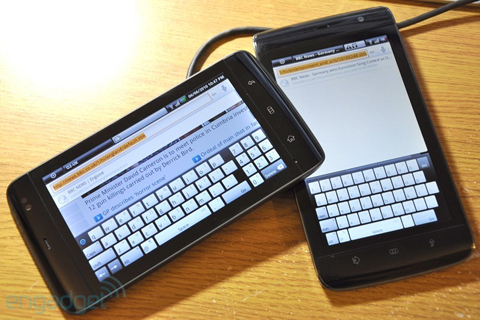 Virtual table on the wide space of the screen.
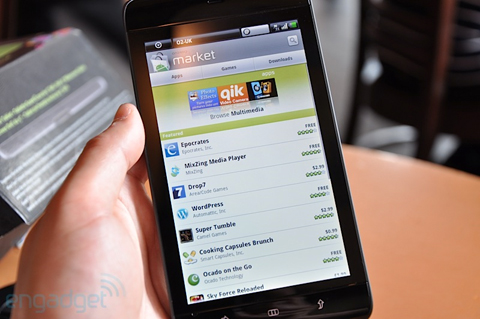 Android Market app space.
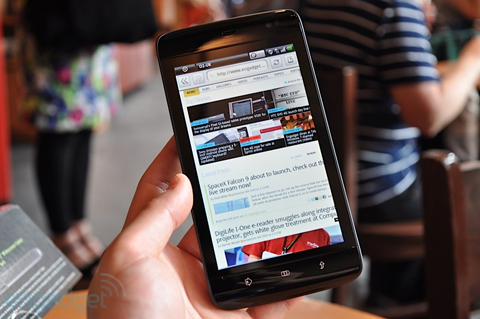 Surf the web.
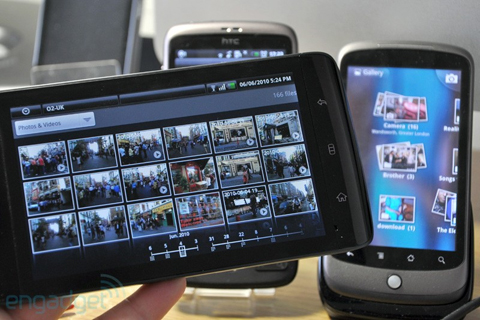 Multimedia entertainment.
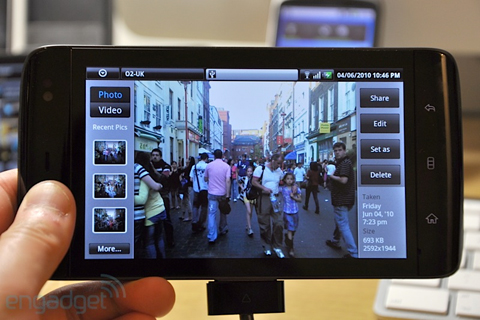 Take photos, record videos with a variety of sharing features.
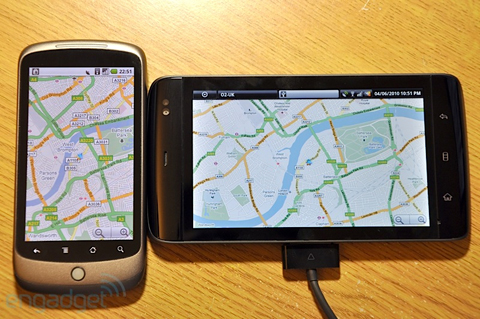 Besides the Nexus One 3. 7-inch screen.
FAQ
What should I check before following these steps?
Confirm device and software compatibility, save important data, and make sure you have the required permissions, files, and account access.
Why might the process not work?
Common causes include outdated software, missing permissions, incompatible hardware, an unstable connection, or completing a step in the wrong order.
Can I undo the changes if necessary?
That depends on the tool or setting. Use built-in restore options when available, keep a backup, and record the original configuration first.
Related Articles
 'Beat the Dell XPS 15z Box'4 minutes read
 Dell 'Wiped Out' Inspiron Mini Netbook3 minutes read
 Compare Dell XPS 15 and MacBook Pro 16 Inch 20208 minutes read
 Dell Latitude E7440 Review: Enduring Ultrabook with8 minutes read
 Dell Introduced the Ultra-durable Latitude 70004 minutes read
 Learn About 100 Inch, 120 Inch, 150 Inch Projection Screens10 minutes read
Reader Comments 0
Sign in with email or Google to join the discussion.