Table of Contents
This updated guide compares free anti keylogger tools and highlights the details that matter most. A keylogger is a tool that records your keystrokes, allowing hackers to capture your passwords, credit card information, and other sensitive information.
3. Ghostpress
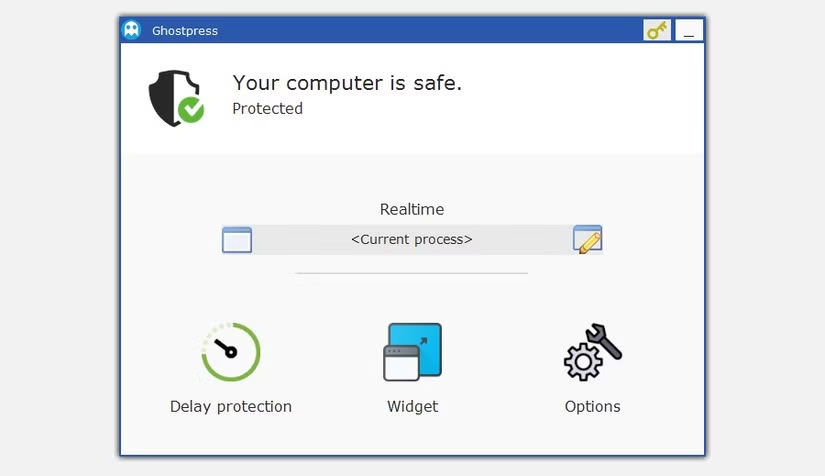
Ghostpress is an anti-keylogger developed for Windows. It has a minimalist interface but provides powerful protection that works effectively in the background. It is designed to block low-level keylogger techniques by breaking the system hooks that keyloggers use to record your keystrokes as you type in websites or applications.
Keylogger software does not just record your keystrokes. Some of these programs go a step further and take screenshots of an active window to record, for instance, your email address or private notes. Ghostpress also protects against such risks by providing screenshot protection.
After using Ghostpress for a while, you can confidently say that the design of this application is rooted in security from the beginning. The software only collects necessary data and none of it can be traced back to you. Your data is not exchanged with Ghostpress servers without encryption, which helps ensure that your data is protected from misuse or interception.
2. KeyScrambler
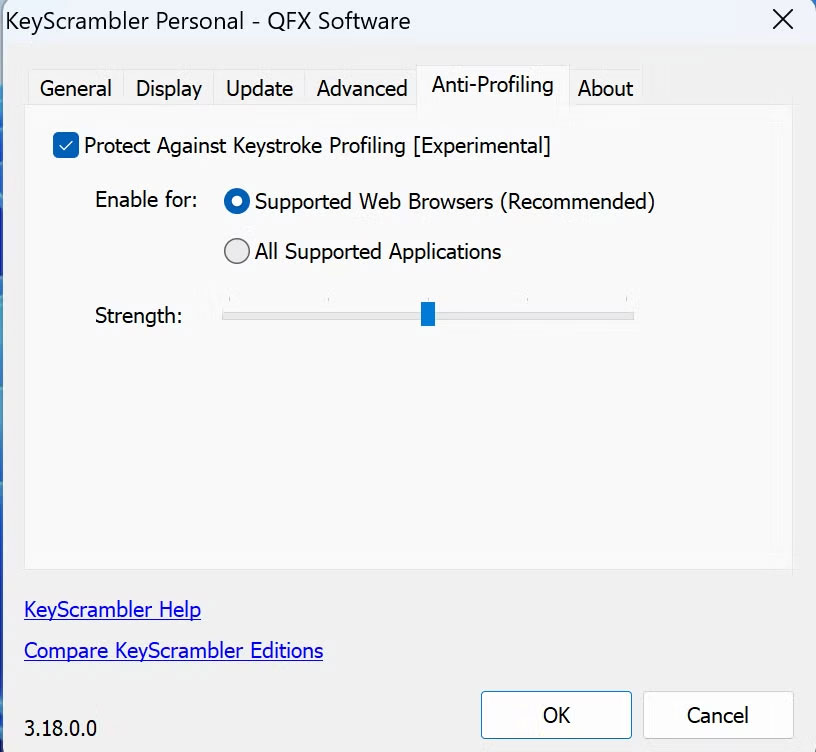
KeyScrambler is another great tool for Windows users who want to protect their keystrokes and data from keyloggers. Unlike other security applications, KeyScrambler's encryption module is embedded deep in the Windows kernel, making it difficult for even the most sophisticated keyloggers to bypass.
Notably, the software implements both standard symmetric key encryption and asymmetric key encryption, providing a double layer of protection. Another big privacy advantage is that all encryption and decryption happens locally. None of this data is transmitted to KeyScrambler's servers, helping you maintain your anonymity.
1. Antivirus Software
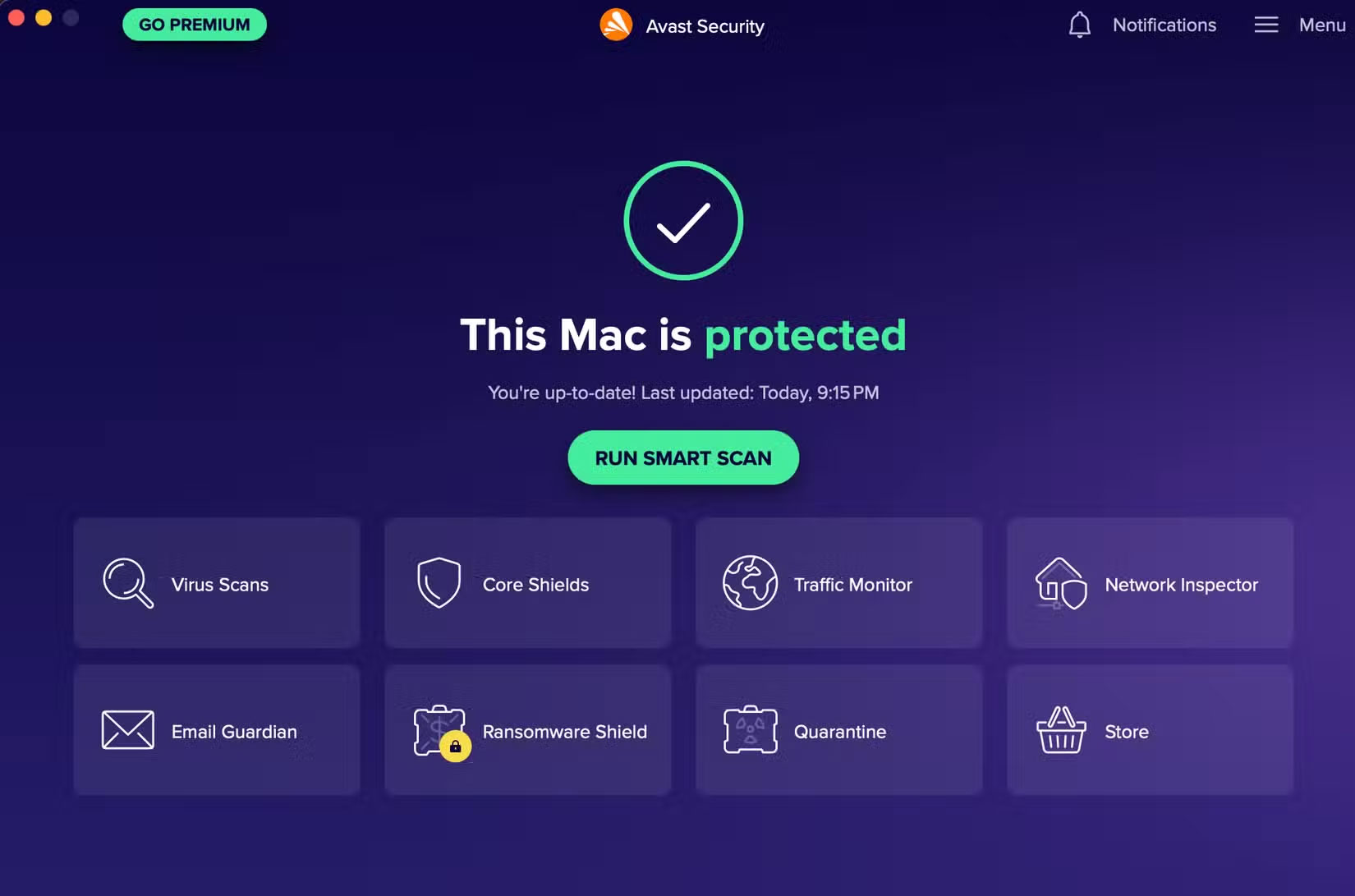
Even if you use the most secure browser that performs much better than expected, a keylogger can still track what you type because it is installed directly on your laptop or PC. While standalone anti-keylogger software works well, most antivirus software is an all-in-one solution, which is a solid choice for those who want to simplify and streamline their security setup.
for instance, many people have tried Avast's free antivirus suite. What people really like about Avast is that it offers real-time protection against a wide range of threats, including keyloggers. So a single scan can detect malicious keyloggers, hidden spyware, or compromised processes.
But you can find anti-keylogger tools in most popular antivirus suites, such as Bitdefender, which are also free.
- Download Avast (Free, Premium Version Available)
- Download Bitdefender (Free, Premium Version Available)
FAQ
How were the free anti keylogger tools options evaluated?
The comparison focuses on practical features, ease of use, limitations, compatibility, and the type of user each option is most likely to help.
Which option is best for beginners?
Beginners should prioritize a clear interface, useful documentation, reliable support, and the core features needed for their first project.
Should I choose a free or paid option?
Start with a free option when it covers your needs. A paid plan may be worthwhile when you need advanced tools, commercial rights, collaboration, or professional support.
Related Articles
 Download Free Keylogger 5.4: the Software to Record All4 minutes read
 Top 10 Best Free Keylogger Software with Windows12 minutes read
 How to Detect Keyloggers on Smartphones: Practical Guide7 minutes read
 How to Block Windows 10 from Tracking and Collecting User11 minutes read
 Instructions: 'Battle' Between Keyscrambler and Keylogger5 minutes read
 3 Best Best Anti-Keylogger Software5 minutes read
Reader Comments 0
Sign in with email or Google to join the discussion.