Table of Contents
Before buying a phone you plan to keep for several years, look up the cost of replacing its battery and screen. Check whether parts and service are available where you live, and how long the phone will receive security updates. These checks are more useful than a broad claim about an entire brand.
Start with the battery
Lithium-ion batteries lose capacity with age and use. If the rest of the phone works and still receives updates, replacing a worn battery can make it practical to keep. Ask for the total service price, expected turnaround, and any warranty on the repair. Battery access and adhesive design can differ between models in the same family.

Check what a screen or back-glass repair replaces
Some models let a shop replace one damaged part. Others require replacing a larger assembly. Compare repair quotes for the exact model and ask whether the shop will test the cameras, touch response, biometric unlock, or other functions affected by the repair.
Compare repair information before buying
- Look for manufacturer repair prices and parts availability in your country.
- Search the exact model number for a service manual or teardown. iFixit’s scoring criteria explain how it considers parts, repair instructions, and disassembly.
- For eligible phones sold in the EU, compare the repairability class on the EU energy label.
- Check the manufacturer’s security update commitment. A phone can be easy to fix and still reach the end of software support.
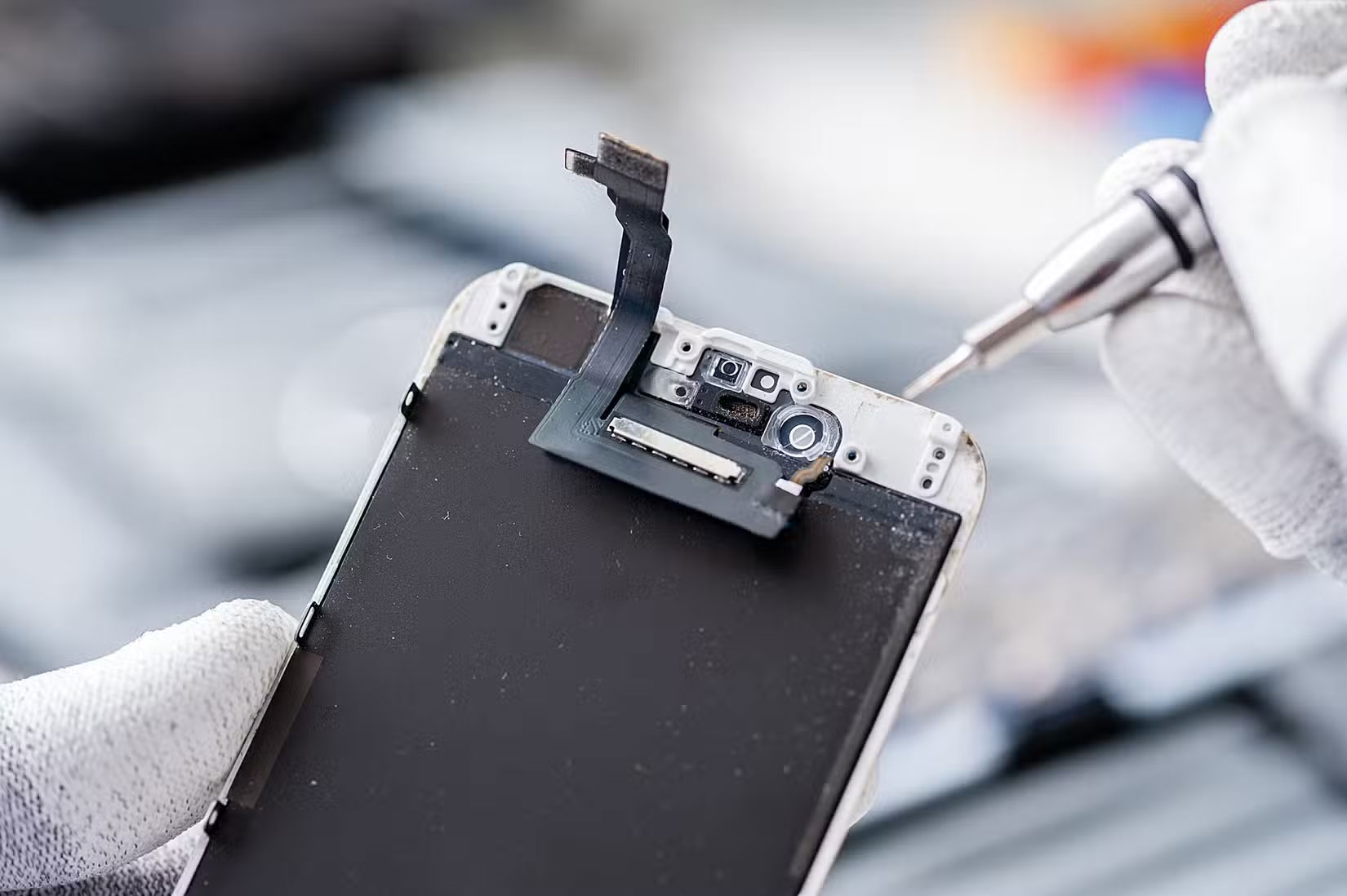
Decide between DIY and a repair shop
Read the full model-specific procedure before ordering parts. Some repairs need special tools, replacement seals, or calibration afterward. Back up your data first. If a battery is swollen or damaged, stop using and charging the phone and ask a qualified repair provider how to handle it.
Related Articles
 Important notes when cleaning smartphones
 Norton App Lock protects important and private apps on your smartphone
 Don't buy a smartphone without these 4 screen attributes!
 The most remarkable smartphone models 5G will be released in February, who will lead the game?
 Megapixel or sensor size is more important for smartphone cameras?
 The 'forest law' is only available in the smartphone era
Reader Comments 0
Sign in with email or Google to join the discussion.