Table of Contents
Use OneCompiler or JDoodle to run a short Python 3 script in a browser. Try Replit or PythonAnywhere if you need to return to the same files or work in an interactive console. HackerEarth is a better fit when you want an exercise with test cases.
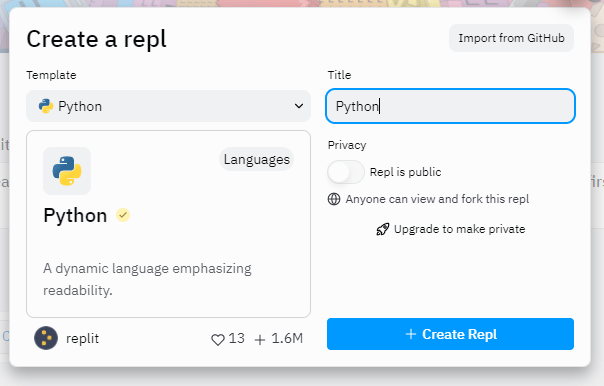
Replit for multi-file projects
Use Replit when a script grows into a project with several files. Check account, package, and runtime limits before committing. Review the project’s sharing settings before adding any code you want to keep private.
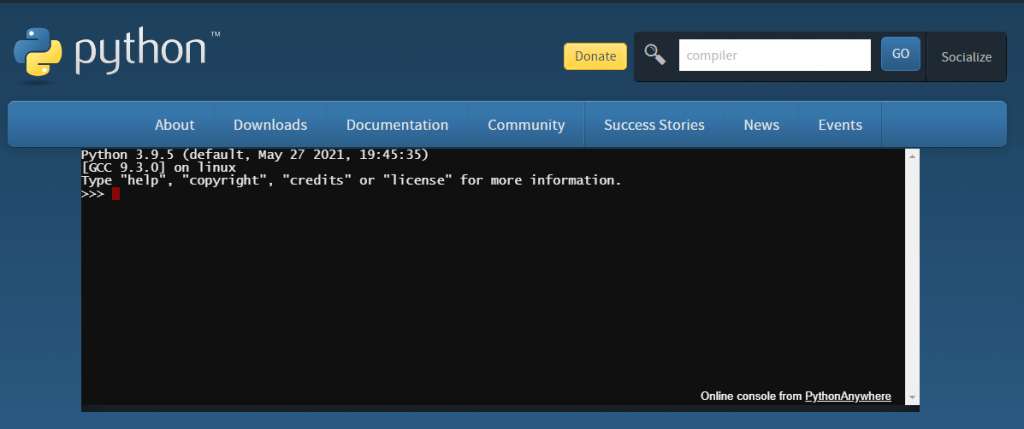
PythonAnywhere for a hosted Python console
PythonAnywhere offers hosted Python environments and browser consoles. Use a console to try a few commands or upload a script to run later. Check the supported Python versions and your plan’s network and storage limits.
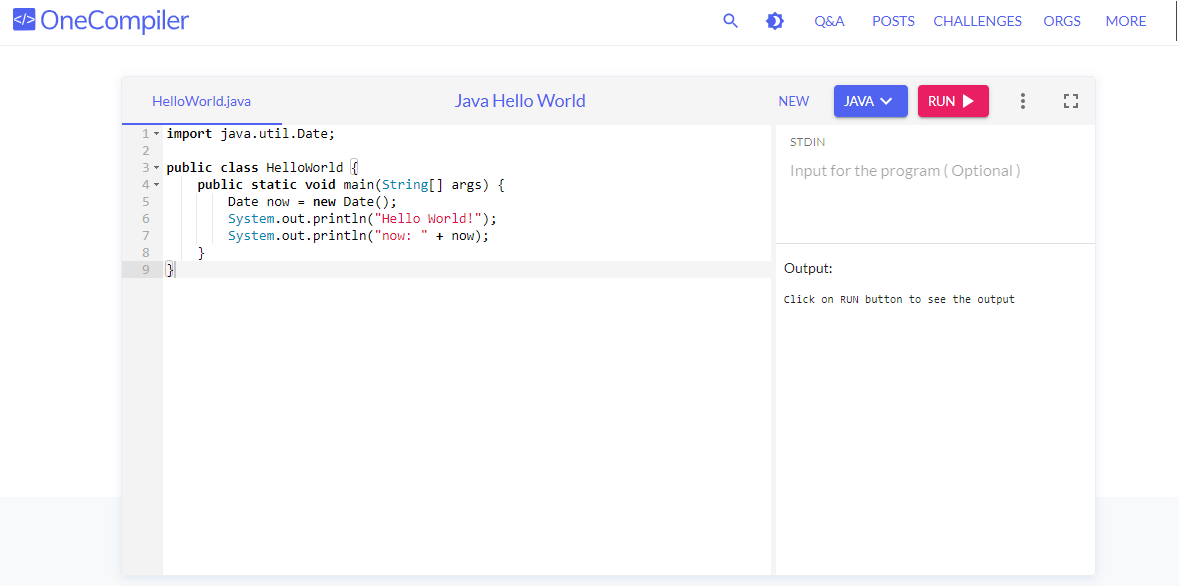
OneCompiler for quick scripts with input
Open the OneCompiler Python editor, type or paste a snippet, and run it. If the script calls input(), put sample values in the standard input box when the editor provides one. Enter one line per call.
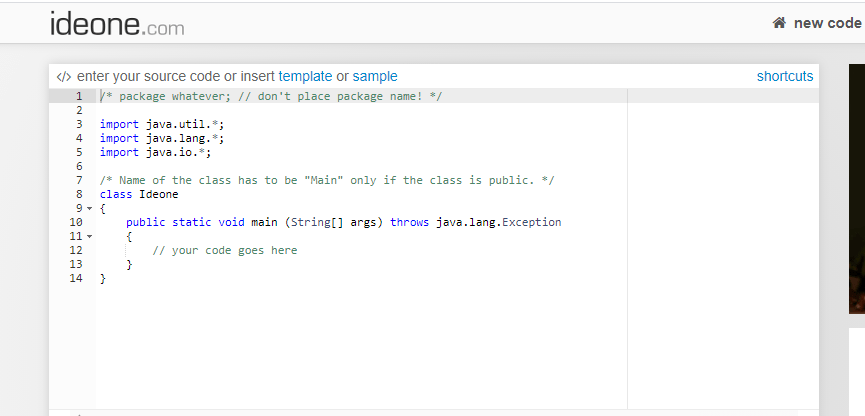
Ideone for a small, reproducible example
Select Python 3, add any test input, and run the script. Review visibility before sharing a result link. Use a minimal example with test data when you want someone else to reproduce a bug.
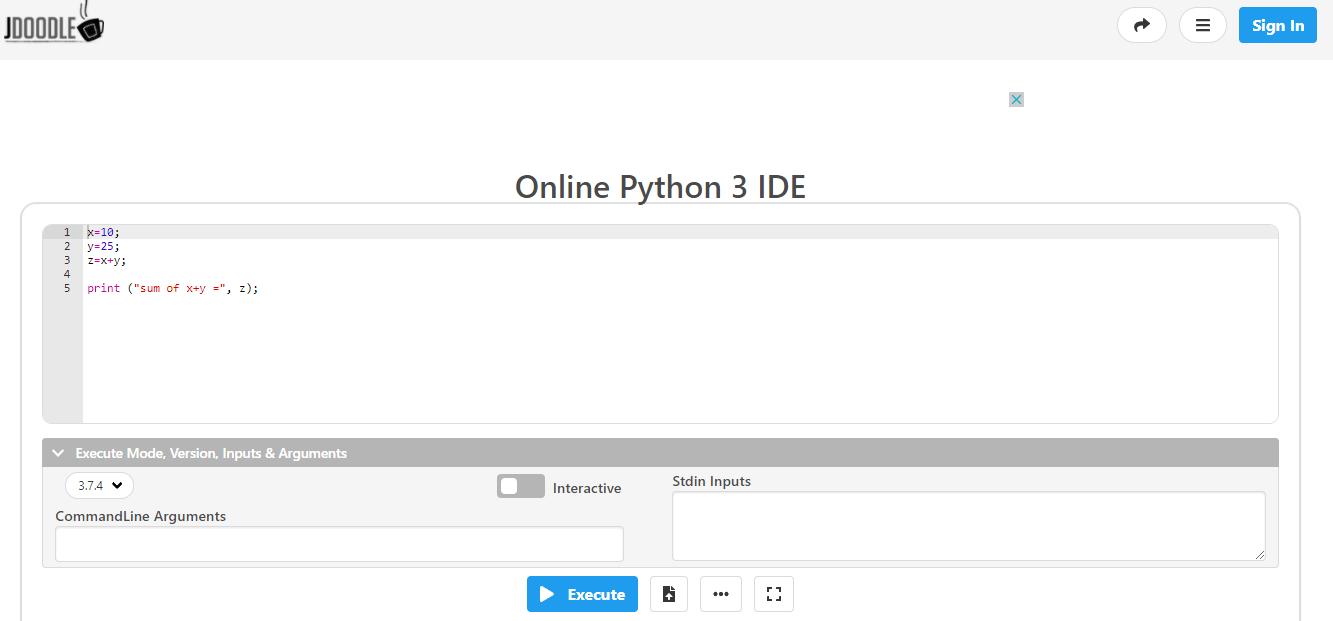
JDoodle for trying a script in the browser
Use the JDoodle Python runner to check a script and its output. Confirm the selected Python version if a feature works locally but fails in the browser. Look for an input mode that matches your test.
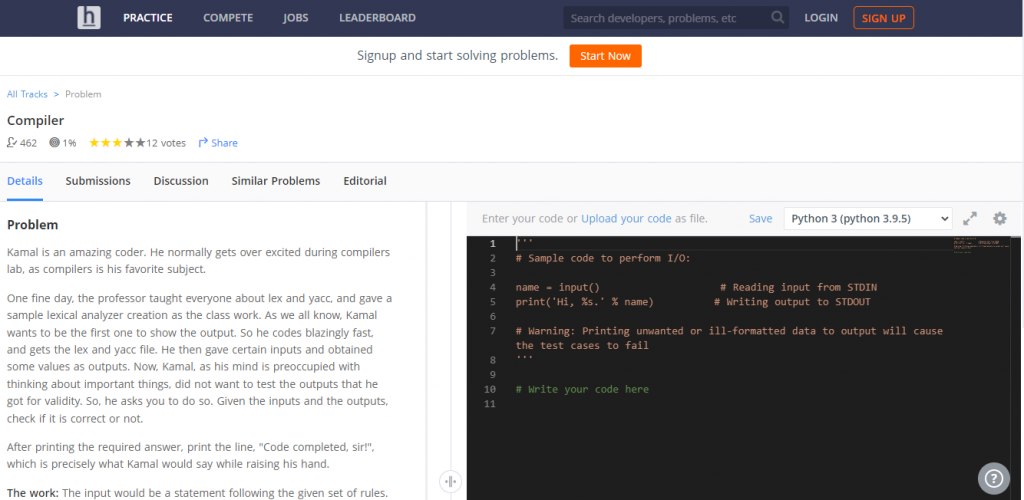
HackerEarth for exercises with test cases
Use a practice problem to test whether your code handles the required inputs and output format. Select Python 3 if offered, and test boundary cases beyond the example in the problem.
When a local Python setup makes more sense
Use a local environment when you need to keep code or data private, rely on a specific package version, or work offline. Avoid pasting API keys, credentials, or customer data into an online runner. To get started locally, follow the Python installation lab and create a virtual environment and run a script.





Reader Comments 0
Sign in with email or Google to join the discussion.