Table of Contents
Start with your Wi-Fi router, then check devices that can see or hear what happens in your home or control other equipment. For each one, look for firmware updates, review who has account access, and turn off features you don’t use.
Wi-Fi router
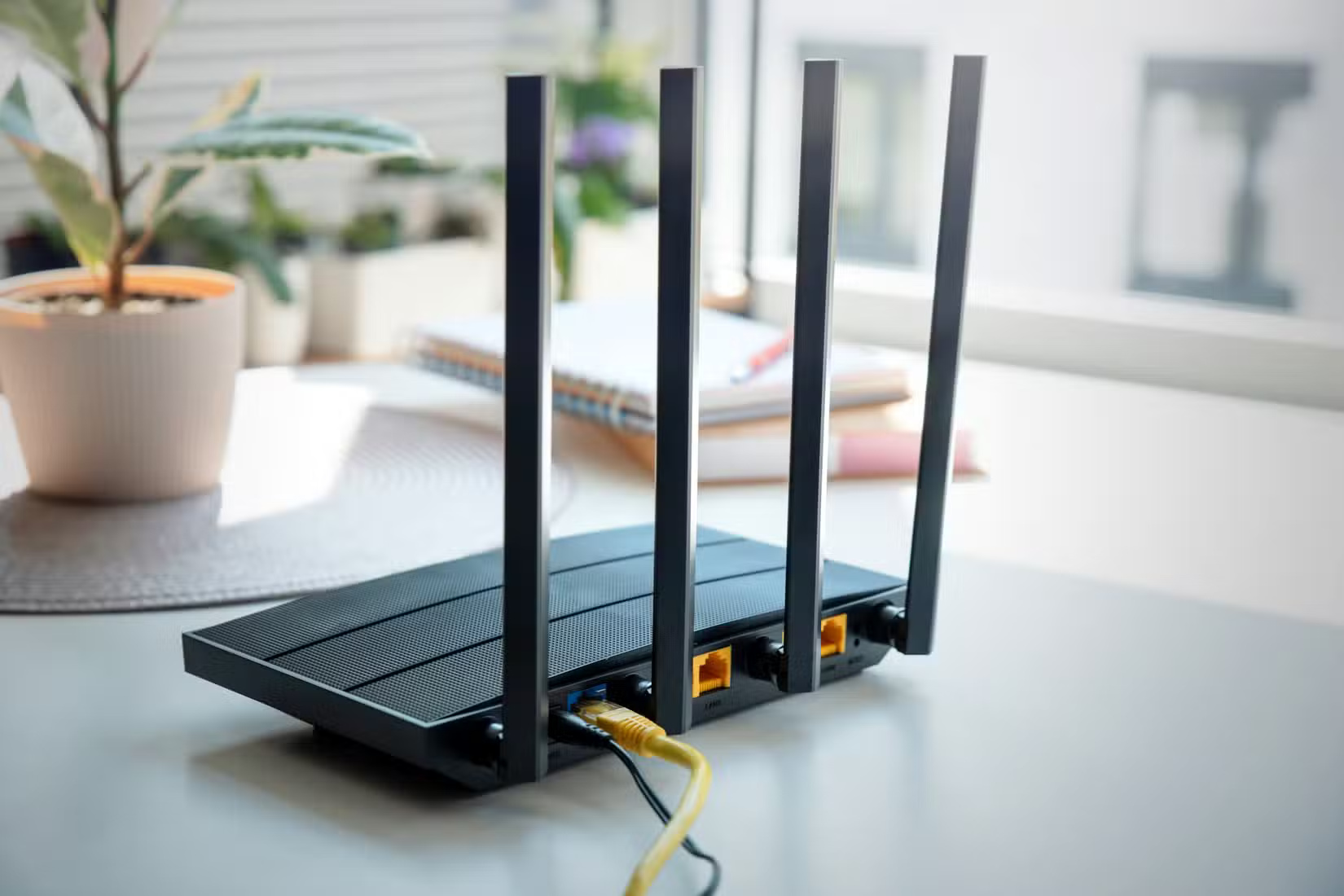
Change the default administrator password and keep it separate from the Wi-Fi password. Enable automatic firmware updates if your router offers them, and disable administration from the internet unless you need it. Use WPA3 Personal when your devices support it, or follow this guide to choose a compatible Wi-Fi security mode.
If your router supports isolation, set up a separate network for visitors and compatible smart devices. Test that casting and other local controls still work after moving devices.
Security cameras and video doorbells

Update the device and its companion app. Set a unique password and enable two-factor authentication for the camera account if available. Review who can see live feeds or recordings, remove access for people who no longer need it, and revisit camera placement if it captures private areas.
Smart speakers and voice assistants
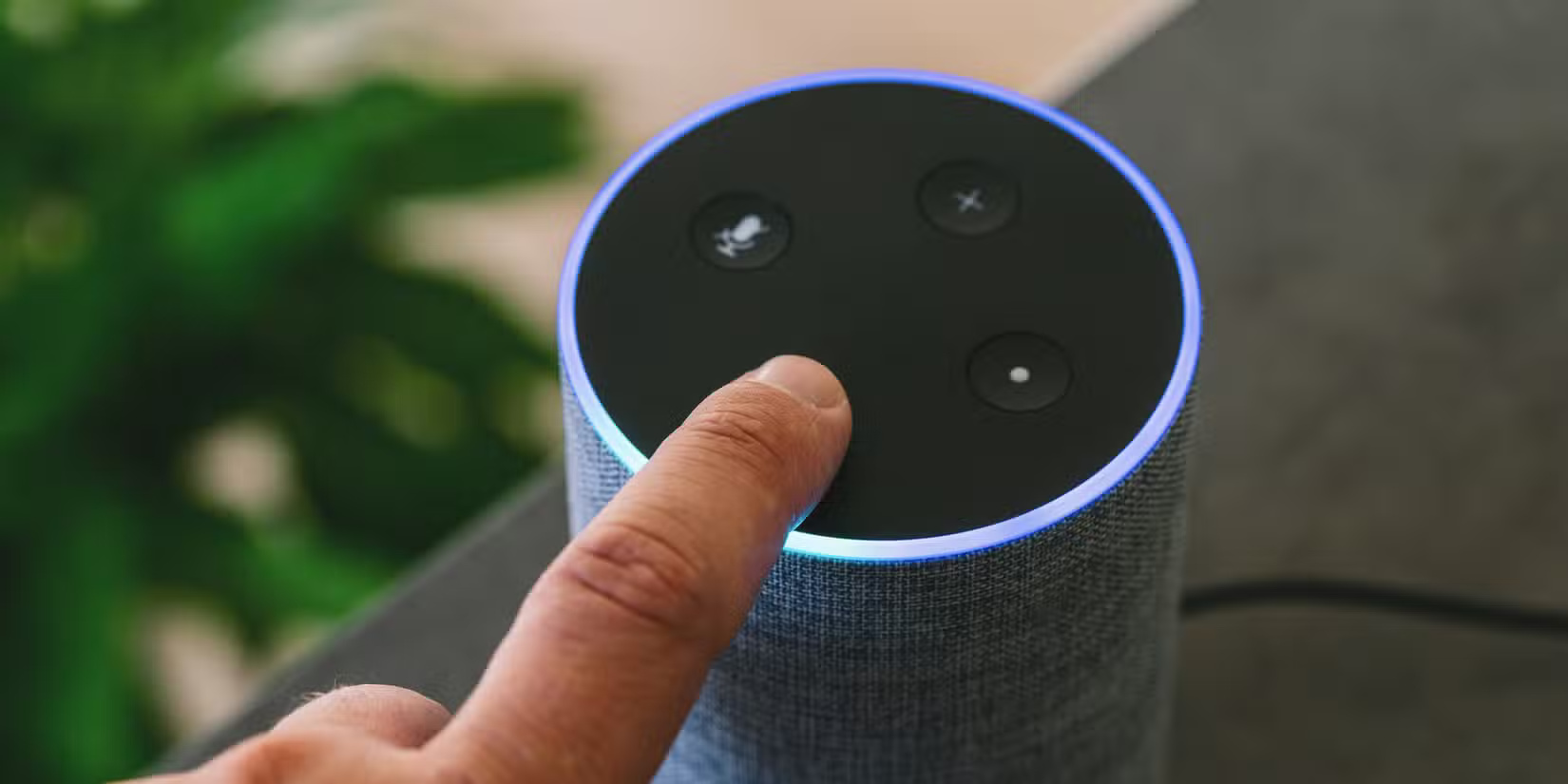
Check the app for voice history and recording retention settings. Review what the speaker can do when someone speaks nearby, such as placing an order or making a call. Turn off features you don’t use and mute the microphone when you need privacy.
Smart TVs
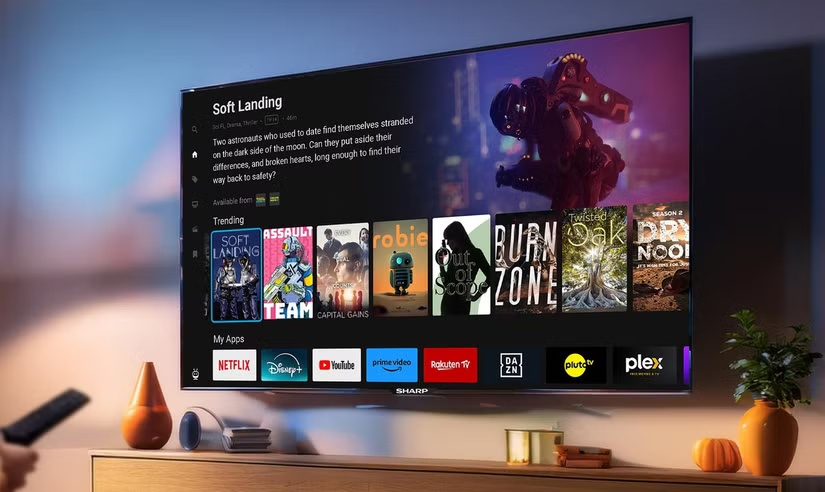
Look in your TV’s privacy settings for automatic content recognition (ACR), which can identify what you watch. Turn it off if you don’t want the TV to collect this viewing information. Review microphone and camera settings if your model has either, remove unused apps, and turn on software updates.
Smart home hubs
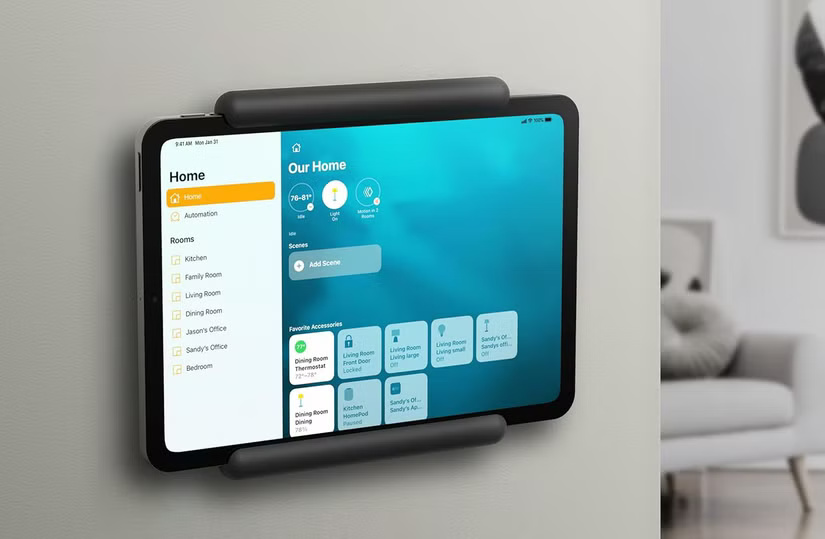
Review household members, third-party integrations, and remote access in the hub’s app. Remove access for old accounts and services, and protect the administrator account with two-factor authentication if available. Check the manufacturer’s support status if the hub has stopped receiving updates, especially if it controls locks or alarms.
Game consoles

Protect your gaming account with a unique password or a passkey, and enable two-factor authentication where available. Turn on purchase approval if other people use the console, and review who can see your profile or contact you through voice and text chat.
The FTC guide to securing connected devices covers what to check when setting up another device.






Reader Comments 0
Sign in with email or Google to join the discussion.