Table of Contents
This updated guide explores the risks of buying software on amazon with practical details, clear explanations, and useful takeaways. You can buy legitimate software on Amazon. But with the trusted listings come some notable risks.
6. Not All Sellers Are Trustworthy
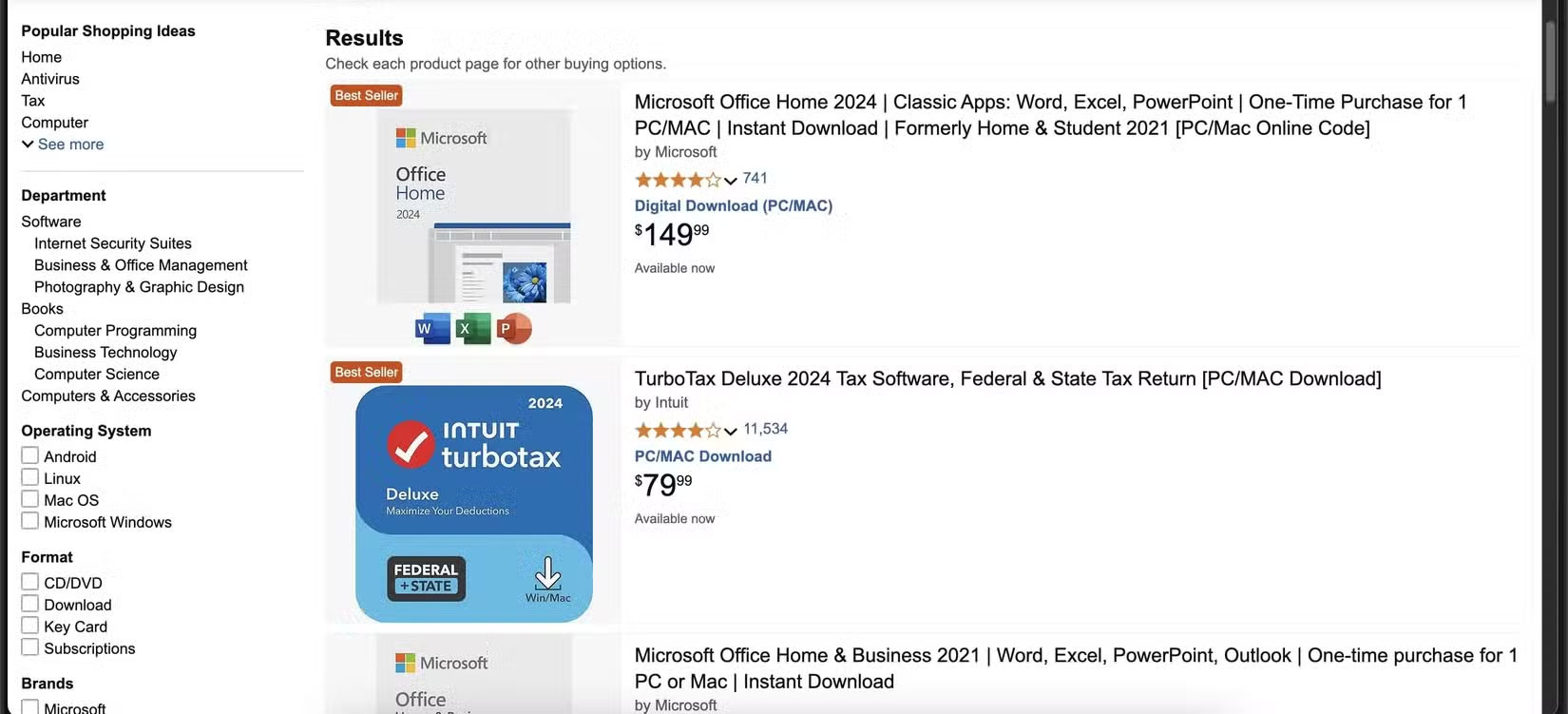
Just because software is listed on Amazon does not mean Amazon is selling it. Many listings come from third-party sellers who use the platform as their storefronts. Some of these sellers are authorized vendors. Others operate in a gray area or break the rules entirely.
it is not always clear who you're buying from. An attractive product page can hide a seller with little oversight or accountability. Some resell unauthorized licenses, while others distribute software in violation of the developer's terms. In more serious cases, listings may include pirated or counterfeit software, putting your system at risk.
5. Be Wary If the Price Seems Too Cheap to Be True.
One of the biggest red flags when buying software on Amazon is that the price seems ridiculously cheap. If you see a $300 software suite for sale for $19.99, that is not a bargain—it is a warning.
Major developers like Adobe, Microsoft, and Corel rarely offer deep discounts without conditions. Super low prices often mean you're not getting a valid license, but a reused or cracked one. Some sellers may advertise "OEM" or "lifetime" versions that sound official but are not intended for retail use or are not authorized at all.
4. Vague or Misleading Product Descriptions
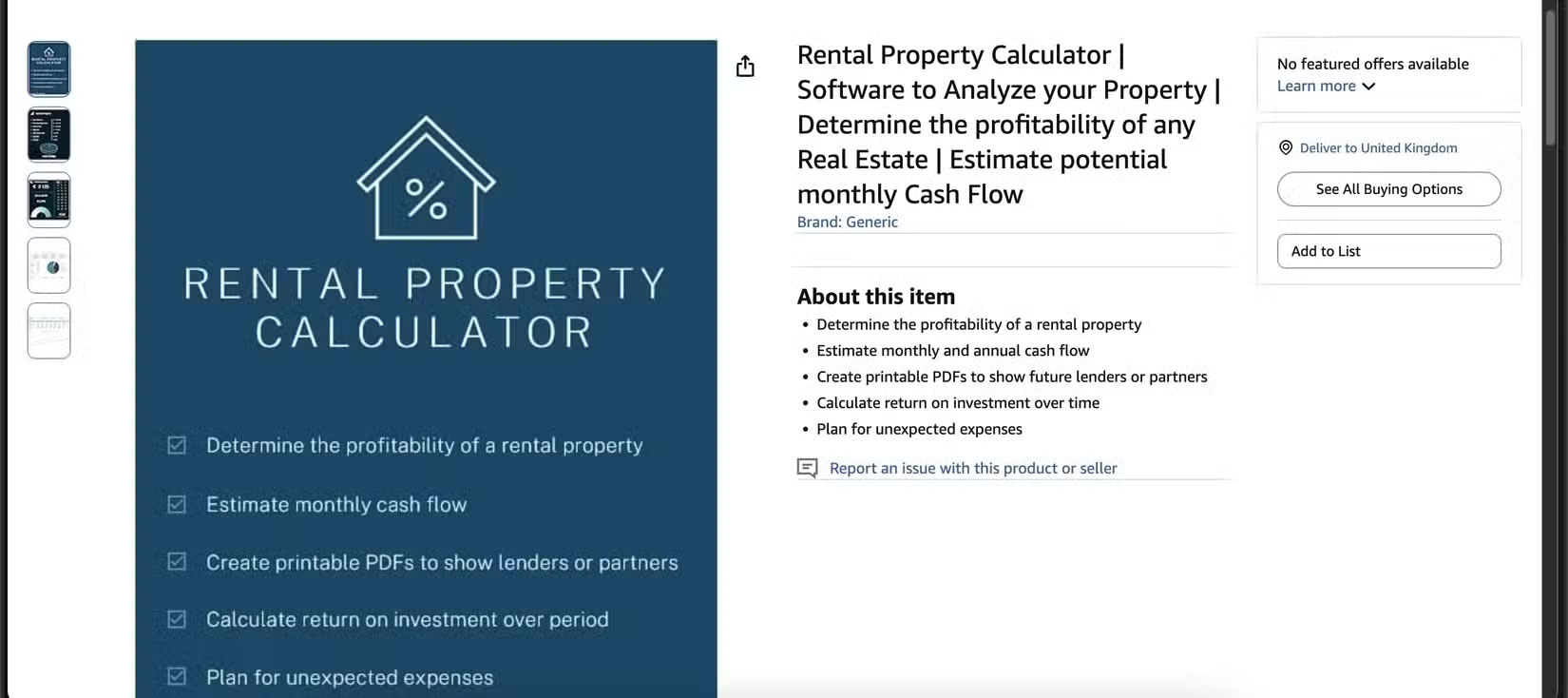
Product pages should clearly explain what you're buying, but that is not always the case. Some Amazon listings use vague language like "full version," "instant download," or "works with Windows" without providing any real details.
Key information is often missing, such as whether it is a subscription, a one-time purchase, or licensed for commercial use. Some vendors include restrictions in the fine print, such as needing to activate within a limited time frame or only being able to install the software once.
Always read carefully. Look for inconsistent wording, confusing grammar, or ambiguous details. If you're not sure what you're buying, that is reason enough to walk away.
3. No Refunds or Difficult Return Policies
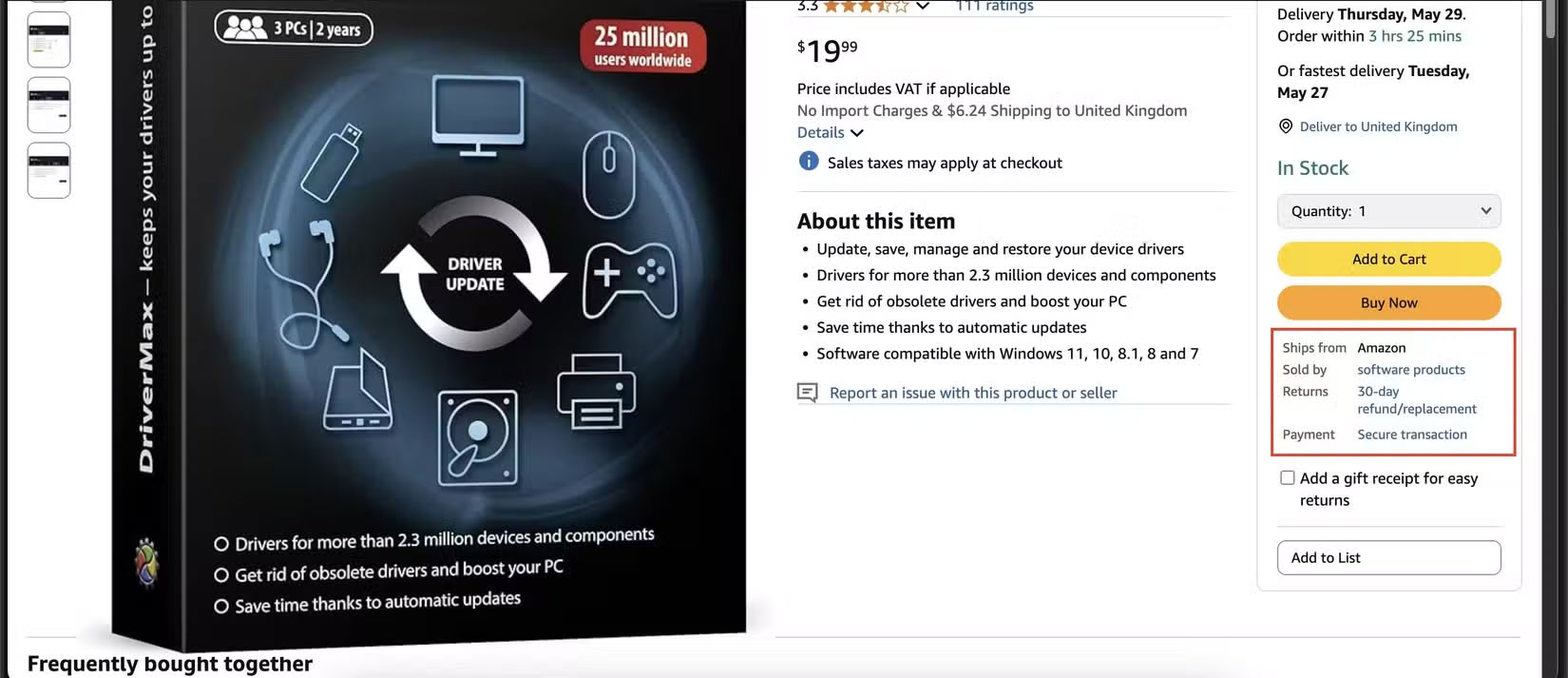
Buying software comes with its own unique set of return challenges. While Amazon typically has a consumer-friendly return policy, digital software often falls outside that safety net. When you receive a license key or download a file, the purchase is often marked as non-refundable.
Some third-party sellers bury restrictive return policies in their listings, while others are simply unresponsive when problems arise. If a product does not work or is misrepresented, you could be stuck without a refund or recourse.
2. Pay Attention to How the Software Is Delivered
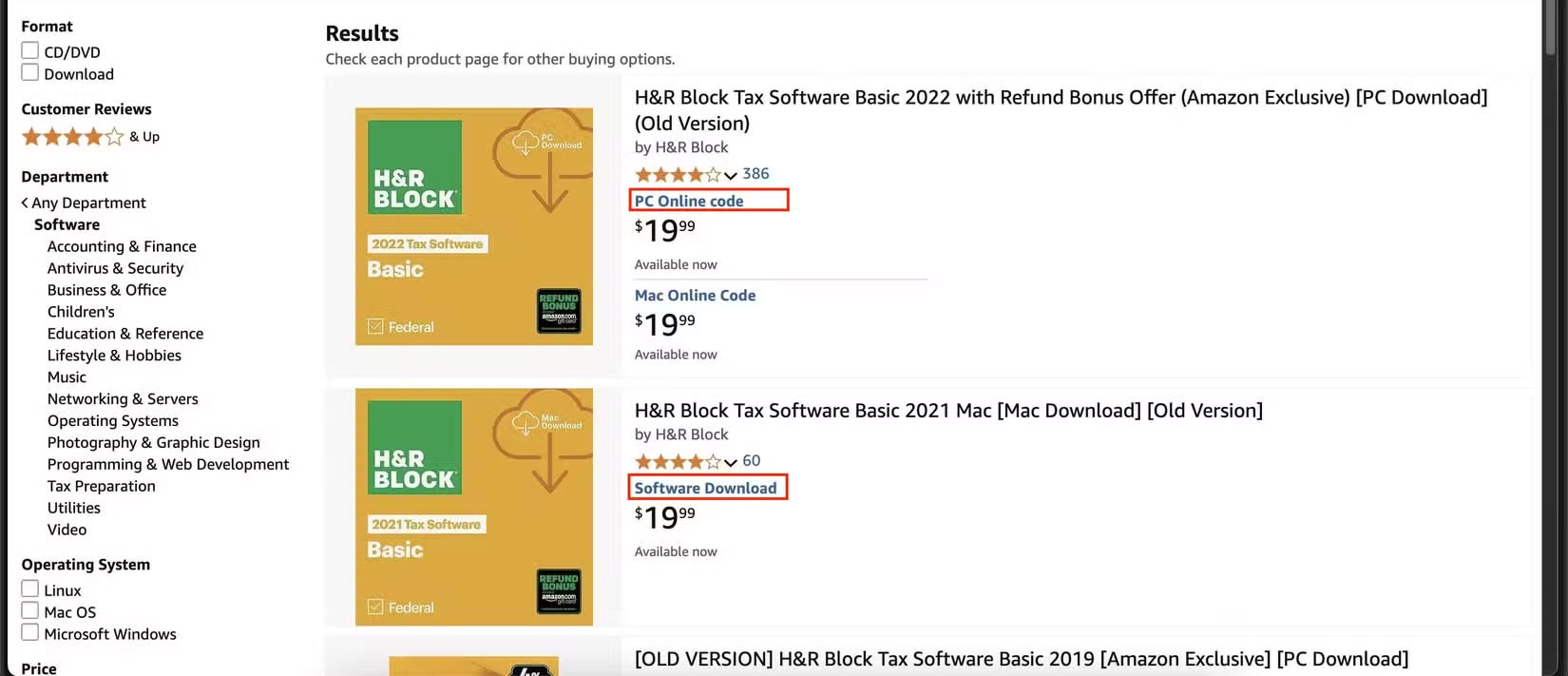
Before you buy software on Amazon, double-check how it will be delivered. Some listings provide a physical disc, while others provide a digital download or activation code.
Look carefully at whether it says "Online Code", "Download" or "CD-ROM". The mismatch between what you expect and what is actually delivered can lead to frustration or a wasted purchase if your laptop does not have a drive.
Worse still, some sellers are completely unclear about their shipping methods. You may be left waiting for physical delivery when you think you'll get instant access, or receiving a download link from an unverified source.
1. Be Careful with Download Links Leading Away from Amazon!
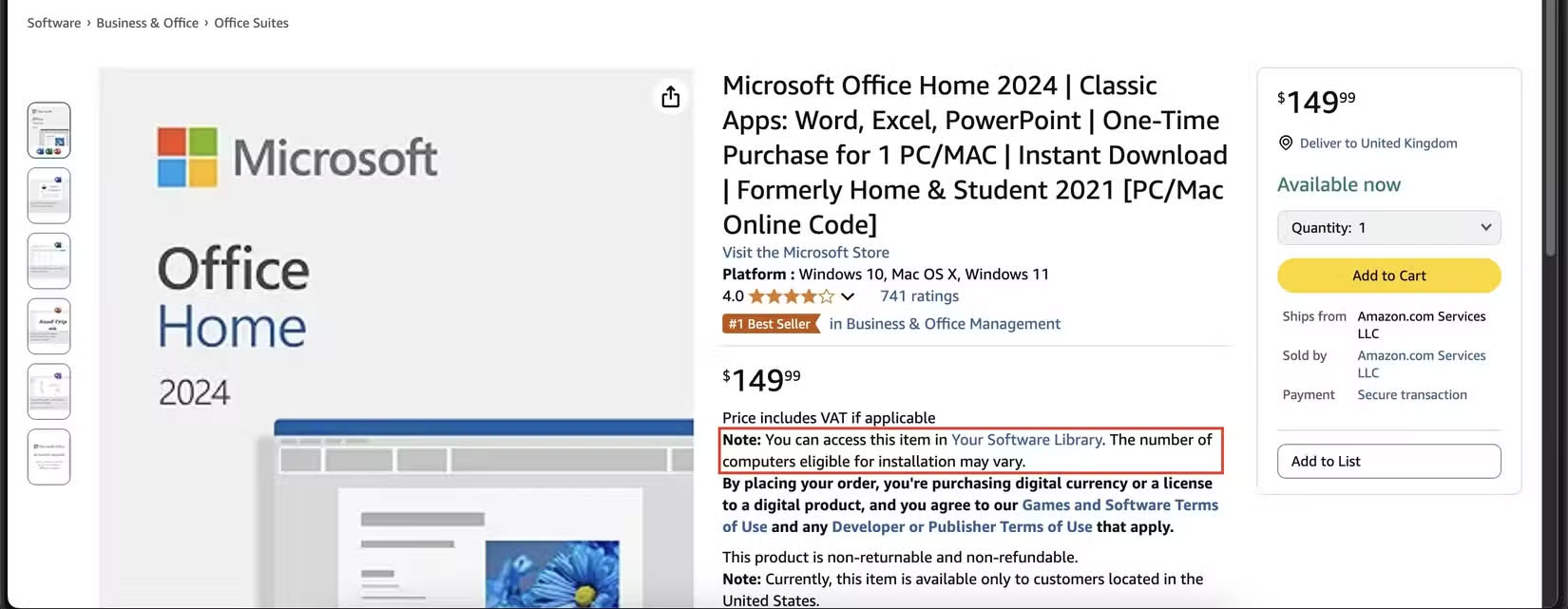
Some Amazon software listings, especially from third-party sellers, ask you to download the product from an external website. The link may be hidden in the product description or sent in a follow-up email — either way, it is a red flag.
Legitimate software should be distributed through Amazon's own system or link you to the publisher's official website. If you're redirected to a random file hosting service or a domain you do not recognize, be cautious. You have no way of knowing what you're downloading, and in some cases it could be a cracked version, bundled with malware or spyware.
Before you buy, take a close look at the delivery method. If the listing includes an emailed link, vague download instructions, or anything else that steers you away from Amazon, it is best to skip it. Stick with sellers who clearly state secure shipping — ideally through Amazon's Digital Software Library or the software manufacturer's official website.
FAQ
What is the main takeaway about The Risks of Buying Software on Amazon?
The key is to understand the core idea, compare the available options, and apply the practical guidance that matches your situation.
What should beginners know about The Risks of Buying Software on Amazon?
Start with the essential steps and terminology. Avoid changing advanced settings until you understand how they affect performance, privacy, cost, or compatibility.
How can I use this information in practice?
Follow the relevant section in order, test one change at a time, and confirm the result before moving to the next step or recommendation.
Related Articles
 Some Things to Pay Attention to When Buying Amazon5 minutes read
 Learn Everything Before You Buy on Amazon with New Audio Summaries4 minutes read
 Track Pricing Status on Amazon with Camelcamelcamel4 minutes read
 Amazon Offers a Smart Solution to Solve the Most Painful Problem When Buying Clothes Online5 minutes read
 Amazon Boss Deployed Delivery Service to Compete with UPS and FedEx3 minutes read
 Photos on Amazon and EBay Disappeared Due to Photobucket's New Request5 minutes read
Reader Comments 0
Sign in with email or Google to join the discussion.