Table of Contents
The developer lists NB as an early-access code on the official Ninja Battlegrounds Roblox page. Enter it in the game’s settings to see whether it still applies to your account. Codes can expire, and a listing cannot confirm that a particular account can claim it.
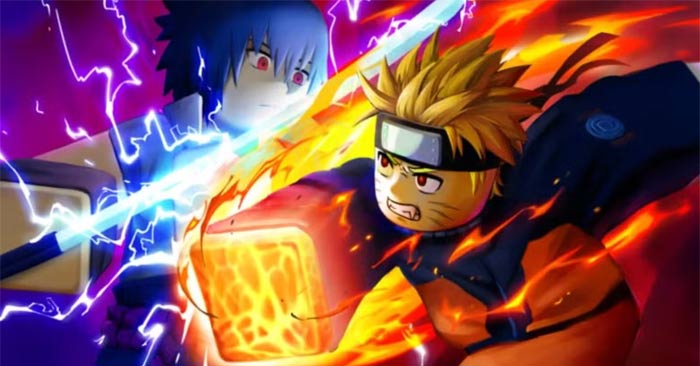
Ninja Battlegrounds codes to check
| Code | Reported reward | Source or status |
|---|---|---|
NB | 1,000 Coins | Code listed by the developer; reward reported by a third party. |
nbearly | 1,200 Coins | Reported by Roblox Den; check in-game. |
Older codes listed as expired include Lee, naruto, wake, bear, rank, and Copy.
Redeem a code
- Join the correct Ninja Battlegrounds experience on Roblox.
- Go to the safe area and open the gear menu.
- Enter the code as written and select Claim.
- Read the confirmation and check your coin balance.
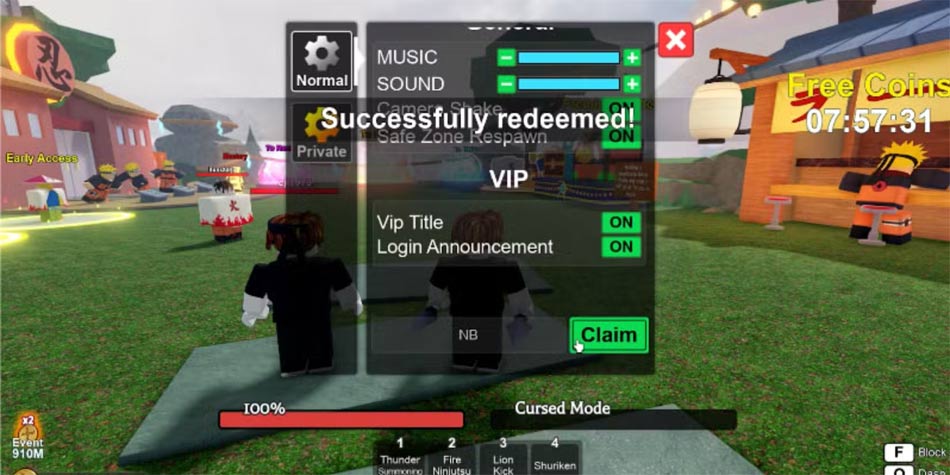
If a code fails, check capitalization, remove stray spaces, and make sure you haven’t already redeemed it. Look for new codes through the community links on the official experience page. You should not need to enter your Roblox credentials on a separate code site.
Related Articles
 Fruit Battlegrounds Codes for August 2026
 Latest Ninja Giftcode and how to redeem code
 Ninja Team Code: Ninja Village 3D latest and how to redeem code
 Anime Crusaders Codes: Working List and Redemption Steps
 Tam Quốc: Chiến Địa Vô Cương codes and redemption guide
 Instructions to enter the code and the latest Ninja Legends codes
Reader Comments 0
Sign in with email or Google to join the discussion.