Table of Contents
This guide covers mobile qosmio x500 'theater' with practical context and easy-to-follow details. Use it to understand the subject and apply the information confidently.
 The machine has been sold on the market with a reference price of VND 45, 990, 000.

 X500 is equipped with a "terrible" configuration including 1. 6-GHz Intel Core i7-720QM processor, 4GB DDR3 RAM memory, NVIDIA GeForce GTS 250M graphics card with 1GB VRAM and Blu-Ray optical drive.
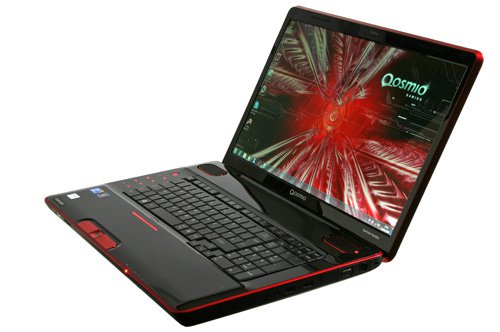 The screen of the X500 has a size of 18. 4 inches, WXGA standard with a resolution of 1, 680 x 945 pixels.
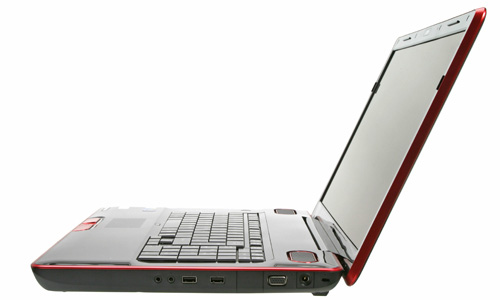 Right side with kensington lock, power jack, VGA, 2 USB ports, headphone and microphone jacks.
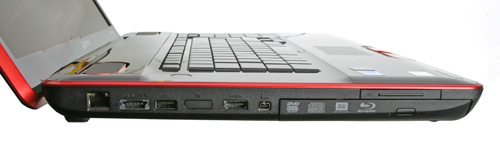 Left side with LAN port, eSATA / USB combo, USB, HDMI, firewire and Blu-ray optical drive.
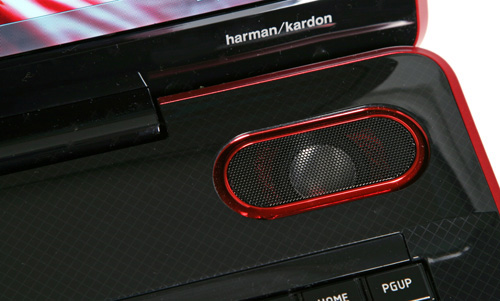 This model uses Harman / Kardon reputation speaker system.
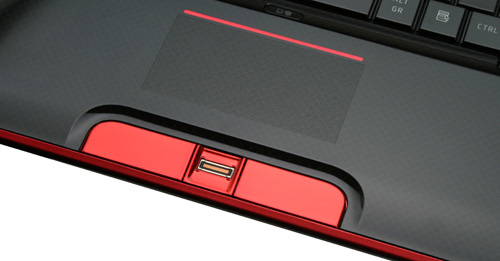 Multi-tap touchpad and fingerprint identification slot.
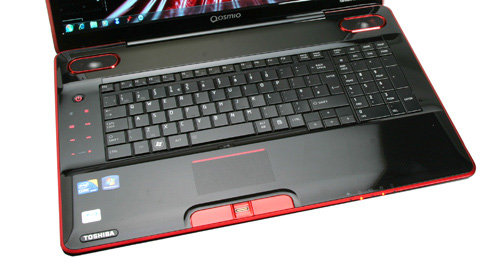 Keyboard with typical design of Toshiba.
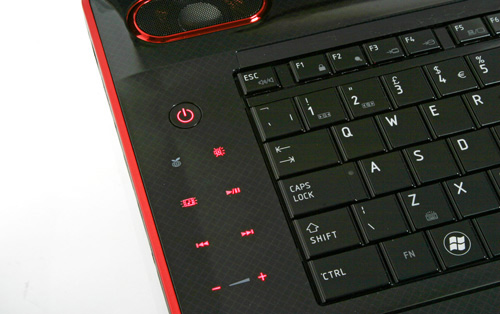 Multimedia tap key system.
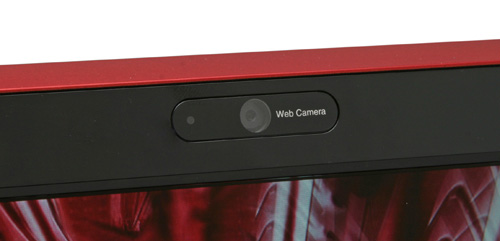 Webcam.
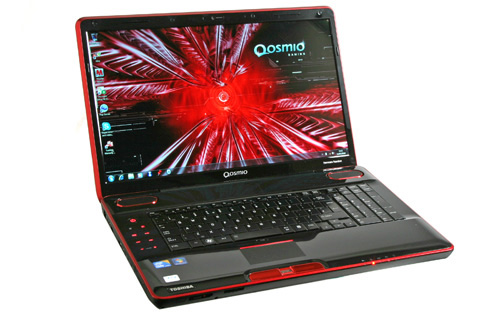
 The Qosmio X500 comes pre-installed with Windows 7 operating system, weighing 4. 6 kg And sold at a reference price of VND 45, 990, 000.
FAQ
What should I check before following these steps?
Confirm device and software compatibility, save important data, and make sure you have the required permissions, files, and account access.
Why might the process not work?
Common causes include outdated software, missing permissions, incompatible hardware, an unstable connection, or completing a step in the wrong order.
Can I undo the changes if necessary?
That depends on the tool or setting. Use built-in restore options when available, keep a backup, and record the original configuration first.
Related Articles
 Qosmio Recently Used PS3 Cell Chips5 minutes read
 Toshiba Qosmio G50 and X300 Appear3 minutes read
 Toshiba Introduces 3 New Models of the X5054 minutes read
 How to Get the Best Seat in a Movie Theater10 minutes read
 How to Choose the Right TV for Home Theater6 minutes read
 3D Laptop for Toshiba Gamers Back to Vietnam Next Month4 minutes read
Reader Comments 0
Sign in with email or Google to join the discussion.