Table of Contents
Mistral AI launched Le Chat on iOS and Android in February 2025. In August 2026, the company renamed it Vibe. If you’re following an older Le Chat guide, use the current Vibe name and look for Mistral as the publisher.
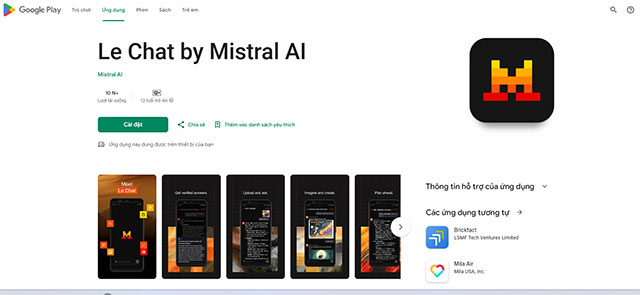
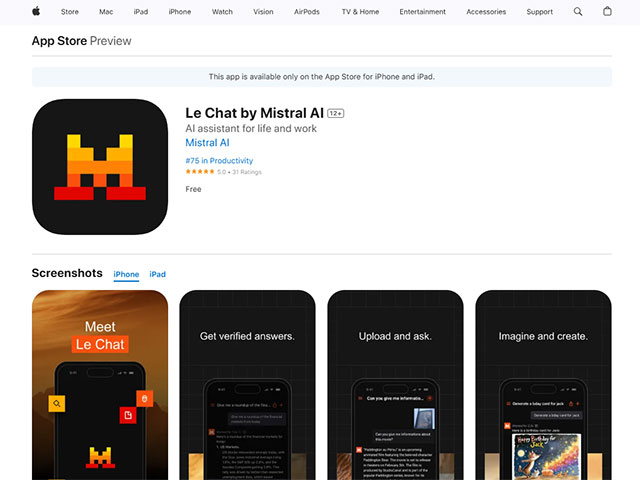
Try search and document analysis
The mobile launch announcement described web search, file analysis and image creation. For a current question, request sources and check the actual date and wording on each page. For a PDF, try a public document first and ask for the page that supports each answer. If a tool is absent or you reach a usage limit, check the plan and app version before assuming the feature is unavailable to everyone.
Check what happens to your files and chats
Review Mistral’s training data controls for your account type. Before using a work file, check which information you’re allowed to upload. Treat answers as a starting point and use the fact-checking guide for claims you need to rely on.
Related Articles
 What is Le Chat by Mistral AI? What's the difference compared to ChatGPT?
 What is Mistral AI? Everything You Need to Know About OpenAI's Adversarial AI Model
 7 AI Chat Apps Compared for Work, Research, and Conversation
 Chat with 5 unique chat robots for Android
 Chat Smith AI Chatbot Review: Features, Pricing, and Privacy
 How to use Nvidia's AI Chat With RTX chatbot on your computer
Reader Comments 0
Sign in with email or Google to join the discussion.