What you will learn
- Explain the DHCP lease process at a beginner level.
- Identify the default gateway for the active adapter.
- Recognize missing or conflicting DHCP configuration.
- Renew settings without hiding the original evidence.
What you need
- A Windows device connected by Wi-Fi or Ethernet.
- Permission to view, but not necessarily change, router settings.
Separate lease assignment from routing
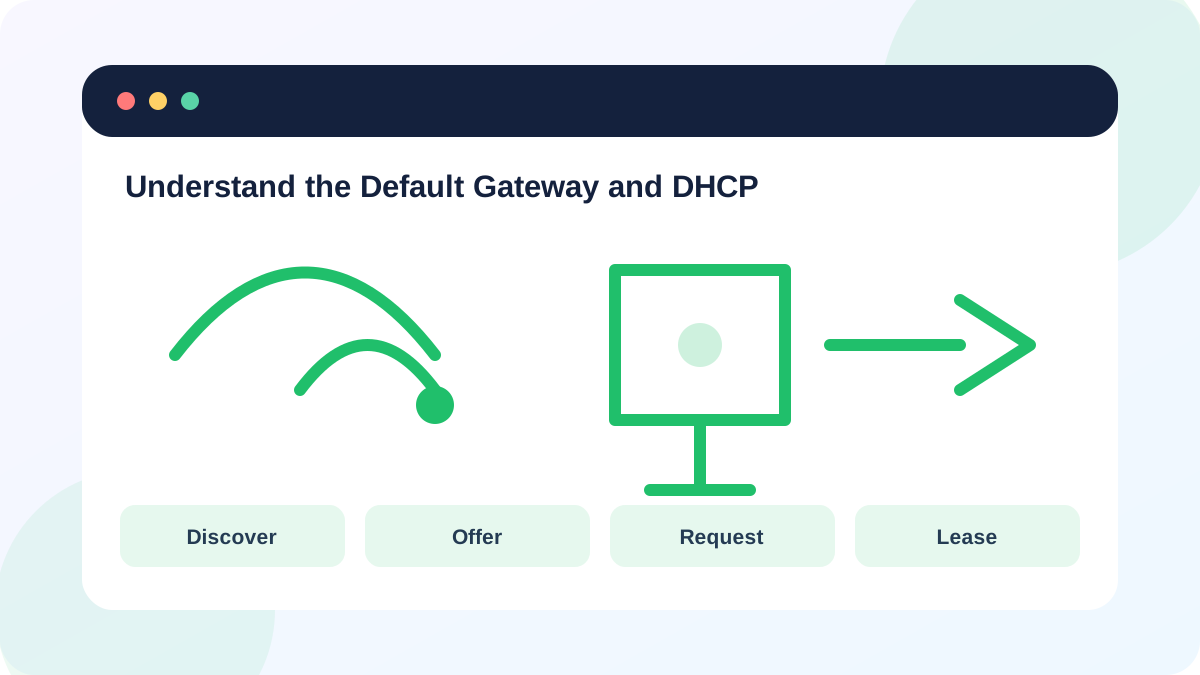
RFC 2131 defines DHCP as a mechanism for delivering configuration parameters and allocating reusable network addresses to hosts.
Microsoft recommends automatic DHCP for typical Windows TCP/IP settings so the router or access point supplies IP and DNS configuration.
The gateway is not the DHCP server in every network, although home routers commonly perform both roles. In larger or mesh networks, another service can issue leases while the router remains the next hop outside the subnet.
Read the lease evidence
ipconfig displays the active address and default gateway; ipconfig /all adds DHCP Enabled, DHCP Server, lease times and DNS servers.
Capture the values before release or reset. The original lease time and server address can identify intermittent DHCP or multiple-server problems that disappear after a restart.
- 1
Run ipconfig and identify the active adapter.
- 2
Run ipconfig /all and record DHCP Enabled, DHCP Server and lease times.
- 3
Confirm the IPv4 address, mask and gateway belong to the expected subnet.
- 4
Ping the default gateway.
- 5
Compare another working device's gateway and DHCP server without copying its IP address.
Interpret common result patterns
A 169.254 address with no gateway suggests normal DHCP did not complete. A valid local address with an unreachable gateway can indicate Wi-Fi isolation, incorrect static settings, a stale lease or a local link problem. Different gateways on devices that should share one LAN can indicate a guest network, VPN, second router or accidental multiple-DHCP design.
Duplicate address warnings are not solved by repeatedly renewing every client. Check for manually assigned addresses inside the DHCP pool and for a second router serving leases.
- Only one intended DHCP server serves the home LAN.
- The active client has an address, mask, gateway and DNS values.
- The gateway responds or the router documentation explains why it does not.
Renew only after recording the state
A release and renew can repair a stale client lease, but it temporarily removes the address and can disconnect remote sessions. Do not run it blindly on a machine you manage only through the network.
If renewal fails, test closer to the access point, try Ethernet and inspect the router's DHCP service. Network reset is a last resort because Windows removes and reinstalls adapters and can disrupt VPN or virtual-switch software.
- 1
Save the current ipconfig /all output to a local text file.
- 2
Close work that depends on the network.
- 3
Run ipconfig /release only on a locally controlled device.
- 4
Run ipconfig /renew and record the new lease.
- 5
Verify gateway, DNS and internet tests before deleting the evidence.
Create a DHCP lease worksheet
Document the configuration of one working and one affected device.
- 1
Record DHCP Enabled and DHCP Server.
- 2
Record IPv4 address, mask, gateway and DNS servers.
- 3
Compare only network prefixes, not exact client addresses.
- 4
Ping each device's gateway.
- 5
Write whether the issue is association, DHCP, gateway reachability or upstream connectivity.
Common mistakes to avoid
- Renewing before recording the failed lease.
- Assigning the same static address as another device.
- Running network reset as the first step.
- Assuming the gateway and DHCP server must always be the same address.
Key takeaways
- DHCP assigns configuration; the gateway forwards off-subnet traffic.
- A Wi-Fi association can succeed while DHCP fails.
- Record lease evidence before renewing or resetting.
Frequently asked questions
Should DHCP be enabled on both modem and router?
Usually only one DHCP server should serve a given LAN. A separate ISP gateway may need bridge or access-point configuration when another router owns the LAN.
Does ipconfig /renew change the router?
No. It asks the DHCP service for a lease, but it changes the client's active configuration and briefly interrupts connectivity.
Sources and further reading
- RFC 2131: Dynamic Host Configuration ProtocolRFC Editor
- Essential Network Settings and Tasks in WindowsMicrosoft Support
- ipconfigMicrosoft Learn
Ready to continue?
Mark the lesson complete so your Learning Path progress stays current on this device.