What you will learn
- Recognize evidence that justifies incident response.
- Contain a device without destroying evidence unnecessarily.
- Secure accounts in the correct dependency order.
- Review persistence, financial impact and recovery before returning to normal use.
What you need
- Access to a known-clean phone or computer when possible.
- Official contact details for account providers, bank or organizational IT.
Distinguish suspicious evidence from ordinary glitches
Microsoft’s compromised-account guidance recommends scanning the PC before changing the password and then checking account settings such as connected accounts, forwarding and automatic replies.
FTC IdentityTheft.gov provides a structured recovery process when identity information is misused.
Useful evidence includes unauthorized sign-ins, changed recovery methods, sent messages you did not create, mailbox forwarding rules, new payees, unexpected MFA prompts, security-tool alerts or files encrypted without explanation. Preserve timestamps, alert text and affected accounts.
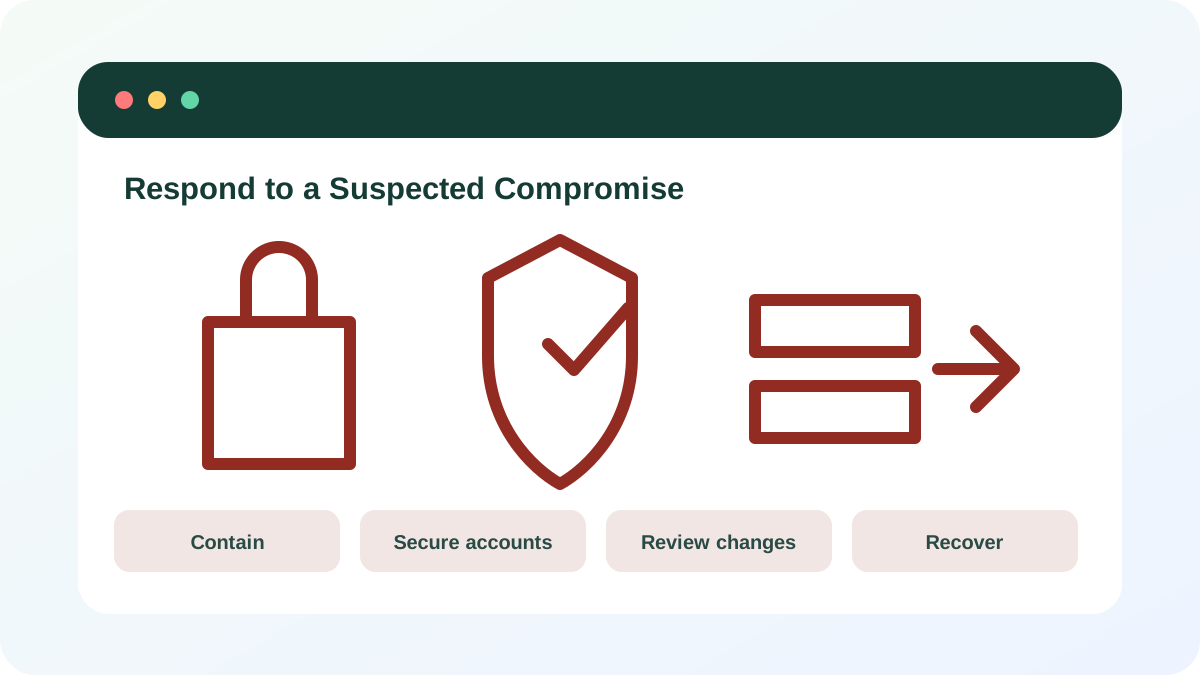
Contain ongoing exposure
If suspicious activity is active, disconnect the affected computer from Wi-Fi and Ethernet. Do not keep browsing, banking or changing passwords on it. For a managed work device, contact IT immediately and follow evidence-preservation instructions. Do not factory-reset or delete messages until reporting requirements are understood.
- 1
Record the current time and visible evidence.
- 2
Disconnect the affected device from networks.
- 3
Stop using it for sensitive accounts.
- 4
Contact workplace or school IT if managed.
- 5
Preserve suspicious messages, transaction details and alerts.
- 6
Use another known-clean device for account recovery.
Secure accounts in dependency order
Secure the primary email and password manager first because they reset other services. Change unique passwords, revoke active sessions, review MFA and remove unknown recovery methods. Check mailbox forwarding, filters, delegated access and connected applications. Then secure financial, cloud, social and work accounts.
- 1
Open the official service on a known-clean device.
- 2
Change the primary email password.
- 3
Revoke unknown or all sessions as appropriate.
- 4
Reset MFA and recovery codes if exposure is possible.
- 5
Remove malicious forwarding rules and connected apps.
- 6
Repeat for password manager and financial accounts.
- 7
Contact banks immediately for unauthorized transactions.
Recover the device and monitor
Update security tools and run the appropriate scans. If trust cannot be restored, use a verified backup and supported reset or reinstall process. Restore only data, not unknown executables. Continue monitoring sign-in history, credit or financial statements and messages sent from the compromised account. Notify contacts if the attacker sent scams in your name.
- 1
Run supported malware scans or follow IT instructions.
- 2
Back up required evidence and clean data carefully.
- 3
Reset or reinstall when compromise cannot be confidently removed.
- 4
Restore from a known-good backup.
- 5
Monitor account activity and financial statements.
- 6
Document what happened and update the recovery plan.
- High-value account changes were made from a clean device.
- Unknown sessions, recovery methods and forwarding rules were removed.
- Financial and organizational responders were contacted when relevant.
Write a one-page incident response card
Prepare the order of operations before an emergency.
- 1
List the primary email and password-manager recovery pages.
- 2
Record bank and organizational IT contact methods.
- 3
Write the device containment steps.
- 4
List session, forwarding and connected-app checks.
- 5
Record backup and reinstall resources.
- 6
Store the card separately from the primary device.
Common mistakes to avoid
- Changing passwords on a device still suspected of malware.
- Wiping the device before preserving required evidence or data.
- Securing social media before the email that resets it.
- Ignoring forwarding rules and active sessions after a password change.
Key takeaways
- Response order prevents the attacker from capturing new credentials.
- Primary email, password manager and financial accounts come first.
- Containment, account recovery and device recovery are separate tasks.
Frequently asked questions
Should I disconnect from the internet immediately?
If active compromise or malware is plausible, disconnecting the affected device can limit ongoing access. Preserve evidence and contact organizational IT before destructive actions.
Is changing the password enough?
No. Review sessions, MFA, recovery methods, forwarding rules, connected apps and financial activity. The attacker may have created alternate access.
Sources and further reading
- Recover a hacked or compromised Microsoft accountMicrosoft Support
- IdentityTheft.gov recovery stepsFederal Trade Commission
- Virus and threat protection in Windows SecurityMicrosoft Support
Ready to continue?
Mark the lesson complete so your Learning Path progress stays current on this device.