Table of Contents
This updated guide explains how to get cloaks in minecraft with clear steps, practical tips, and useful context. In the world of Minecraft, cloaks are the ultimate show-off, demonstrating your class whether you are new to the game or already a pro.
Just by regularly surfing the game news, you can get some free capes without spending a dime. Mojang recently gave away a brand new cape for free to gamers – Common Cape, and to own it right away. Scroll down to discover how to grab this cape.
How to Get Common Cape in Minecraft?
The Cloak is inspired by the iconic grass block – the iconic block that any hardcore Minecraft fan would recognize at first sight. To get this simple yet stylish cloak, simply log in to your Microsoft account via Minecraft Bedrock Edition.
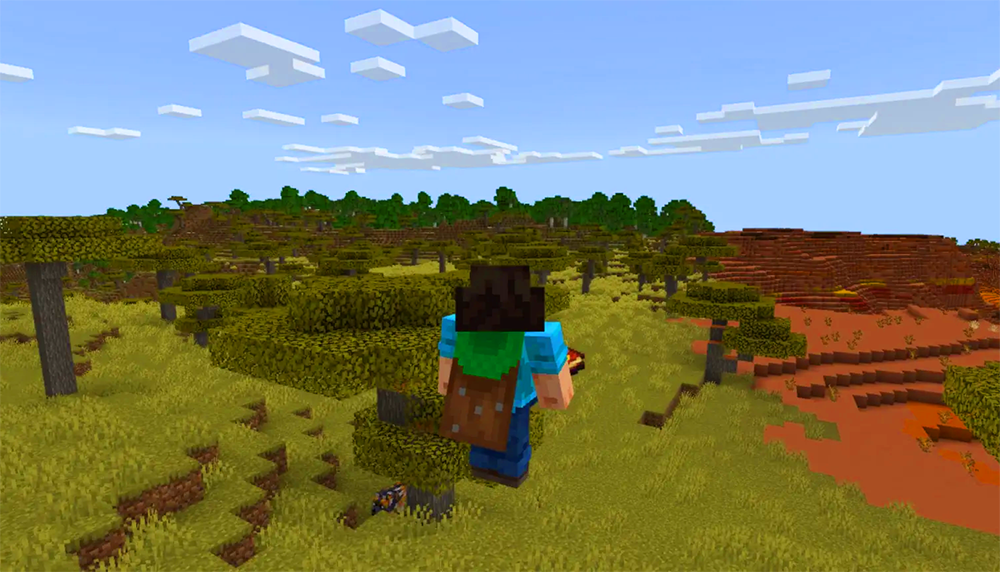
The good news is that this cloak is available in both Java and Bedrock. But remember, you have to claim it in Bedrock first, then you can roam around in Java. The Cloak will be available to all players who log into Bedrock after May 6, 2025, and you have until May 5, 2026 to get it.
Detailed Guide to Buying a Cloak
Once you've successfully signed in with your Microsoft account, the Cloak will be ready to be worn in both Bedrock and Java. The way to attach the cloak is slightly different in both versions, but overall you do not need to do anything complicated.
In Java Edition
Before starting the game, open the Skins tab, select the character you want to 'customize'. Find the Cape section, select the Cape, then press the Save and Use button and you're done.
If the cape is still 'missing', pause the game, open Options > Customization , and turn on the Cape button. This will make the cape visible!
In Bedrock Edition
Open the game, select the Dressing Room button, then select the red cloak icon on the left. Select the Cloak, choose Equip, then go back to create a new world or continue playing the old world.
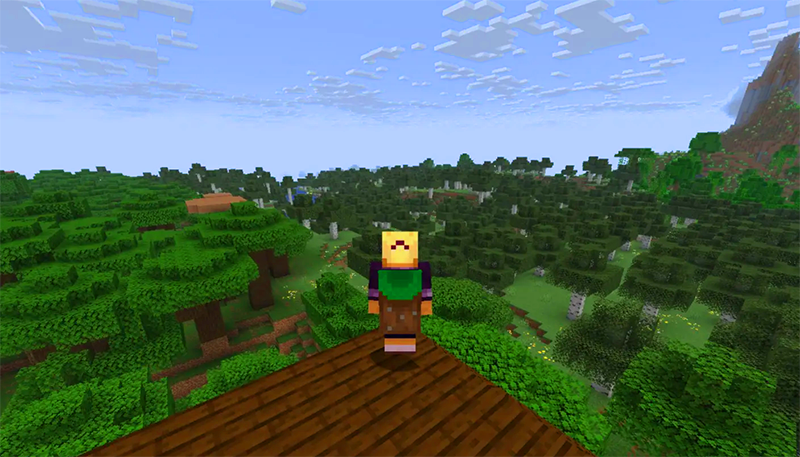
Once you've done that, your cloak will appear behind you, and to see your cloak, just press F5 to switch to third person view, take a picture, and show off your cool cloak in both versions. If you're still having trouble, check out our detailed guide on how to get and change cloaks in Minecraft.
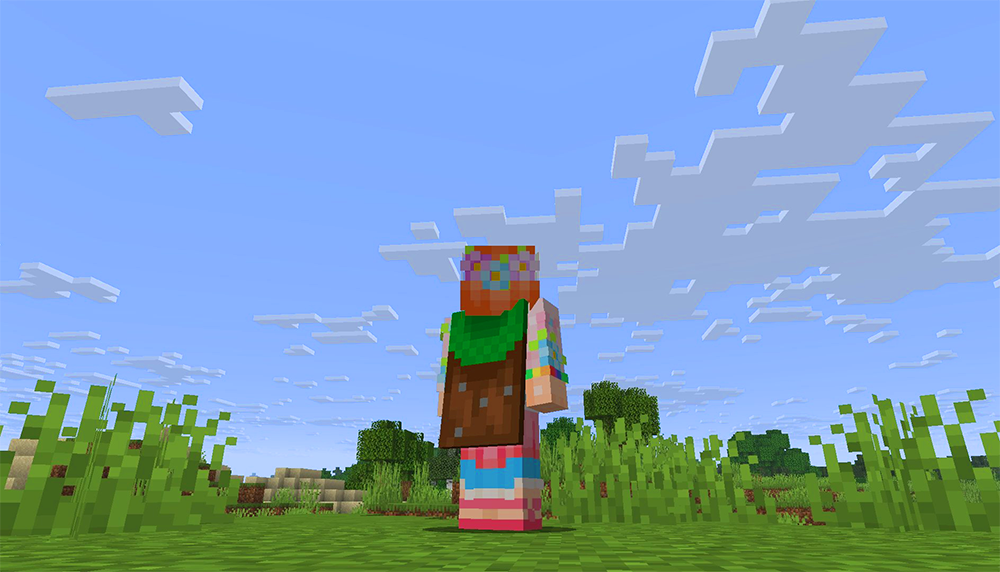
So now you know how to 'grab' and wear Cloaks in Minecraft for both Java and Bedrock. F5 and show off to your friends with this "ground" Cloak.
FAQ
What should I prepare before I get cloaks in minecraft?
Review the requirements and options in the guide first. Having the correct device, app version, account access, or materials ready helps prevent avoidable errors.
How long does it take to get cloaks in minecraft?
The time depends on the task and your setup. Most basic steps can be completed quickly, while downloads, updates, scans, or troubleshooting may take longer.
What should I do if the steps do not work?
Repeat the instructions in order, confirm that your software or device is supported, and check permissions, connectivity, and available updates before trying again.
Related Articles
 How to Get a Cape in Minecraft Game: Complete Guide3 minutes read
 Top Most Worthwhile Buildings to Construct in Minecraft11 minutes read
 minutes read
 How to Creating Your Own Minecraft Mods to Play Games in Your Style12 minutes read
 Minecraft Potion Making Guide4 minutes read
 Minecraft for PC - Minecraft for PC Download and6 minutes read
Reader Comments 0
Sign in with email or Google to join the discussion.