Table of Contents
Learning how to download and play super mario run on Android phones doesn't have to be complicated. This updated guide presents a clear workflow, practical checks, and troubleshooting advice you can use while completing the process.
Key Takeaways
- Follow the steps to play super mario run on Android.
- Follow the recommended steps in order to avoid common mistakes with download and play super mario run on Android phones.
- Review compatibility, settings, or requirements before making changes.
How to Play Super Mario Run on Android
1. Instructions for downloading and installing the game.
Step 1: Open Google Play Store (CH Play) to download Super Mario Run for Android. Or you can download Super Mario Run here.

You start installing the game after downloading Super Mario Run.

Step 2: Enter the game and click to select the region as Vietnam > click OK.
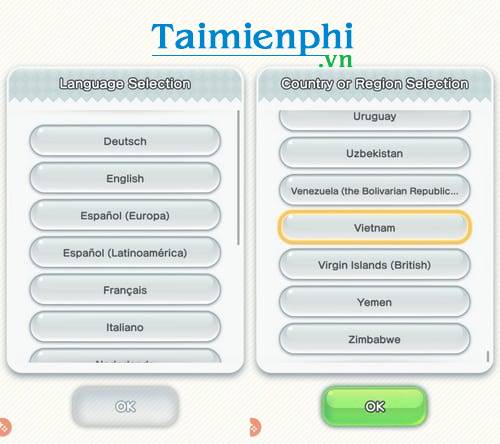
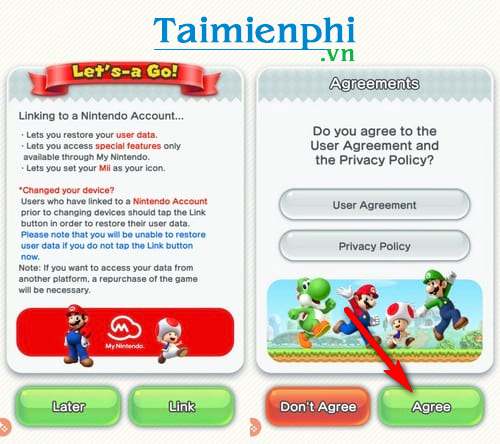
Click Agree to agree to the terms when installing and playing Super Mario Run on Android.
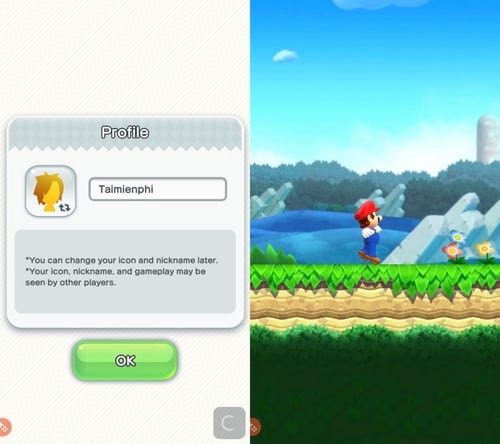
Step 3: Continue to enter the player name in the Profile section > click OK to continue and start the first tutorial screen in the game.
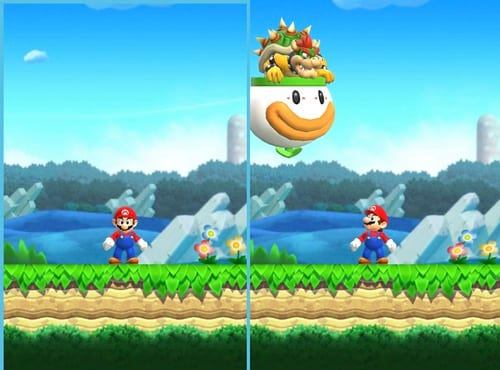
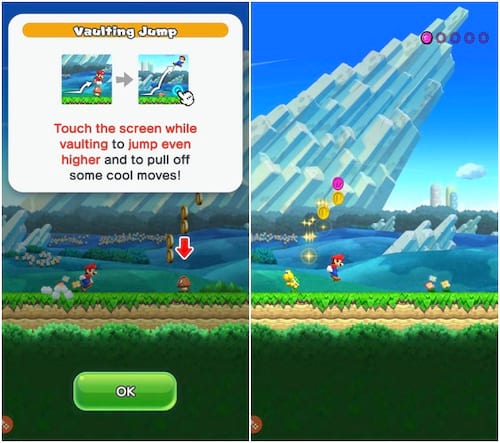
You just need to follow the instructions described with quite vivid images in the game.
2. How to play Super Mario Run on Android.
The game will load into the main interface of the game after completing the first tutorial. In the main interface, you will start choosing the game mode in Super Mario Run.
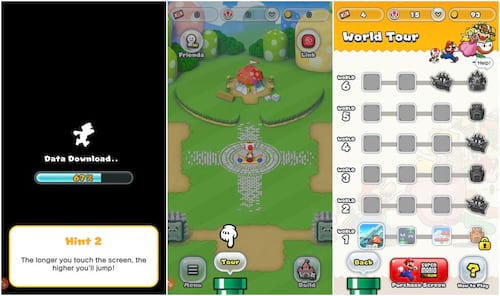
Selecting a game mode in Super Mario Run will take place one mode at a time. The first mode introduced is Tour, which takes you on a long journey with the goal of saving the princess.
You can continue to try Toad Rally mode after completing the levels in Tour mode. This game mode challenges players with other opponents online in the game, which can be friends or other players.
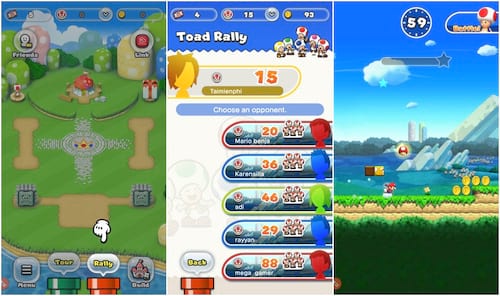
Pay attention because the game is timed to see who can reach the finish line faster than you.
Every time you level up, you will be rewarded with random gifts.
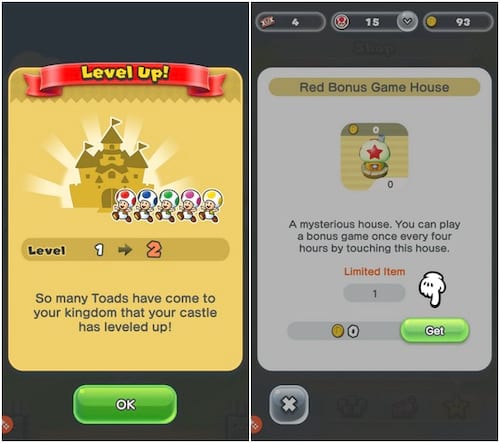
In the kingdom of Super Mario Run, you can also participate in building a kingdom with funny mushroom houses.
Click the Build option to enter kingdom building mode. This includes options like Put Away, Move, Place, and Shop.
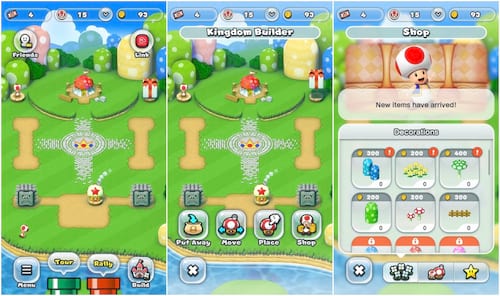
Also in the main interface, you can access the Friends list to find friends who are playing Super Mario Run on Android. In addition, when you select the mushroom icon at the top, you can see all the achievements of the current game account.
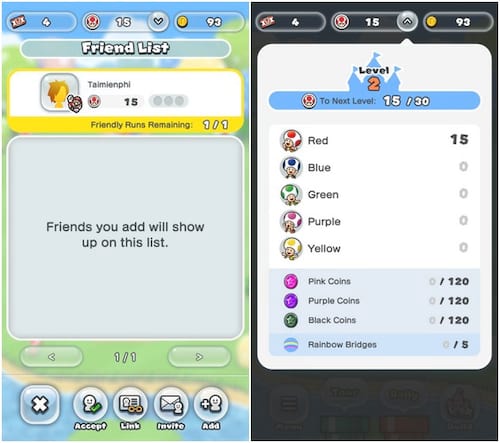
You can experience Super Mario Run on Android with three attractive game modes, similar to the version on iPhone, iPad. Connect to the Internet to explore the full features and enjoy the endless Mario game to the fullest.
Final Thoughts
The most reliable way to handle download and play super mario run on Android phones is to follow the process in order, verify each important setting, and test the result before moving on. Use the guidance above as a practical reference, then adjust the details for your device, software version, or specific goal.
FAQ
What should I check before I download and play super mario run on Android phones?
Use the latest available software, confirm that your device meets the requirements, and make sure you have the necessary permissions, account access, or backup before changing anything.
Why might I be unable to download and play super mario run on Android phones?
Common causes include outdated software, missing permissions, incompatible settings, incomplete setup steps, or a temporary network problem. Recheck the process from the beginning and restart the app or device if needed.
Is it safe to download and play super mario run on Android phones?
It is generally safe when you use official tools, review every permission, and back up important data before making system-level or account-level changes.
Related Articles
 How to Download and Play Super Mario Run Game on Android7 minutes read
 How to Play Classic Mario Games on Android10 minutes read
 How to Play Super Mario Bros on Computer with Noxplayer3 minutes read
 Invite Experience Super Mario 75 'Battle Royale' Version of3 minutes read
 How Will Play Super Mario at 380,000 Frames per Second?2 minutes read
 Guide to Download Mario Battle Royale, Play Mario Battle Royale5 minutes read
Reader Comments 0
Sign in with email or Google to join the discussion.