Table of Contents
Choose wired headphones that plug into the devices you use and stay comfortable for a full session. A 3.5 mm pair is flexible if you have suitable audio jacks. A USB headset can be convenient for a PC, but confirm that its audio and microphone work on any other device you want to use.

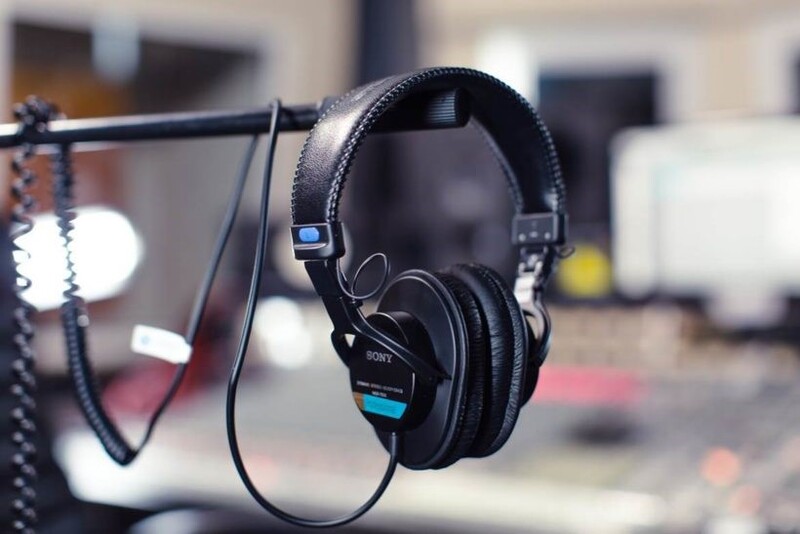
Match the plug and microphone to your device
- Phones: Check for a headphone jack. If you need a USB-C or Lightning adapter, verify that it supports headphones and, if needed, the inline microphone.
- PCs: A computer with separate headphone and microphone jacks may need a headset splitter. USB headsets use a digital audio connection and may offer optional app controls.
- Consoles: Check compatibility for the exact platform and connector. A 3.5 mm headset may connect to the controller. A USB headset needs explicit console support.
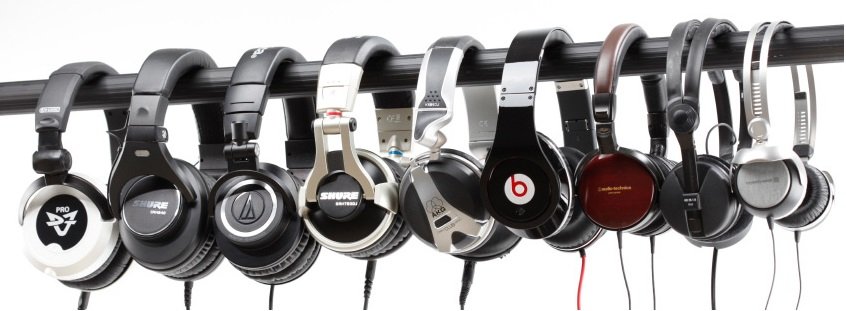
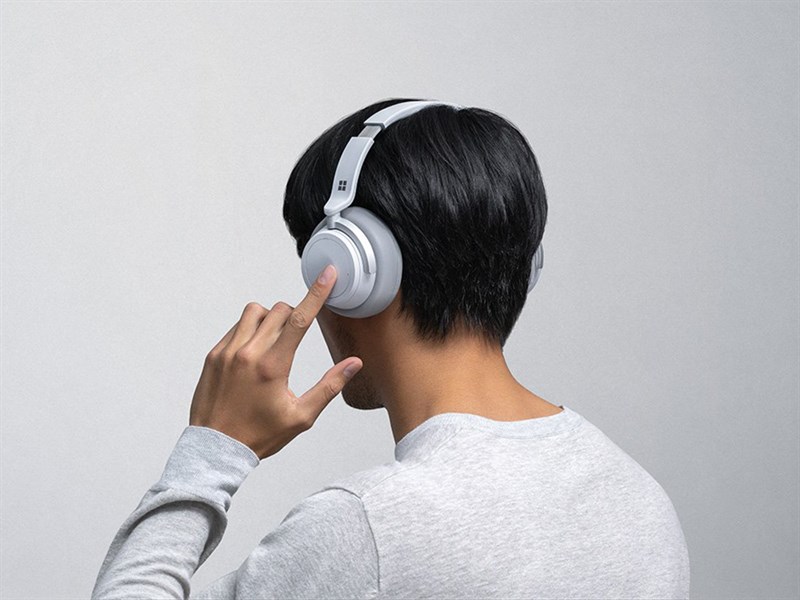
Choose fit and isolation for the way you listen
Over-ear pads surround the ears, while on-ear pads rest on them. In-ear tips need a good seal if you want bass and isolation. Try the style at your usual volume and check for pressure after several minutes. Closed-back models usually reduce sound leakage compared with open-back designs.
Compare gaming features with a real listening test
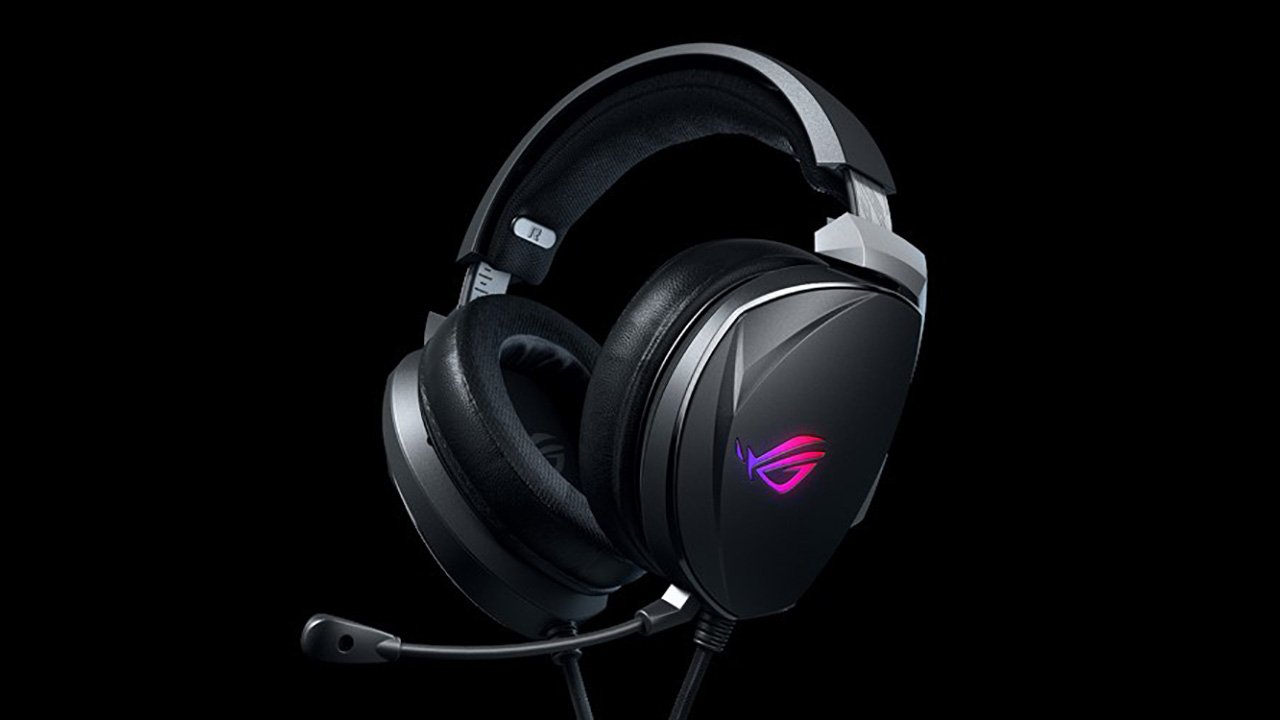
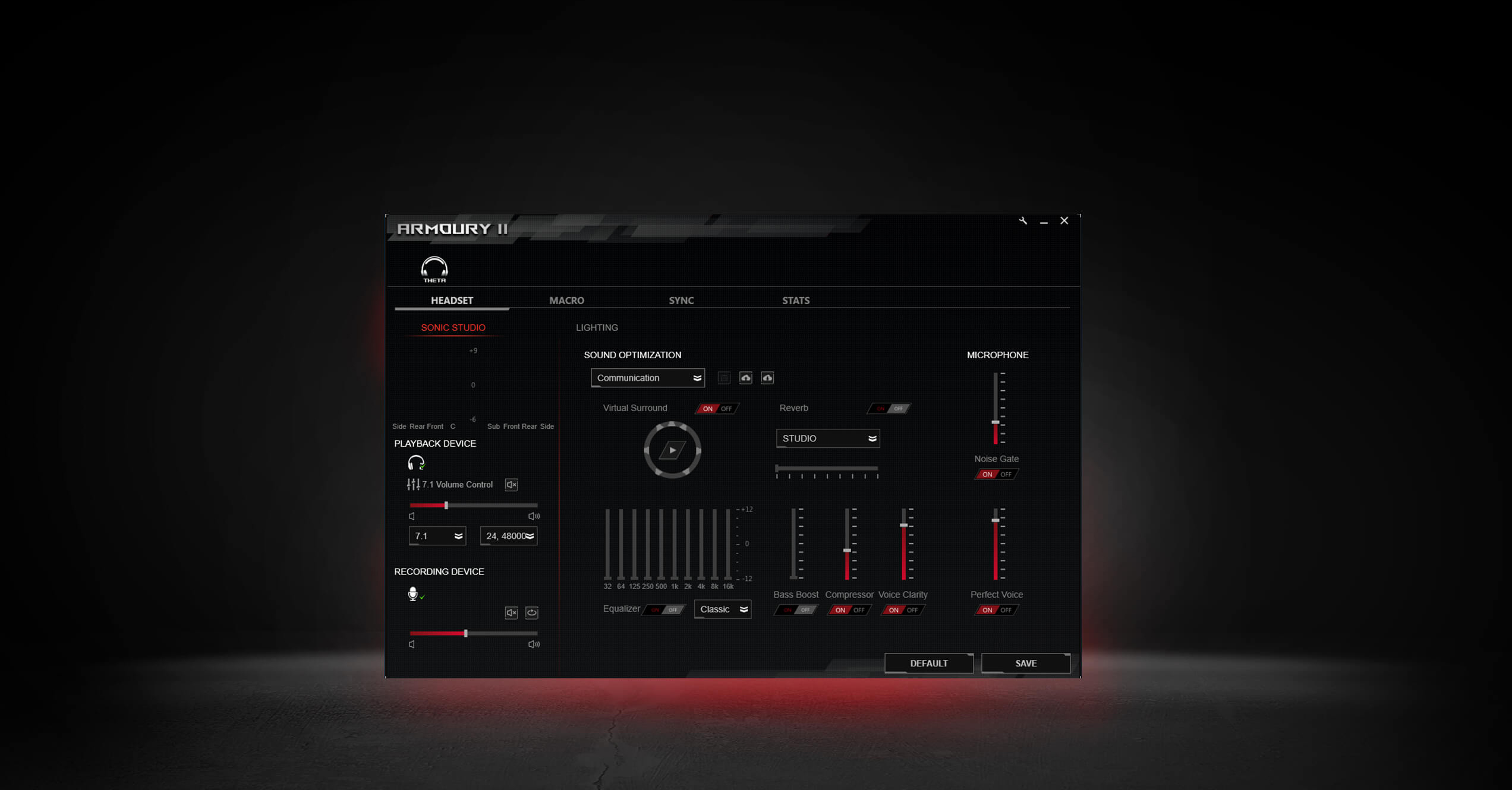
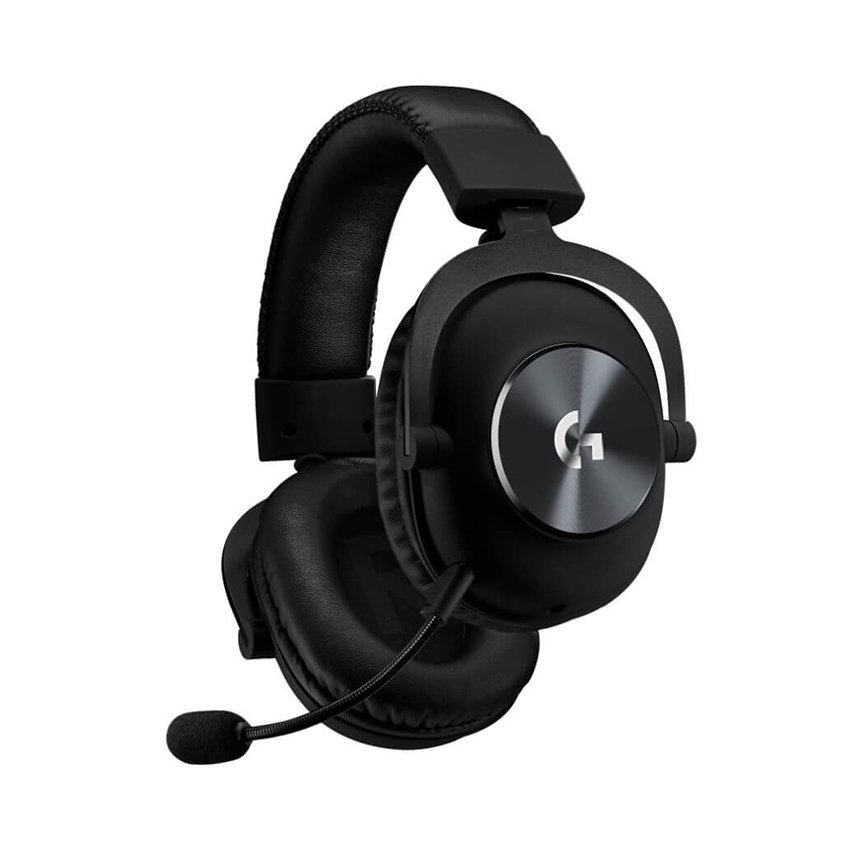
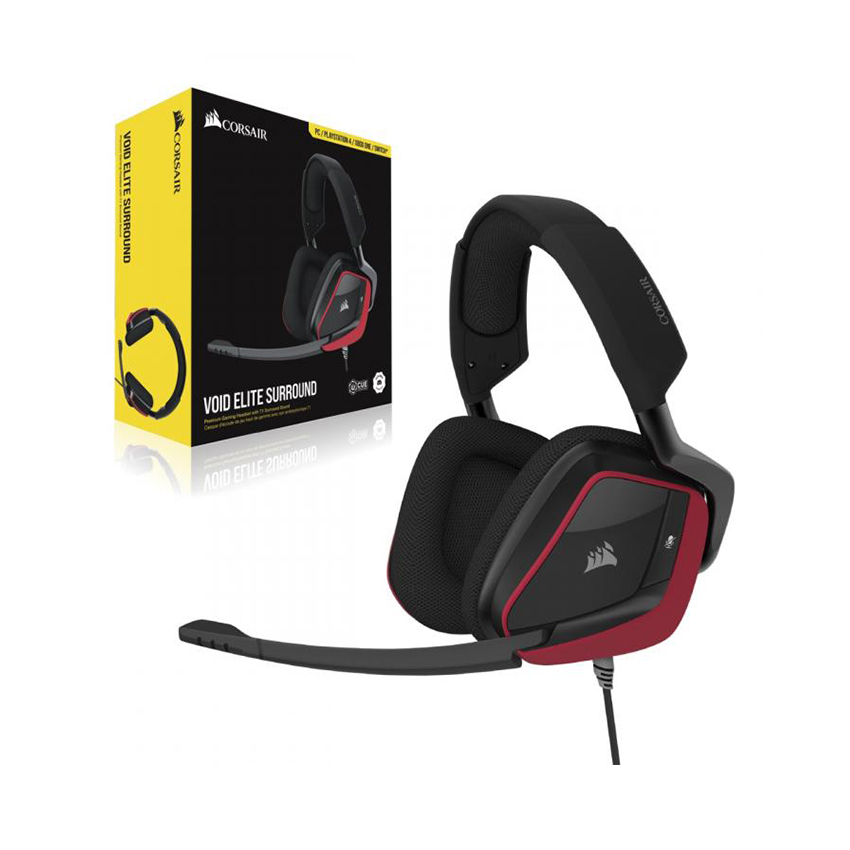
The ASUS ROG Theta 7.1, Logitech G Pro X Wired and Corsair Void Elite Surround illustrate different wired gaming approaches. Check the exact variant’s plugs, included adapter, software support and mute control. Compare ordinary stereo with any surround mode using a familiar game. Keep the mode that gives you the clearest positional cues.
Check what can be replaced
Look for replaceable pads or tips, a detachable cable and a microphone you can service if you use it daily. Listen to a familiar recording and make a short mic sample. A higher price or a longer list of features is worth paying for only if you can hear or feel the difference in your setup.
Related Articles
 7 Wired Headphones for Home Listening, Studio Use, and Travel
 Top 10 best wired headphone headsets
 Top 10 good wired headphones, most worth buying in 2023
 Choose headphones like in-ear, on-ear or over-ear?
 How to use wired headphones properly to protect your hearing
 10 models of sports headphones worth buying 2019
Reader Comments 0
Sign in with email or Google to join the discussion.