Table of Contents
Flappy Royale - How to Play Flappy Bird in Battle Royale Style is easier to approach with a clear overview and reliable steps. This guide organizes the essential information, highlights practical details, and explains what to check along the way.
Key Takeaways
- Follow the steps to play flappy bird in battle royale style.
- Follow the recommended steps in order to avoid common mistakes with flappy royale - how to play flappy bird in battle royale style.
- Review compatibility, settings, or requirements before making changes.
How to Play Flappy Bird in Battle Royale Style
Step 1: Access the Flappy Royale Demo link and join right on the browser.
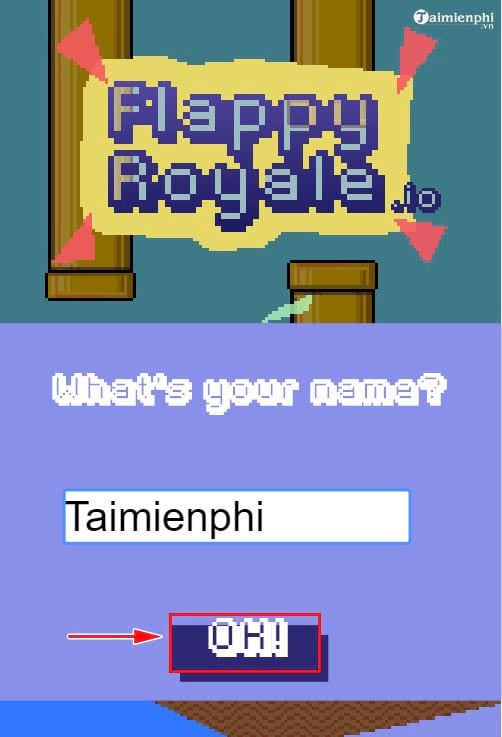
Step 2: Name your character and click OK.
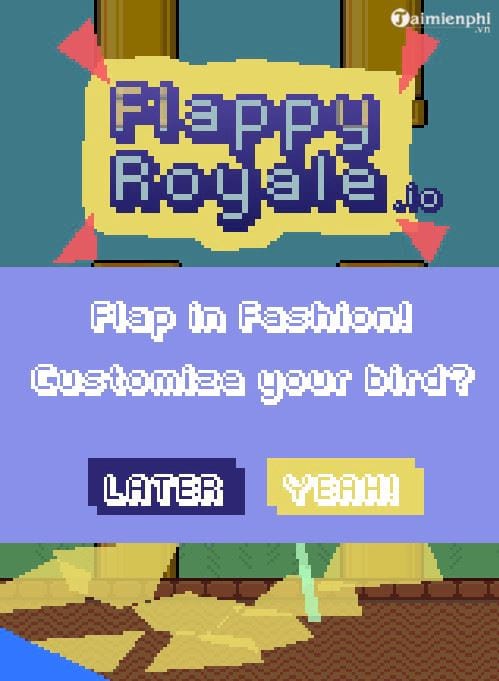
Step 3: At the start, the game will ask you if you want to customize your bird's appearance.
Select "Yeah" to enter the skin change, or click "Later" if you want to skip and play right away.
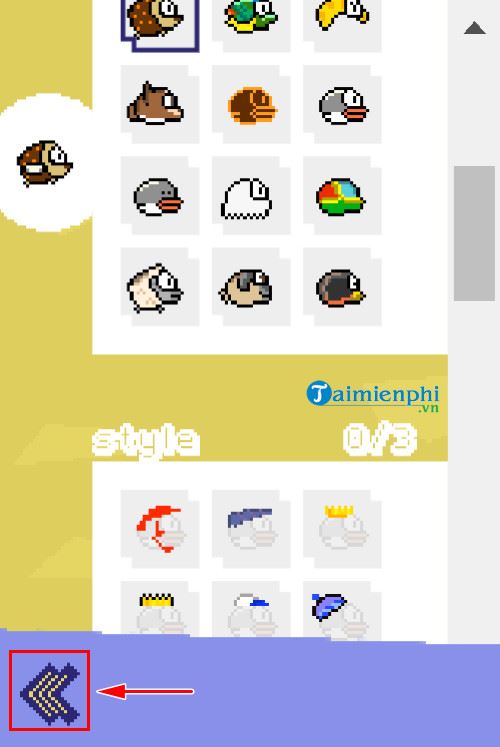
You can customize your bird's appearance by choosing hats, caps, masks, glasses and many other accessories.
Once done, tap the back arrow icon to save changes and continue the game.
Step 4: In the main menu, select Royale, then press Ready to start.
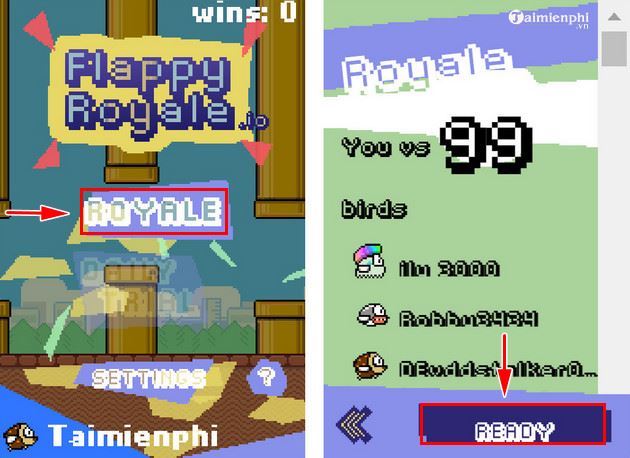
You can customize your bird's appearance before entering the battle.
Each game begins when all players are dropped off from a bus.
Like Flappy Bird, you tap the screen (or click if playing on PC) to help Flappy fly, trying to overcome obstacles and survive as long as possible.
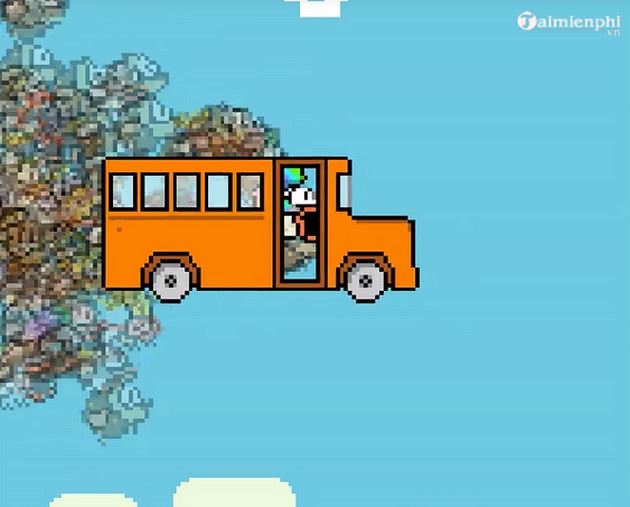
Unlike the original version, in Flappy Royale you are not alone. Every time you fail, you will fall with a series of other Flappys.
So you know how to play Flappy Bird in Battle Royale style, a challenging and interesting version. Wish you control the bird skillfully, survive the longest and win.
PUBG Mobile is also a Battle Royale game on mobile phones. As soon as it was launched, gamers could play PUBG Mobile on computers using NoxPlayer, bringing a completely new and interesting experience no less than on Mobile.
Final Thoughts
The most reliable way to handle flappy royale - how to play flappy bird in battle royale style is to follow the process in order, verify each important setting, and test the result before moving on. Use the guidance above as a practical reference, then adjust the details for your device, software version, or specific goal.
FAQ
What should I know first about Flappy Royale - How to Play Flappy Bird in Battle Royale Style?
Your mission is to control the bird through the challenging maze of pipes and survive as long as possible.
How do I get the best results with Flappy Royale - How to Play Flappy Bird in Battle Royale Style?
Use current software or equipment, follow the steps in order, review the recommended settings, and test one change at a time so you can identify what improves the result.
What should I do if Flappy Royale - How to Play Flappy Bird in Battle Royale Style doesn't work as expected?
Check compatibility, permissions, connectivity, and version-specific settings. Restart the relevant device or app, then repeat the process carefully before trying a more advanced fix.
Related Articles
 Flappy Royale -- Flappy Bird Style Battle Royale4 minutes read
 Flappy Royale -- an Interesting Combination Between Flappy Bird5 minutes read
 Flappy Bird's Game 'Eat by': Flappy Bird Eating Game6 minutes read
 Online Scam Alert 'Eat According to Flappy Bird'4 minutes read
 Flappy Bird Will Return to the App Store4 minutes read
 Flappy Bird Was Officially Removed3 minutes read
Reader Comments 0
Sign in with email or Google to join the discussion.