Table of Contents
Understanding applications to watch movies online on the phone is easier when the main points are organized clearly. This guide brings together the essential details and practical considerations.
Watching movies on phones today is no stranger to users when it comes to convenience, as well as convenience. You can watch any program on the live broadcast, or review your favorite favorite shows. And to make it easier to watch movies online, movie watching applications on the phone will be the tool that you should not miss.
The top selection criteria for online movie viewing applications include fast data download speeds, ample number of channels, quality images and audio. You have now chosen for yourself the movie viewing application like on the phone or not? The following article of Network Administrator will introduce you to the app of watching movies online on quality phones.
- Are there ways to connect your phone to a TV to watch videos?
- Select the YouTube viewing app for iPad
- 10 easy video editing applications on Android
1. VTV Go application
- Download the VTV Go Android app
- Download VTV Go iOS
VTV Go is an online TV viewing application produced by Vietnam Television, developed by the Digital Content Production and Trading Center (VTV Digital).
The app brings VTV TV channels on television television. We can watch current news, reportage, news, information, entertainment show games, feature films, and music on TV stations such as VTV1, VTV2, VTV3, VTV4, VTV5, VTV6, VTV9. You just need to select which program you want to watch and then watch the program online.
The quality of watching movies on VTV Go is always guaranteed with HD images, high resolution, realistic sound quality. We can choose a resolution of 480p, 720p or the app will automatically adjust to suit the network connection speed on the device.


2. FPT Play
- Download the FPT Play Android app
- Download FPT Play iOS
- Download FPT Play for Windows Phone
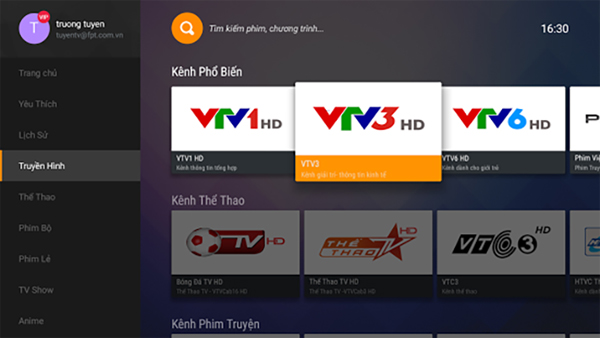
FPT Play is an application for watching online movies released by FPT, to be able to watch broadcast channels of VTV, VTC, VCTV,. Besides, you can search in the store on the app more. 10 thousand hot movies, episodes or movies. We can search on FPT Play entertainment programs, news or events, programs on education, music, or animation for children.
The quality of data downloading is stable, fast, without problems during online movie viewing. The interface of using FPT Play is also very easy to use, helping users to manipulate more quickly, easily finding the programs that they want to see.
3. Zing TV
- Zing HD TV for iOS
- Zing TV for Android
- Zing TV for Windows Phone
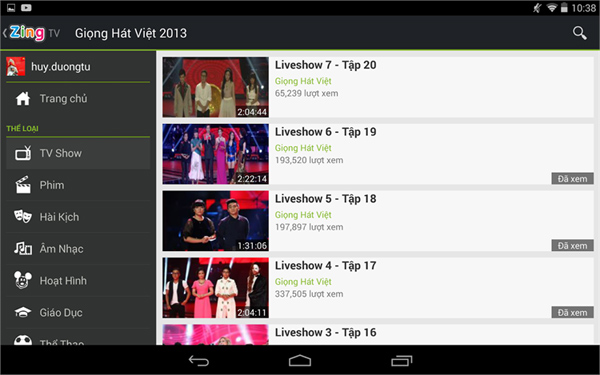
Zing TV is also one of the online movie watching applications that you should not miss. the app brings programs with full HD images, stable online viewing speed. In particular, Zing TV also updated the latest entertainment programs, event information happening around the world.
Besides the Zing TV application also possesses many other useful features such as the Interest feature to manage the programs you are monitoring, customizing resolutions from 240p to 1080p, searching for programs by Voice or Multi-screen feature for viewing programs on large screen devices via ChromeCast device.
4. HDViet
- Download HDViet for Android
- Download Windows Phone HDViet
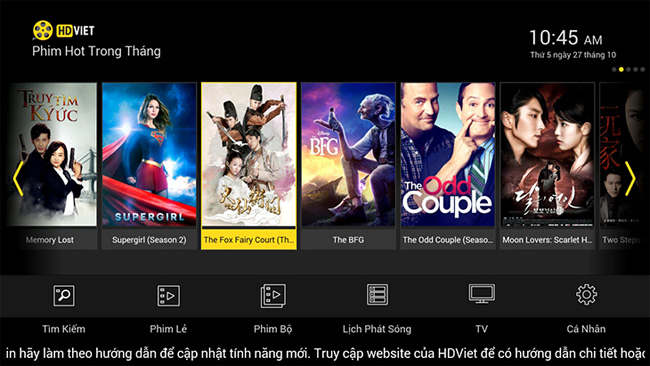
A series of movies with a variety of genres, blockbusters or TV titles will be provided in the HDViet application. With full HD images, fast data transfer speed, the app gives users a space of live and true movies.
Movie genres such as action movies, martial arts, emotions, horror, comedy, fiction, romance, cartoons,. will also be classified by HDViet so you can easily search. In addition, the app will have some custom skins or install programs to suit the needs of watching movies online on users's phone.
5. MobiTV
- Download MobiTV app for iOS
- Download MobiTV for Android
- Download MobiTV for Windows Phone
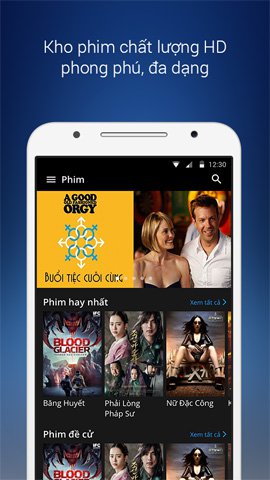
MobiTV is an application for watching TV and HD movies directly on the phone. We can easily search for any program or movie you want to watch on the app. We can rely on items such as TV, video or Movie to search for favorite programs.
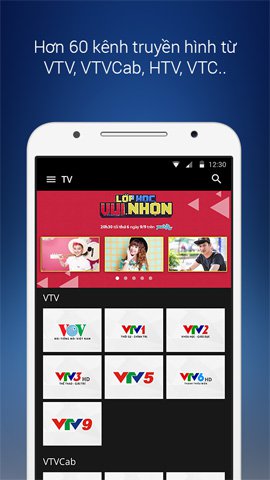
In addition to foreign films, MobiTV also provides TV channels such as VTV, VTC, VTVcab such as VTC3, TodayTV, BongdaTV, GiaitriTV, ThethaoTV, HayTV, Yeah1, VTV1, VTV3, VTV6.
6. Netflix
- Download Netflix for iOS
- Download Netflix for Android
- Download Netflix for Windows Phone
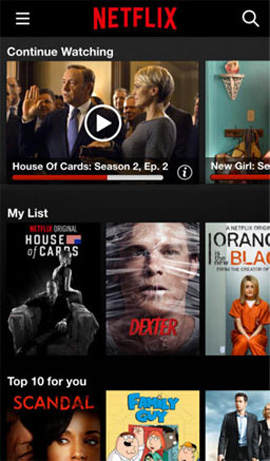
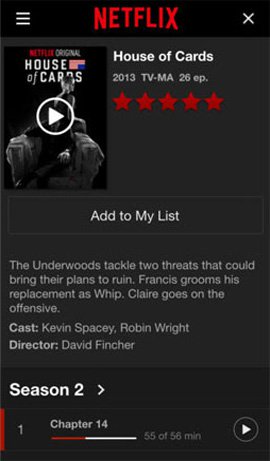
Netflix is well known in the world for its feature-film repositories or TV shows with stable video quality that gives users a compelling experience. MobiTV application has a free 1-month promotion program when registering an account on Netflix.
Above are some applications to watch movies online on the phone, with sharp picture quality and realistic sound. The app provides users with online TV channels, or other attractive domestic and foreign movies. As long as you connect to Wi-Fi, you can watch any program you like.
Hope this article is useful to you!
FAQ
What is the main benefit of applications to watch movies online on the phone?
The main benefit is a clearer understanding of the topic and a practical way to apply the information covered in this guide.
What should I check before using applications to watch movies online on the phone?
Confirm compatibility, review the required settings, protect important data, and use the latest supported version whenever possible.
What should I do if the result is different?
Repeat the steps carefully, verify permissions and version differences, and consult the product's official support documentation for changes not shown in the article.
Related Articles
 How to Watch Movies Online, Get Link Fshare on Goophim6 minutes read
 How to Download Movies on Moviemoi. Net4 minutes read
 High Quality Online Movie Watching Applications on Android and6 minutes read
 How to Watch VIP Full HD Movies Without Account on Hdonline and10 minutes read
 Get 3 Months of Free Movies on Iflix with Viettel Sim5 minutes read
 Review Who Thuong's Movie Is, the Opposite of Tears,.. on VTV8 minutes read
Reader Comments 0
Sign in with email or Google to join the discussion.