Table of Contents
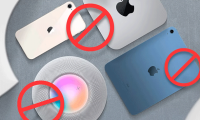
A sale on an older Apple device can be a good buy if the price reflects what you give up. Identify the exact generation first, then compare it with the nearest alternative you would buy. For used gear, factor in battery condition, missing accessories, and the return policy.
iPhone SE (3rd generation)
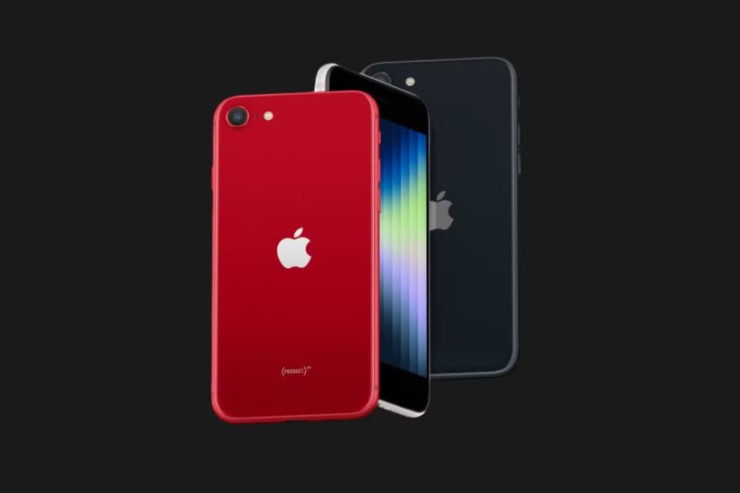
The 2022 iPhone SE makes sense if you want a compact phone with a Home button and Touch ID. Compare it with the iPhone 16e or 17e if you want a larger screen, Face ID, USB-C, or Apple Intelligence. When buying used, follow the used iPhone checklist to check battery health and Activation Lock before paying.
iPad (10th generation)

The 10th-generation iPad can handle browsing, streaming, and basic schoolwork. Compare storage before comparing prices: the older base model has 64 GB, while the iPad with A16 starts at 128 GB. If Apple Intelligence matters, check Apple’s supported models before buying. The A16 iPad does not support it.
Mac Studio with M2 Max or M2 Ultra

An older Mac Studio can be worthwhile if its memory and ports match a specific workload. Check unified memory and SSD capacity separately. Compare the exact configuration with a Mac mini for everyday work, or with the Mac Studio models with M4 Max and M3 Ultra for heavier projects.
HomePod mini (original)
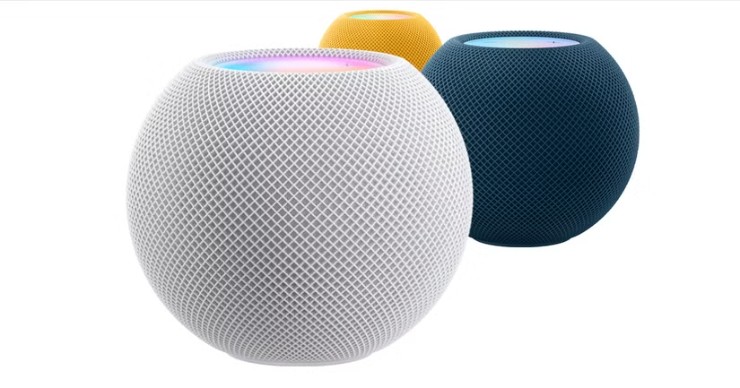
The original HomePod mini can still serve as a compact AirPlay speaker. Compare its discount with the second-generation HomePod mini if Siri AI or newer audio features are part of the reason you’re buying. Confirm that a used speaker includes its power adapter.
AirPods Pro 2
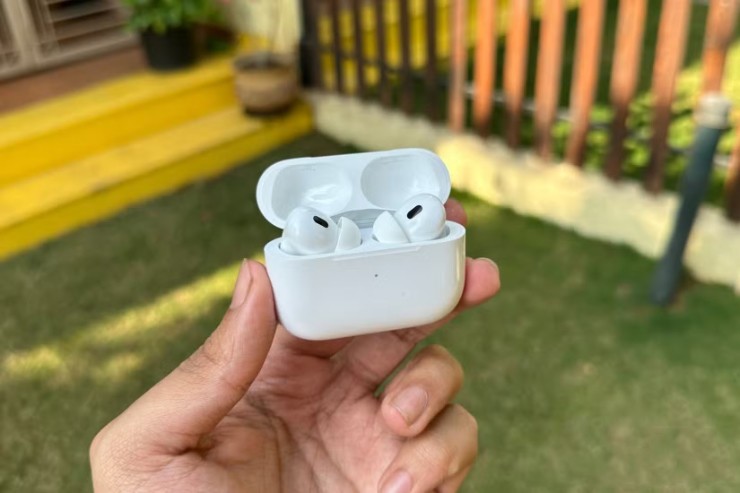
AirPods Pro 2 still offer active noise cancellation. Check whether the case charges over Lightning or USB-C. With used earbuds, battery wear and fit can matter more than the discount. Compare a sealed or warrantied pair with AirPods Pro 3 before buying.
Apple TV 4K (3rd generation)
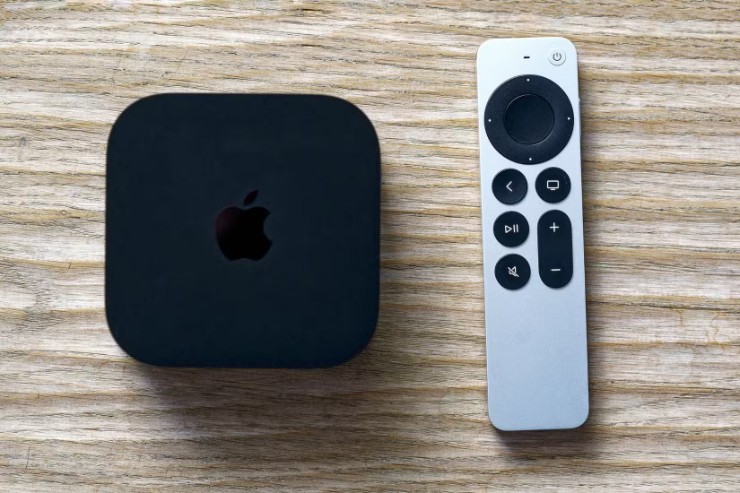
The third-generation Apple TV 4K comes in a 64 GB Wi-Fi model and a 128 GB Wi-Fi + Ethernet model. Choose the latter if you need wired networking or Thread support. Check that the remote is included. If you only want to watch one streaming service, see whether your TV already runs its app.
| Buying used | Check before paying |
|---|---|
| iPhone, iPad, or Mac | Exact model, storage, account lock status, and return window |
| HomePod, AirPods, or Apple TV | Power or charging accessories, remote where applicable, and condition |



Reader Comments 0
Sign in with email or Google to join the discussion.