Table of Contents
Start with YouTube Charts for popular music, TikTok for current short-form formats, or Instagram Reels for sounds and remixes. A recommendation feed shows what a platform thinks you will watch, while a chart or curated list uses its own defined criteria.
YouTube Charts for music trends
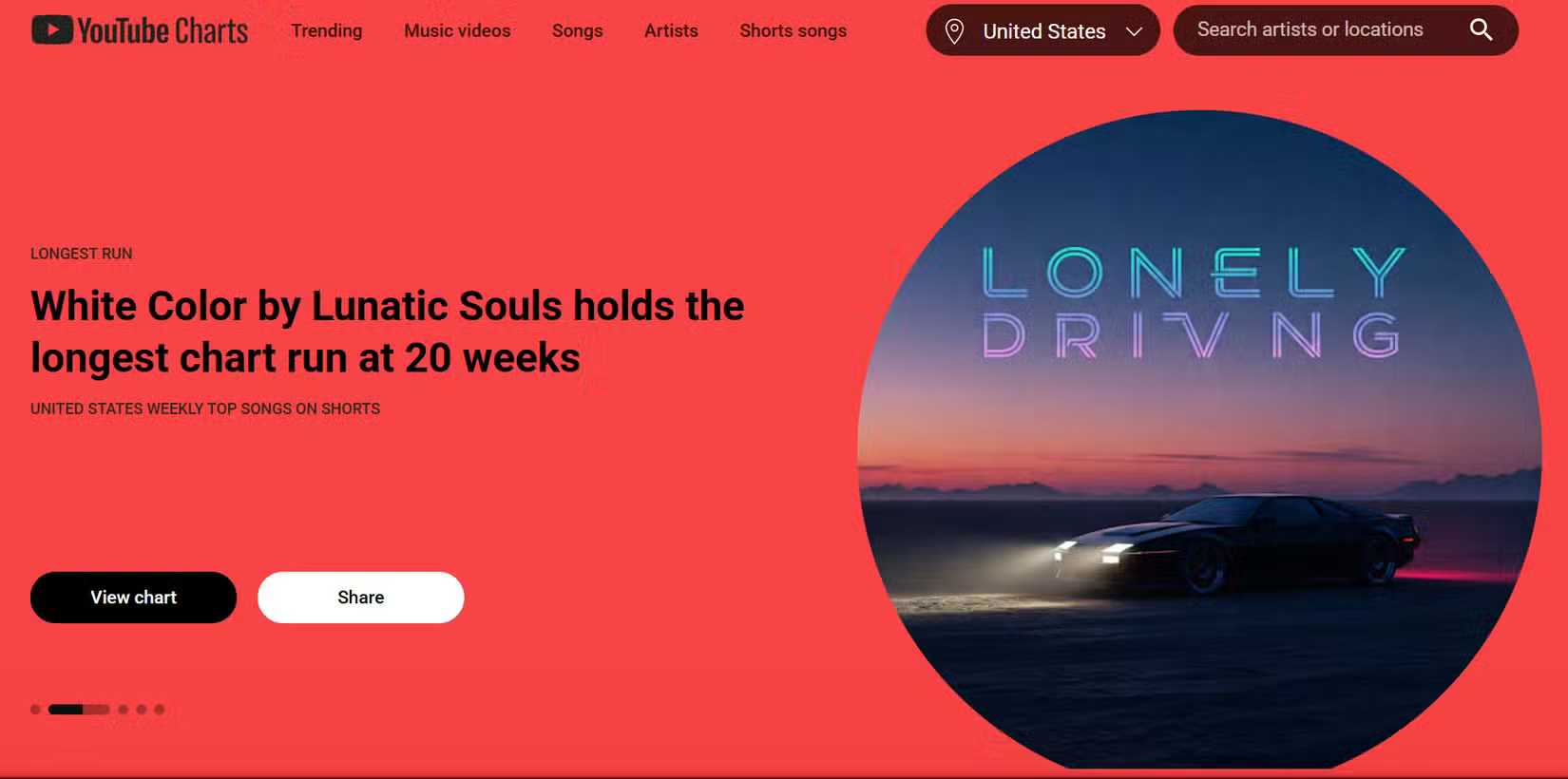
Use YouTube Charts to compare music by country or category. It measures activity in its defined chart, so it will not tell you which unrelated videos are trending.
TikTok for short-form formats
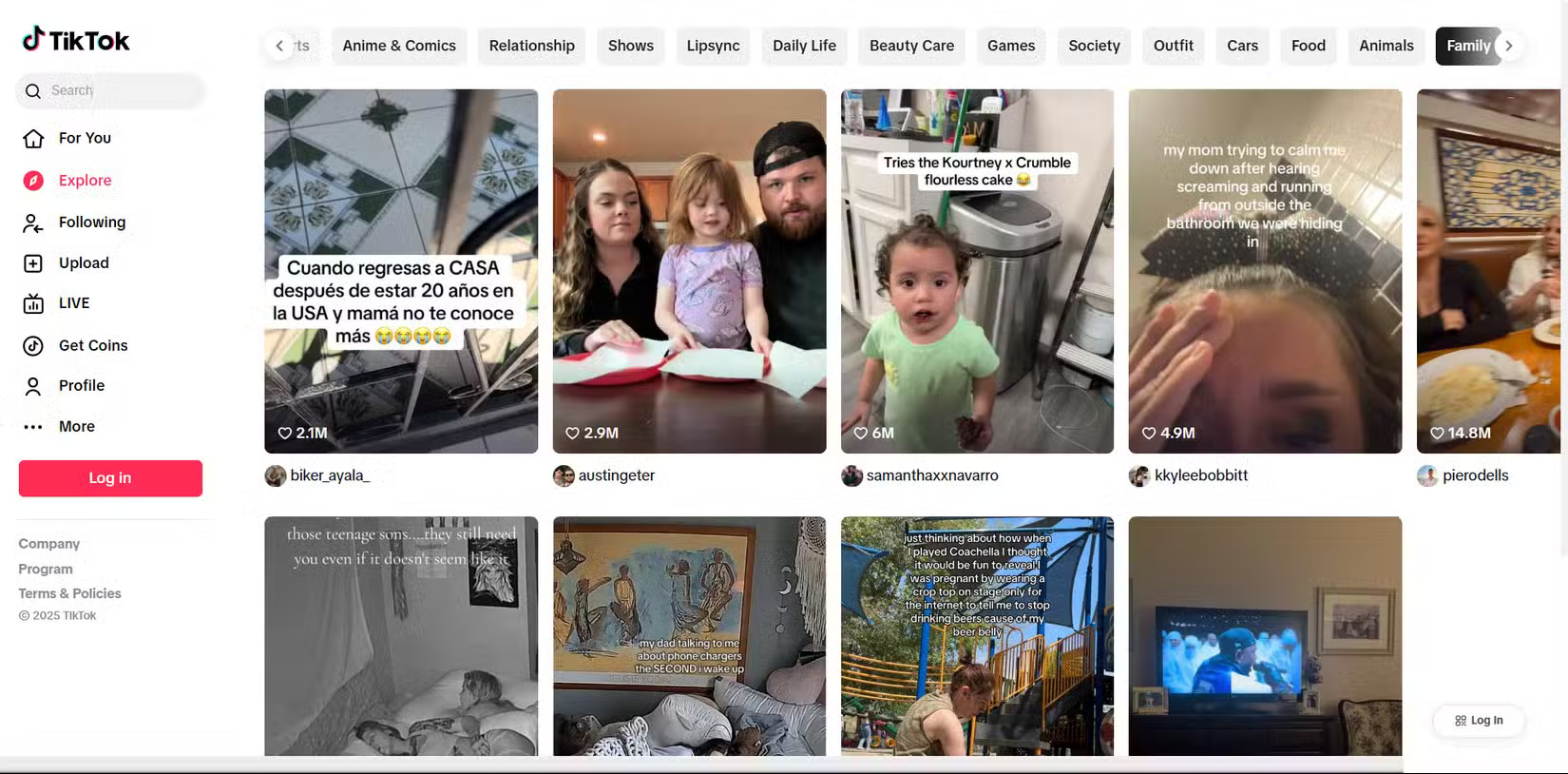
Compare the personalized For You feed with TikTok’s Creative Center, where available. Set a region and period when you need a more explicit view of a trend.
Instagram Reels for sounds and remixes
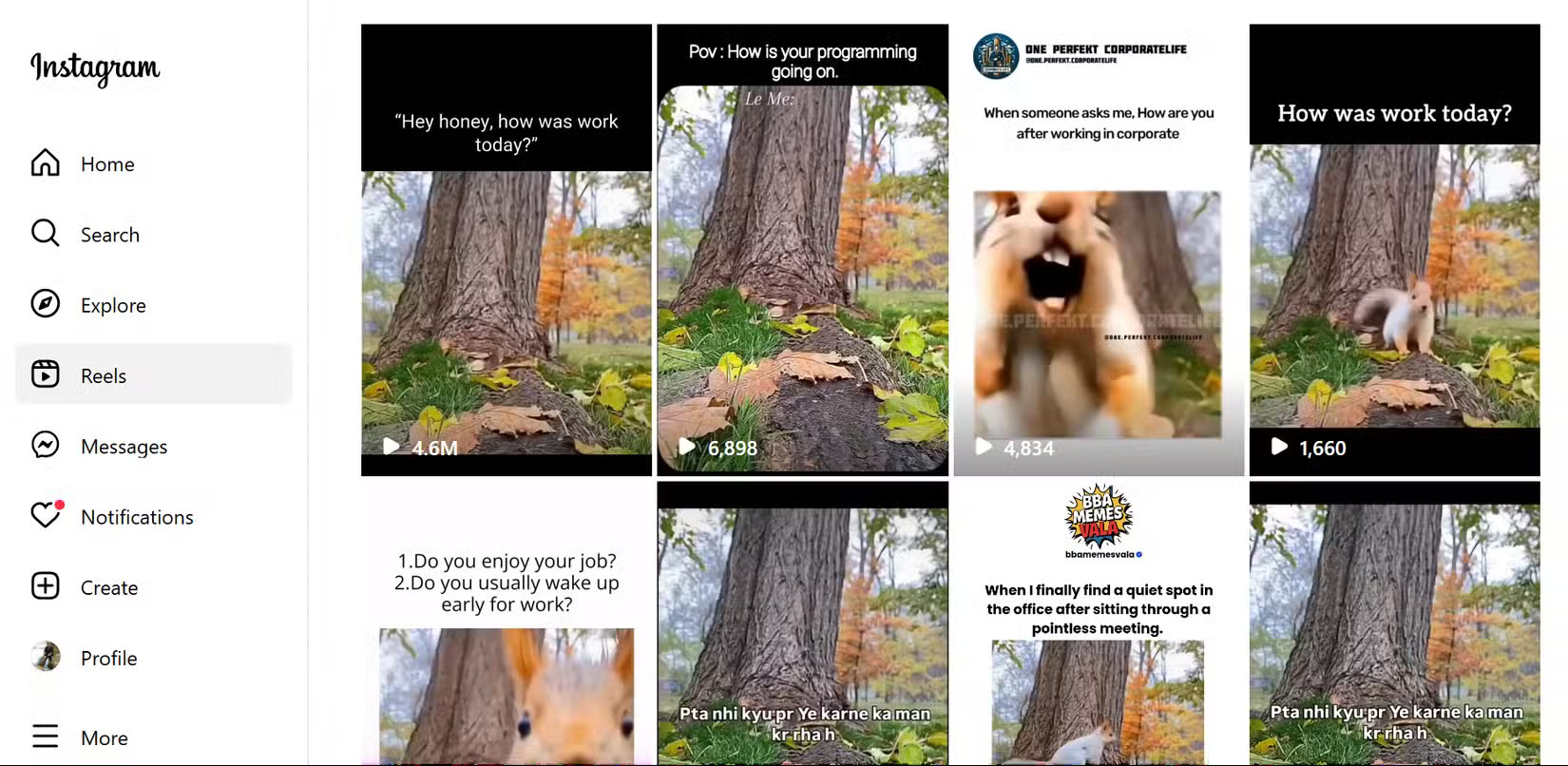
Open the audio page from a Reel to see how other accounts are using the same sound. A feed recommendation reflects your interests as well as the clip’s popularity.
Vimeo for curated short films
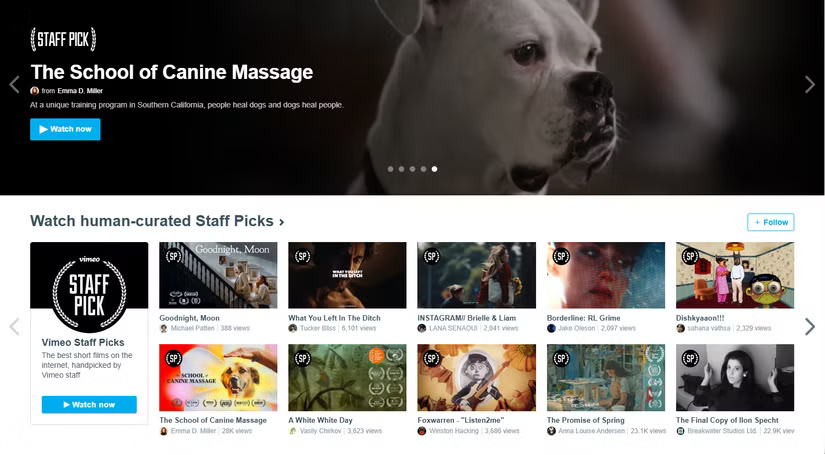
Use Staff Picks to find shorts chosen by curators. This is useful for discovering distinctive work rather than measuring what most viewers are watching.
Dailymotion for news and entertainment clips
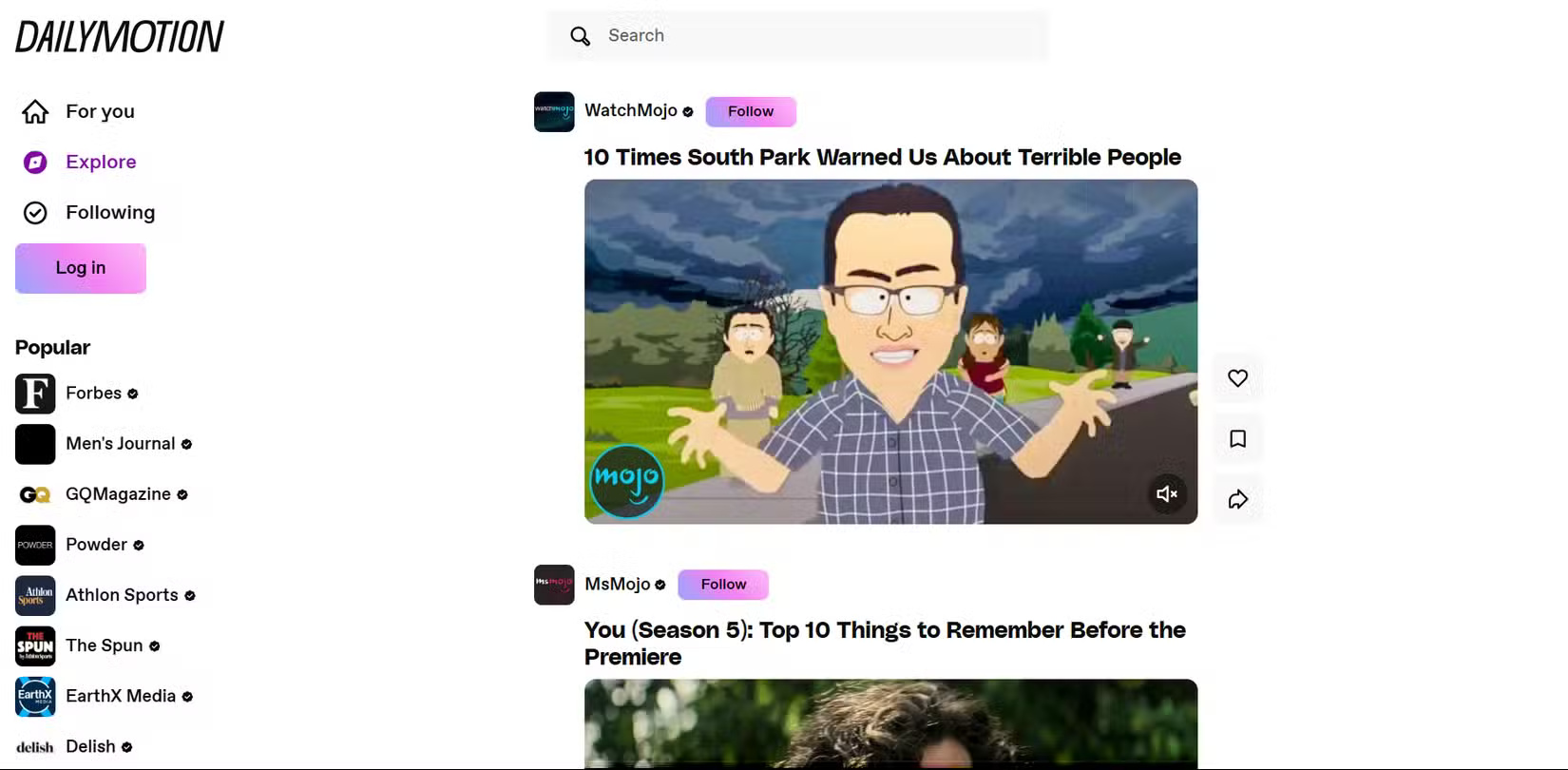
Search a topic or event and check the uploader and date. A video can be newly posted even if the event it shows is old.
BitChute for niche video communities
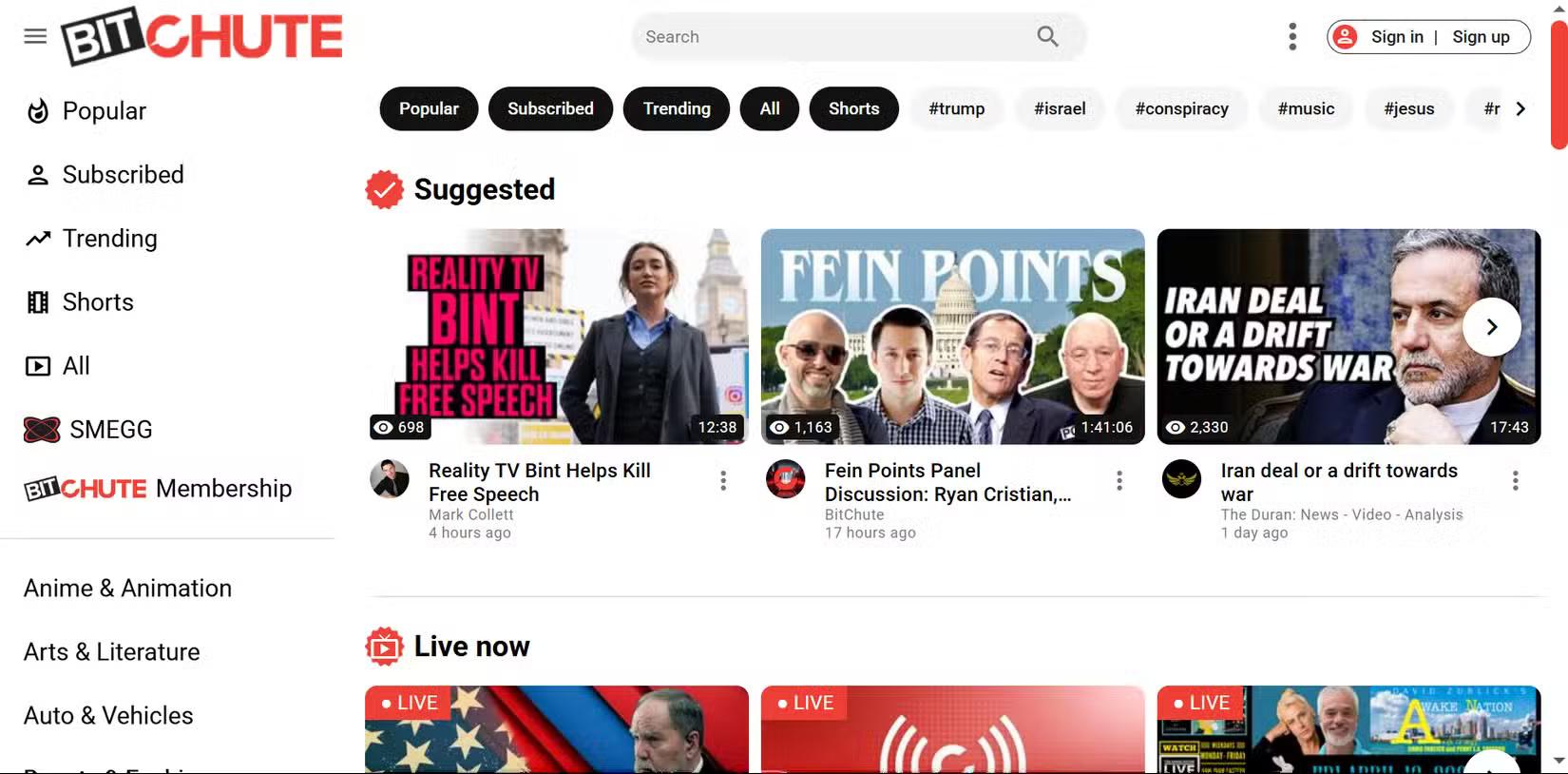
Use it to see what has gained traction in that community. Check factual claims against reliable coverage before relying on or sharing them.
9GAG for memes and reaction clips
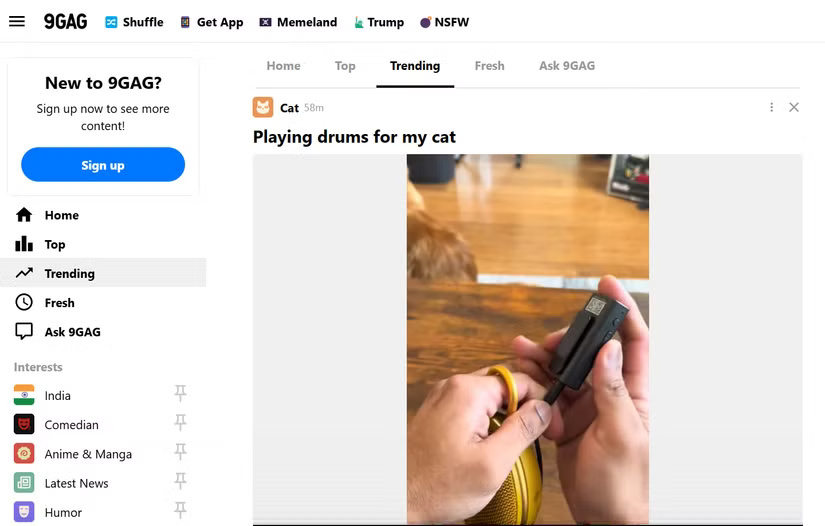
Browse the popular or recent posts and look for a creator credit. Meme accounts often repost the same clip with different captions.
DTube for an alternative community feed
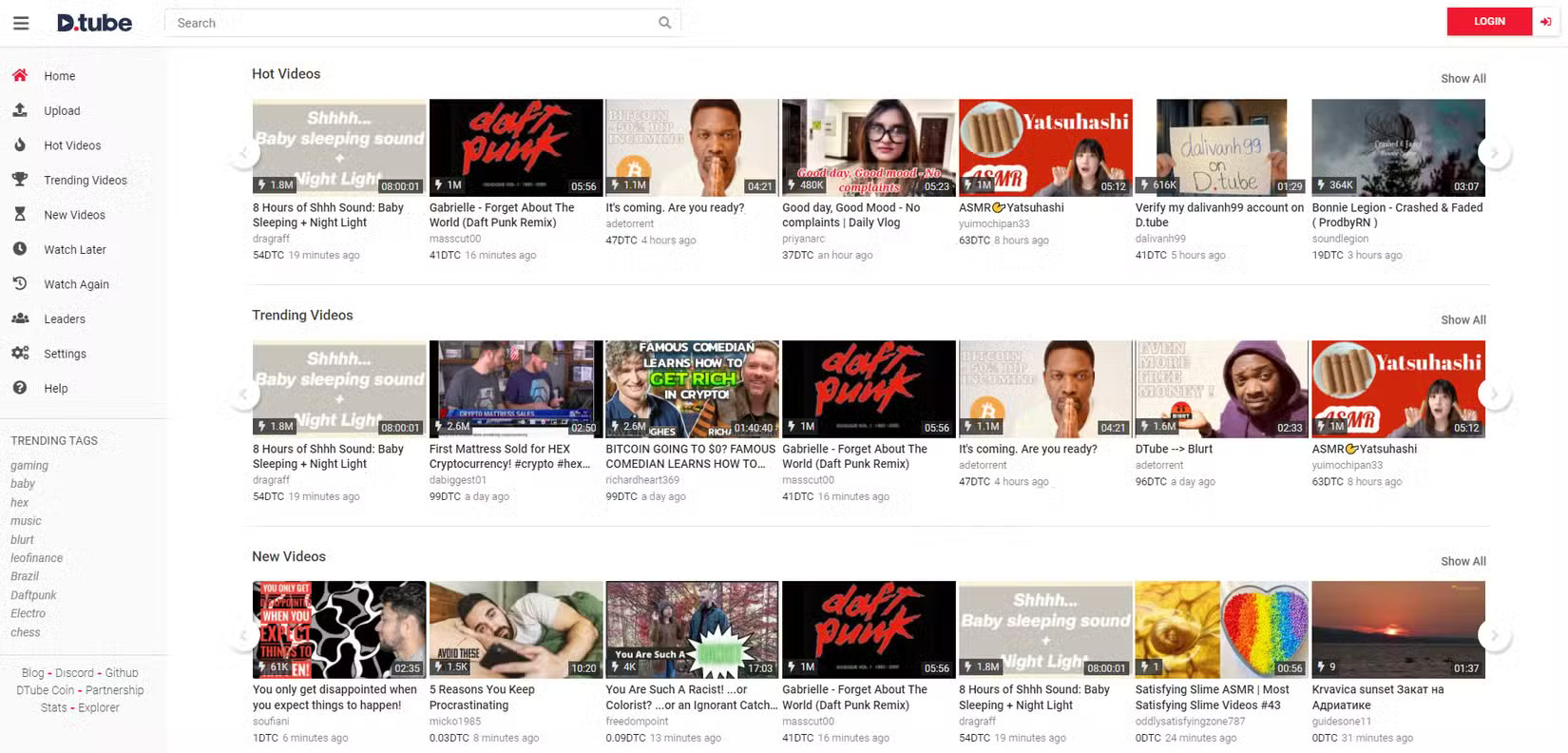
Treat activity on a smaller video platform as a signal about its own audience. Check posting dates and whether a clip can be traced to the original creator.
Trace a clip before sharing it
Compare upload dates and accounts across platforms. Take a clear frame and run a reverse image search if reposts lack a source. Look for the earliest reliable context, especially when a caption makes a claim about a recent event.
Related Articles
 4 best video editing apps to help create viral videos
 Which criteria do YouTube calculate Top Trending?
 Tips to make videos trend quickly on TikTok
 What is viral fever? When you have a fever, what should you eat?
 YouTube kills Trending section
 How to write 'viral' YouTube subtitles using the free NotebookLM tool.
Reader Comments 0
Sign in with email or Google to join the discussion.