There are plenty of ways to immerse yourself in retro games these days, but nothing beats playing them on the Nintendo Switch. Thanks to Nintendo Switch Online, discovering hundreds of classic games on NES, SNES, N64, Game Boy and Sega Genesis has never been easier.
The List of Available Games Is Impressive
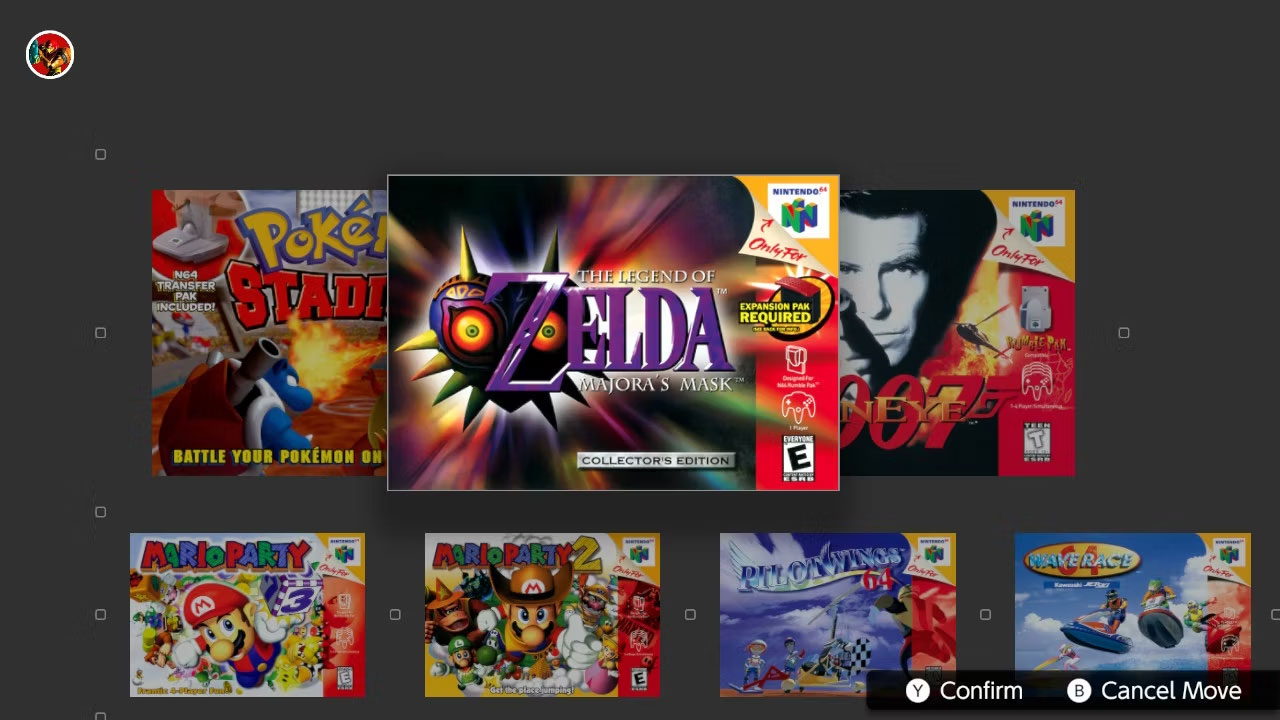
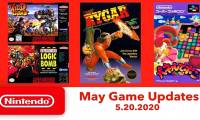
Part of what makes Nintendo Switch Online so appealing is its library of ready-to-play games. Nintendo has built up an impressive list of games, spanning every genre and console. From The Legend of Zelda: Majora's Mask on the N64 to Streets of Rage 2 on the Sega Genesis, there's never a shortage of content to explore.
The catalog is always changing, but you can check out some of the content available on Nintendo's official website. Instead of a simple list, Nintendo chose a giant wall filled with original images of the game. This isn't the most practical solution, but it brings back memories of rummaging through game store shelves as a child. When you find a game you like, Switch makes it easy to move these games to the top of the list for easy access.
Portability Is a Huge Plus
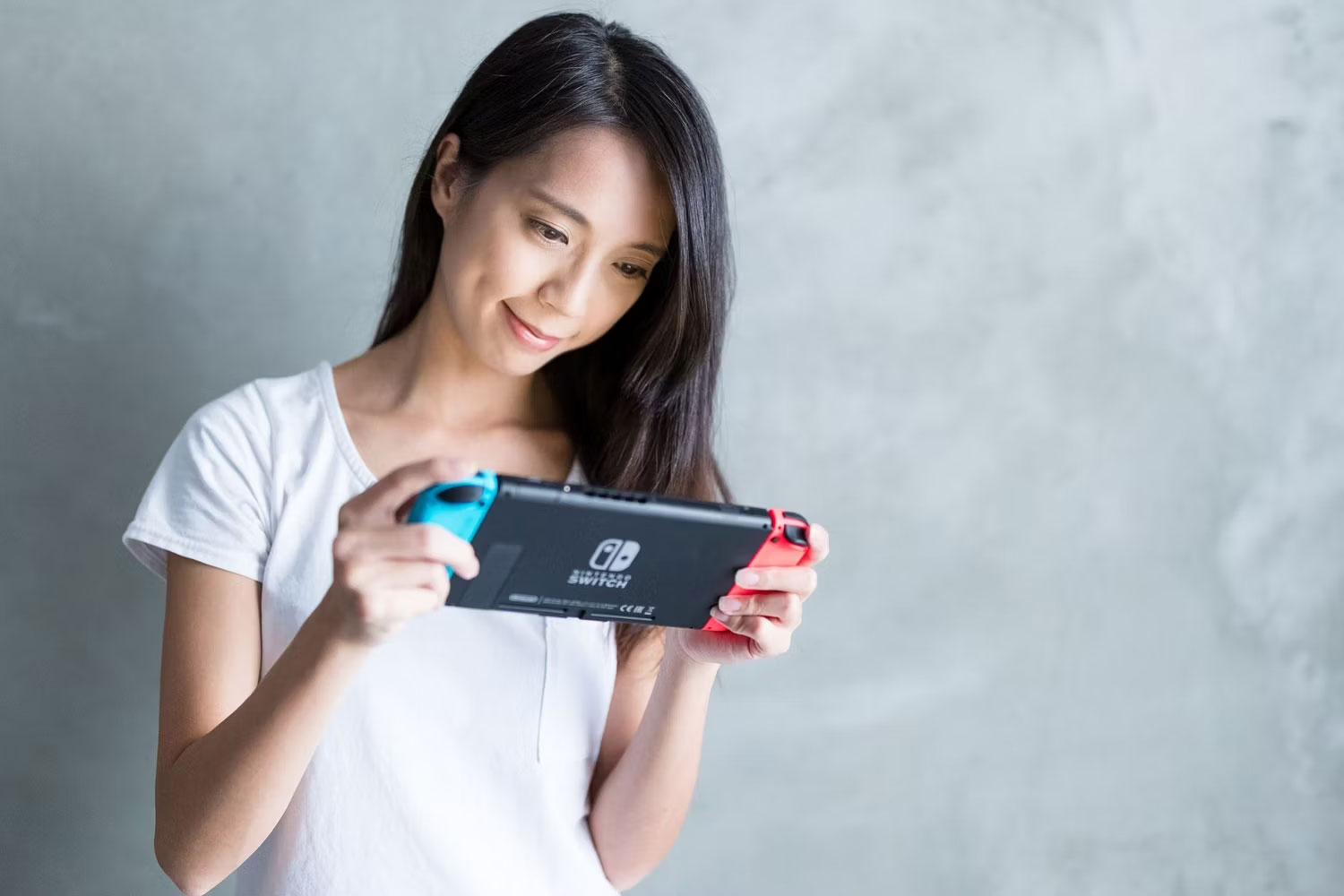
There's no denying that you'll get more functionality when running an emulator on PC (Turbo mode is a notable standout feature), but often people want to play retro titles while out of the house. And while some smartphone emulators may offer more functionality than the Switch, its gorgeous display makes it the better choice (this is especially true for the OLED model).
Tablets are a great alternative to mobile gaming, but all retro games on the Switch have been optimized to run smoothly. Depending on the game you're playing and the tablet you're using, you may experience stuttering or an unoptimized experience. Add to that the convenience of not having to fiddle with keyboard shortcuts and the ease of playing with a connected Joy-Con, and the on-the-go simplicity of the Switch is hard to beat.
You Can Use Your Retro Game Controller
Speaking of game controllers, the Switch makes it easy to enjoy all your favorite classic games with a variety of controllers. For example, you usually use the standard Joy-Con when traveling, but having access to an updated NES controller from Nintendo and a variety of retro game controllers from 8BitDo helps recreate the old experience.
The Switch Pro controller is also great for N64 games that require more complex input.
Nintendo Switch Online doesn't have a built-in way to remap buttons, although you can remap buttons for your entire console in the Settings menu. This is a temporary solution, but it gets the job done.
The option to play with multiple controllers in handheld, desktop or docked mode gives you more flexibility than with PC or mobile emulators.
The Games Are Legal and Available to Play
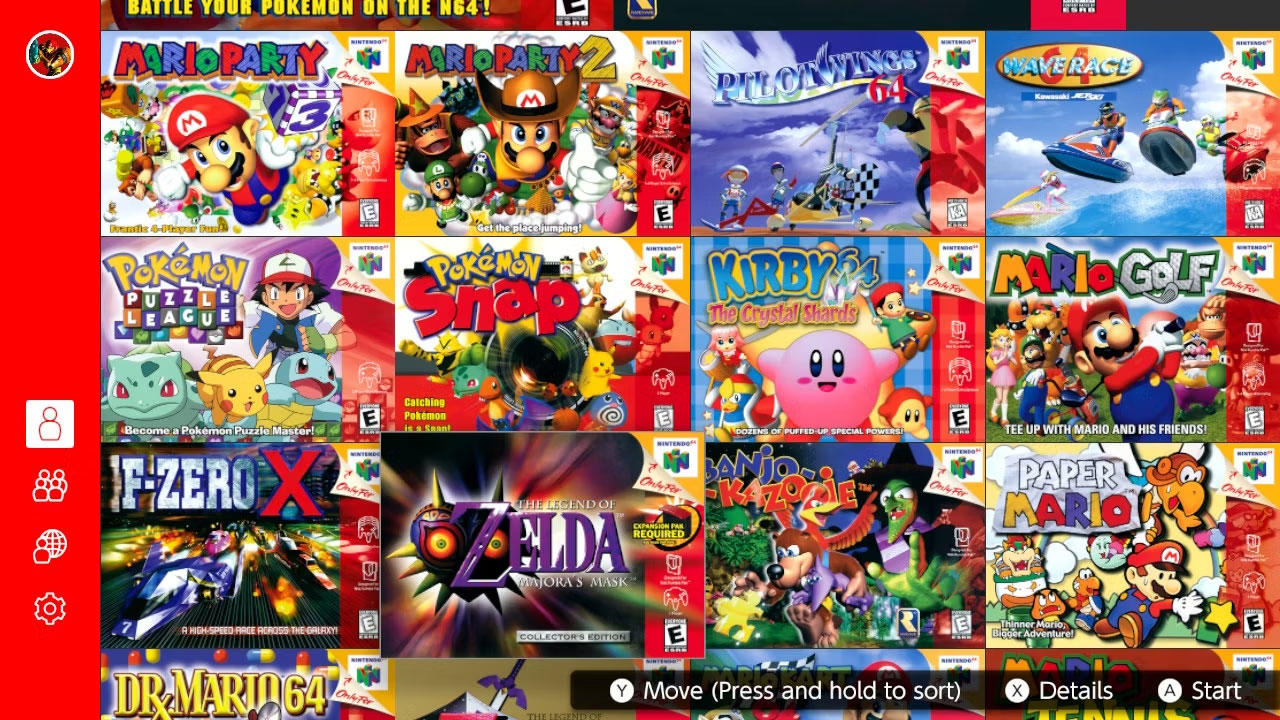
If you are worried about the legality of downloading emulators and running ROMs, all your worries can be put to rest with Nintendo Switch Online. For just an annual fee of $50, you'll get legal access to over a thousand games from the NES, SNES, Game Boy, N64, GBA, and Sega Genesis. After downloading the corresponding apps from the Switch eShop, you can play whenever you want.
You'll need to reconnect to the Internet once a week to verify your membership is still active, but other than that, you can take your games offline and play to your heart's content.
Nintendo Switch Online isn't perfect, but the advantages it offers far outweigh the limitations. Hopefully additional functions like Turbo mode or button mapping will be added in the future, but for now it's nice to have a convenient way to watch all your favorite classics!


Reader Comments 0
Sign in with email or Google to join the discussion.