Table of Contents
This guide covers netbooks with two screens appear with practical context and easy-to-follow details. Use it to understand the subject and apply the information confidently.
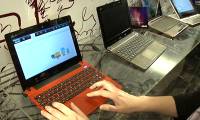
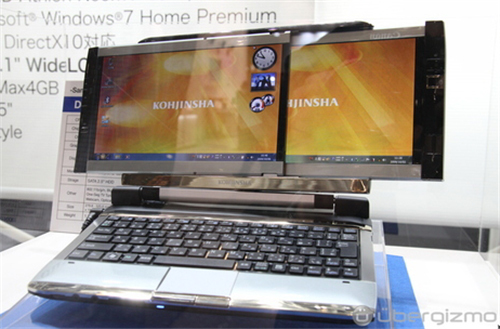 Kohjinsha netbook 2 screen Photo Ubergizmo .
It has a strong configuration compared to current netbooks, with an AMD Athlon NeoMv-40 1. 6 Ghz processor, 4 GB of RAM, a 160 GB HDD and support for DirectX 10 graphics and equipment. TV tuner television reception device. It has full Bluetooth and Wi-Fi connectivity 802. 11n. According to PCWorld, although it is a prototype version and exhibited at the 2009 Ceatec exhibition, Japanese electronics maker has "released" this netbook at the end of the year for about $ 800. Pictures of Kohjinsha Netbook at Ceatec 2009.
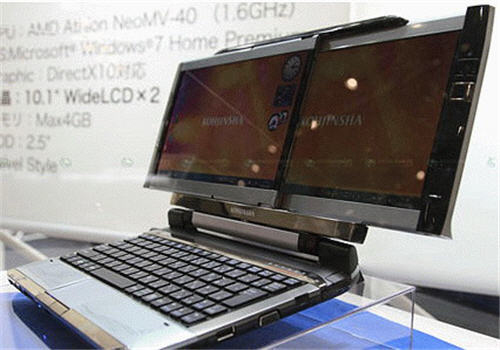 Two screens slide across each other.
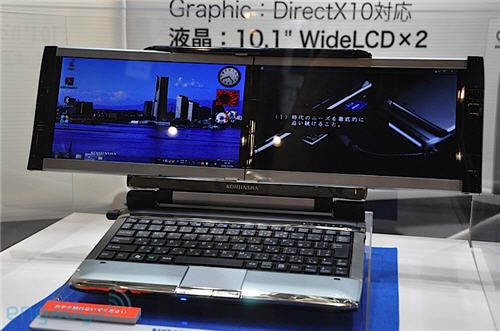
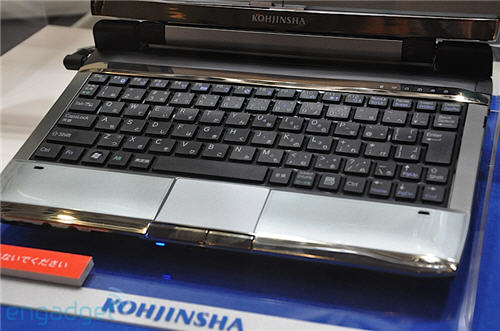 Chiclet keyboard, extended tap pad to the edge of the device.
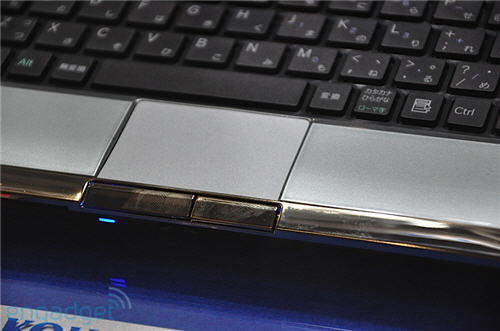
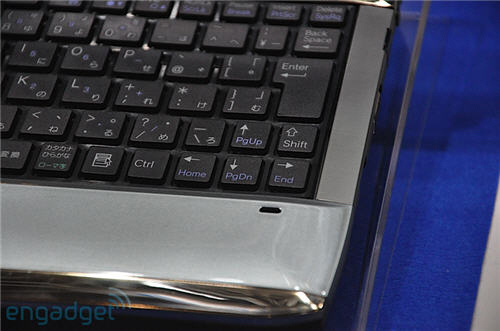
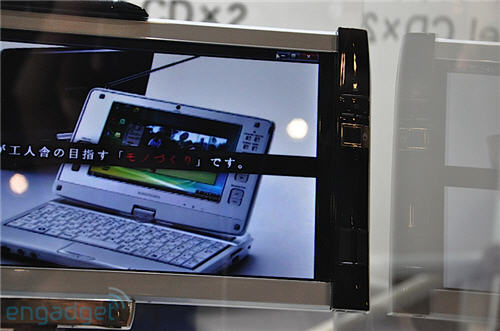 Screen on the right.
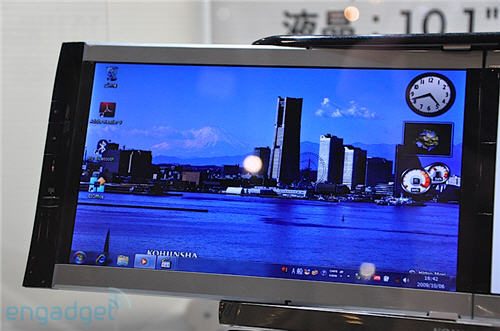 Screen on the left.
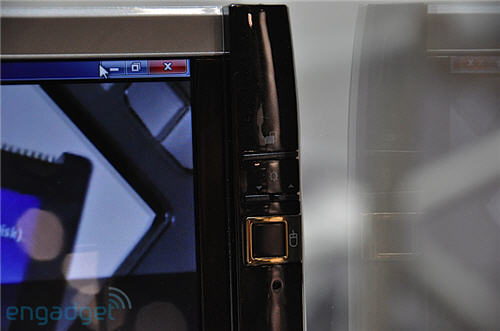 Adjust screen brightness with the key available on the screen.
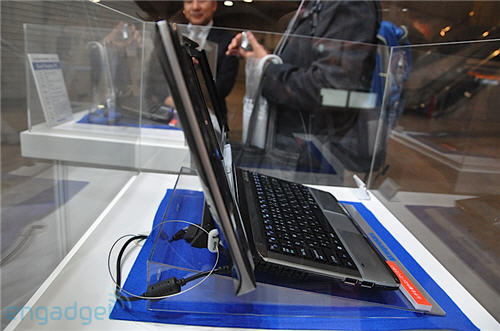 The left edge is 2 USB ports.
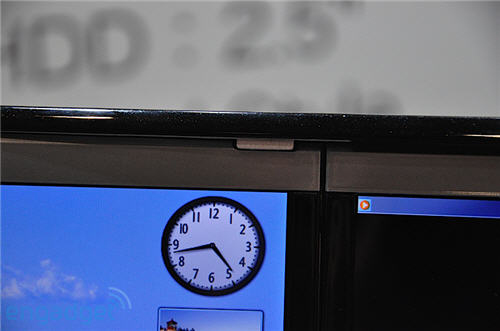 In addition to the sliding track with protective ledges.
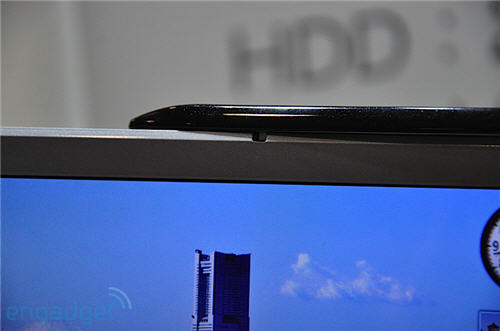
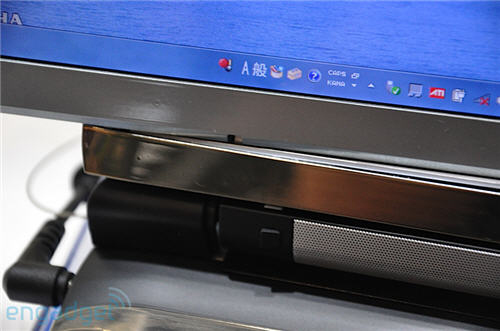 Sliding track below.
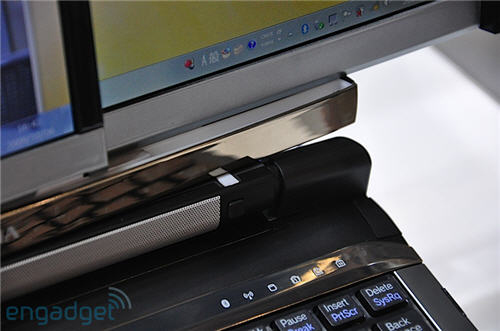
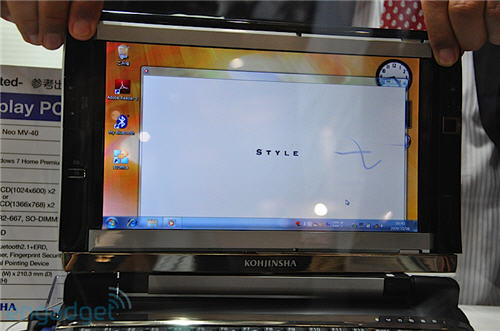 Collapse a screen backwards.
FAQ
What should I check before following these steps?
Confirm device and software compatibility, save important data, and make sure you have the required permissions, files, and account access.
Why might the process not work?
Common causes include outdated software, missing permissions, incompatible hardware, an unstable connection, or completing a step in the wrong order.
Can I undo the changes if necessary?
That depends on the tool or setting. Use built-in restore options when available, keep a backup, and record the original configuration first.
Related Articles
 Acer Launched Netbooks to Watch Cheap HD Movies4 minutes read
 It's Time to Stop Calling the Netbook Name5 minutes read
 Intel Launched a New Definition of Netbooks3 minutes read
 8 Best Linux Netbooks6 minutes read
 Samples of Curved Screens, the Best 3D Projection Screens5 minutes read
 How to Use 2 Screens on Win 10 Is Extremely Simple6 minutes read
Reader Comments 0
Sign in with email or Google to join the discussion.