What you will learn
- Define LAN, WAN and internet in practical terms.
- Recognize services that work locally without internet access.
- Identify the router boundary between local and upstream networks.
- Use scope evidence before contacting the ISP.
What you need
- A device connected to the home network.
- The default gateway address or access to the router status page.
Separate network scope from application behavior
Private IPv4 address ranges are designed for internal networks and are not routed directly across the public internet. Multiple homes can therefore use the same addresses such as 192.168.1.x without conflict because each router creates a separate local context.
Host and router requirements define routing as movement between networks. Within a simple LAN, devices can communicate through the local switch or access point; traffic needs the default gateway only when its destination is outside the local subnet.
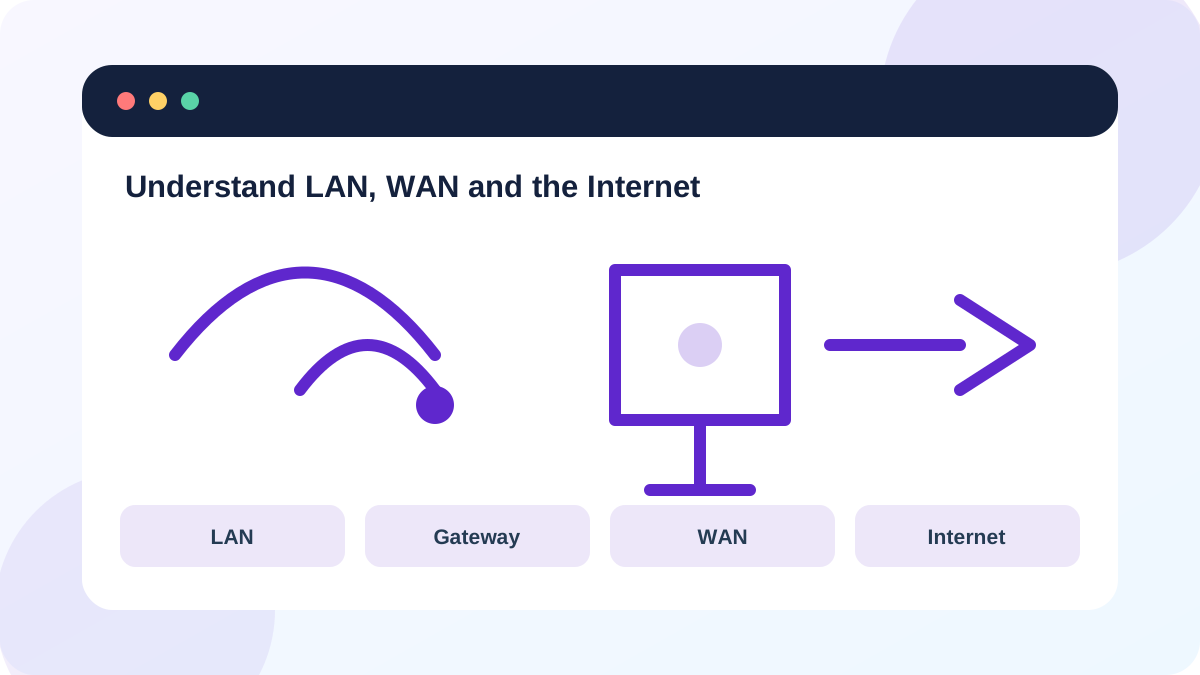
A printer, local file share or router page may still work during an ISP outage. Conversely, a single website can fail while the WAN is healthy. Treat 'internet' as one layer in a longer path.
Collect evidence at each boundary
Record three results: can the device reach the router, can it reach a known external IP address, and can it resolve a domain name? These results distinguish local reachability, upstream IP connectivity and name resolution.
Also compare one local service. If a network printer or another LAN device responds, local switching is working even when the internet is not.
- 1
Run ipconfig and note the active adapter's IPv4 address and Default Gateway.
- 2
Open the gateway address in a browser or ping it.
- 3
Test a second local device or printer if one is available.
- 4
Ping a stable external IP address approved for testing.
- 5
Use nslookup on a known domain and record the DNS server and answer.
Read combinations instead of one result
Gateway failure with a valid Wi-Fi association points to a local addressing, access-point or router issue. Gateway success with external-IP failure moves attention to the WAN, modem, provider or router policy. External-IP success with domain-name failure indicates DNS or application-level filtering rather than a complete internet outage.
A successful ping is useful evidence, not proof that every application path works. Some networks block ICMP. Confirm with a browser and the router's WAN status before declaring a specific provider fault.
- You can identify at least one LAN-only service.
- You can state whether the gateway and an external IP respond separately.
- You avoid using one failed website as proof of an ISP outage.
Report the correct scope
When contacting an ISP, provide the WAN status, modem or ONT lights, timestamps and whether Ethernet and Wi-Fi clients are both affected. When contacting internal support, include the device IP, gateway and DNS results without sending passwords or public screenshots of router settings.
Do not change LAN addressing or enable bridge mode during an active outage unless you understand the rollback. Those changes alter the network boundary and can create a second problem that hides the original one.
- 1
Write a one-sentence scope statement.
- 2
List the tests that succeed and fail in order.
- 3
Record whether all devices or one device are affected.
- 4
Save the router's current LAN and WAN settings before changing anything.
- 5
Escalate to the owner of the first failed boundary.
Classify three outage scenarios
Use boundary evidence to label LAN, WAN, DNS or application scope.
- 1
Test the gateway while the internet cable is disconnected in a controlled lab.
- 2
Reconnect it and confirm local and external tests recover.
- 3
Compare an external-IP test with a domain lookup.
- 4
Write the likely scope for each result combination.
- 5
Restore every cable and verify normal service.
Common mistakes to avoid
- Using LAN and Wi-Fi as synonyms.
- Assuming a local printer proves the internet is healthy.
- Calling the ISP before testing the gateway.
- Changing bridge mode during diagnosis without a rollback.
Key takeaways
- LAN describes local scope; WAN describes the upstream link.
- Local services can work during an internet outage.
- Boundary tests identify who owns the next troubleshooting step.
Frequently asked questions
Is Wi-Fi the same as the LAN?
Wi-Fi is one access method to the LAN. Ethernet devices can be on the same LAN.
Does a public IP belong to my computer?
Usually the router or provider-facing gateway holds the public address, while home devices use private addresses behind it.
Sources and further reading
Ready to continue?
Mark the lesson complete so your Learning Path progress stays current on this device.