Table of Contents
This updated guide explains how to Avoid Weigh Stations through clear steps, practical examples, and important checks that help prevent common errors.
Method 1 of 2:
Taking an Alternative Route
-
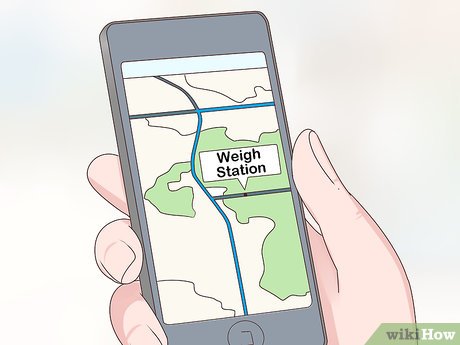 Plan your route in advance. In order to avoid the weigh stations, you'll need to know if they're going to pop up on your designated route. Map out your trip ahead of time so that you can look up where the weigh stations will be along the way.
- You can plan out your trip on your phone, typing the destination into a map app. This will give you directions and show you which roads you'll be taking.
-
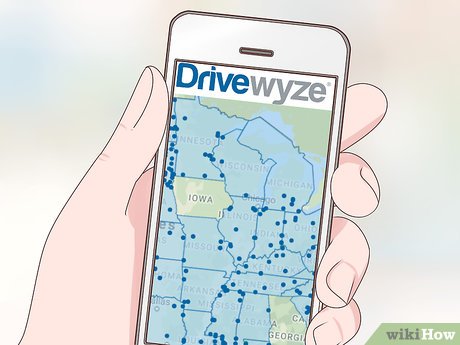 Find out where the weigh stations are located. The easiest way to do this is to use an app, such as Drivewyze or Trucker Path. The apps will show you exactly where the weigh stations are located on the road, and many of the apps serve as a navigation app as well, giving you directions and showing weigh stations on the same map.[1]XResearch source
- You can also type 'weigh stations near me' into a search engine—this will show a map of nearby weigh stations depending on your location.
-
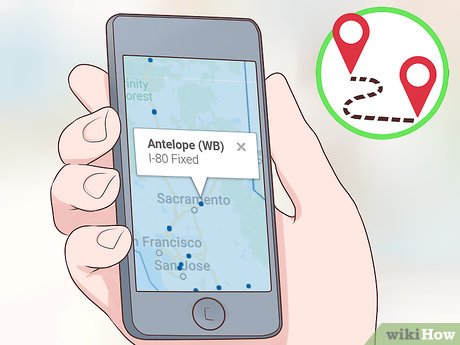 Change your route so that you bypass the station. If a weigh station is located on your current route, you'll need to make adjustments so that you can avoid it. You can either change your route ahead of time by looking at a map, or you can exit the highway before you reach the weigh station and take an alternate route then.[2]XResearch source
- A map app will be able to show you alternate routes you can take that will lead you to your destination, but they may add time to your trip.
- Make sure you check that the alternate route doesn't have any weigh stations as well.
Method 2 of 2:
Waiting Until the Weigh Station Is Closed
-
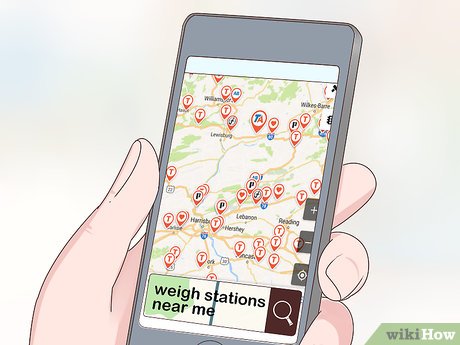 Locate all of the weigh stations along your route. You can do this by using a weigh station app on your phone, or by typing in 'weigh stations near me' into a search engine. The weigh stations will show up on a map, and you can then check to see if there are any stations along your specific route.[3]XResearch source
 -
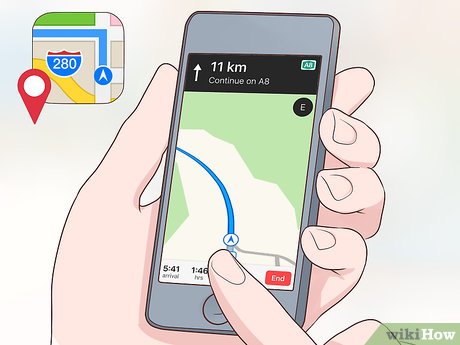 Find a rest area or truck stop before you reach the weigh station. Rest areas will show up on map apps, on some weigh station apps, and on travel apps. There are usually more rest areas or truck stops than weigh stations, so you should be able to find a rest area before getting to a weigh station easily.[4]XResearch source
- Try out apps such as Apple Maps, RoadAhead, or Rest Area Finder to find rest areas near you.
-
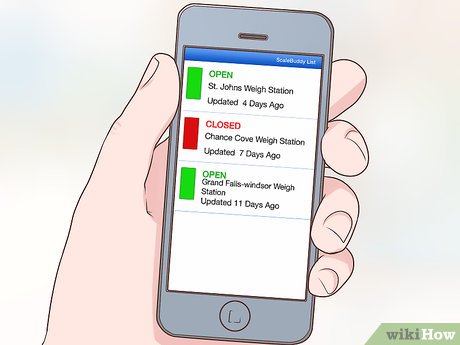 Use a weigh station app to find out if the station is open. Once you're at the rest area, check a weigh station app like Trucker Path or ScaleBuddy to see the status of the weigh station. These apps will tell you whether the weigh station is open or closed so you know whether you can continue driving or need to stay at the rest area awhile longer.[5]XResearch source
- When the weigh stations show up on the app's road map, they will either be shown in green saying 'open,' or they'll be red saying 'closed.'
-
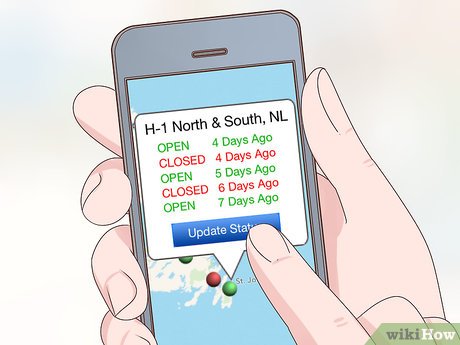 Wait until the weigh station is closed before proceeding. Continue checking the weigh station app to find out when the weigh station is closed. Make sure you refresh the app so that you get updated information. Once the app says the weigh station has closed, you can continue driving.[6]XResearch source
- How long it takes for the weigh station to close will be different for every weigh station—it could take half an hour or many hours.
- If you don't want to wait for a long time, it might be best to consider taking an alternate route.
FAQ
What is the easiest way to Avoid Weigh Stations?
Start with the requirements in this guide, then follow each step in order. Check the result after every major change so problems are easier to identify.
Can beginners follow these instructions?
Yes. The process is organized into practical steps, and you can repeat any step before moving forward.
What should I check if the method does not work?
Confirm your software or device version, permissions, settings, file format, and internet connection when the task depends on online services.
Related Articles
 Video: How Are Mobile Covid-19 Test Stations Deployed in the5 minutes read
 How Much Does 1 Tael of Gold Weigh in Kilograms?7 minutes read
 Search for Free Wi-Fi Waves: Application to Find Wi-Fi Stations3 minutes read
 Did You Know: How Many Kilograms Does a Gold Tree (gold) Weigh2 minutes read
 Hackers Attack Gas Stations, Stealing More Than 2300 Liters of Gasoline in the US4 minutes read
 7 Docking Station for the Best Macbook Pro11 minutes read
Reader Comments 0
Sign in with email or Google to join the discussion.