What you will learn
- Recognize request categories that require stronger verification.
- Use a known independent channel instead of supplied contact details.
- Confirm critical details, not only the sender name.
- Document approval without exposing sensitive information.
What you need
- A known contact directory, official app or published organization number.
- Permission to pause unusual requests.
Define requests that always require a pause
The FTC advises contacting a company or person through a phone number, website or message thread you already know rather than using the link or contact information in an unexpected message.
Create a personal or organizational rule for bank-detail changes, gift cards, cryptocurrency, payroll, tax documents, password-reset codes, remote-access installation, identity documents and requests to bypass normal approval. The rule should apply even when the message appears to come from a real executive, vendor or family member.
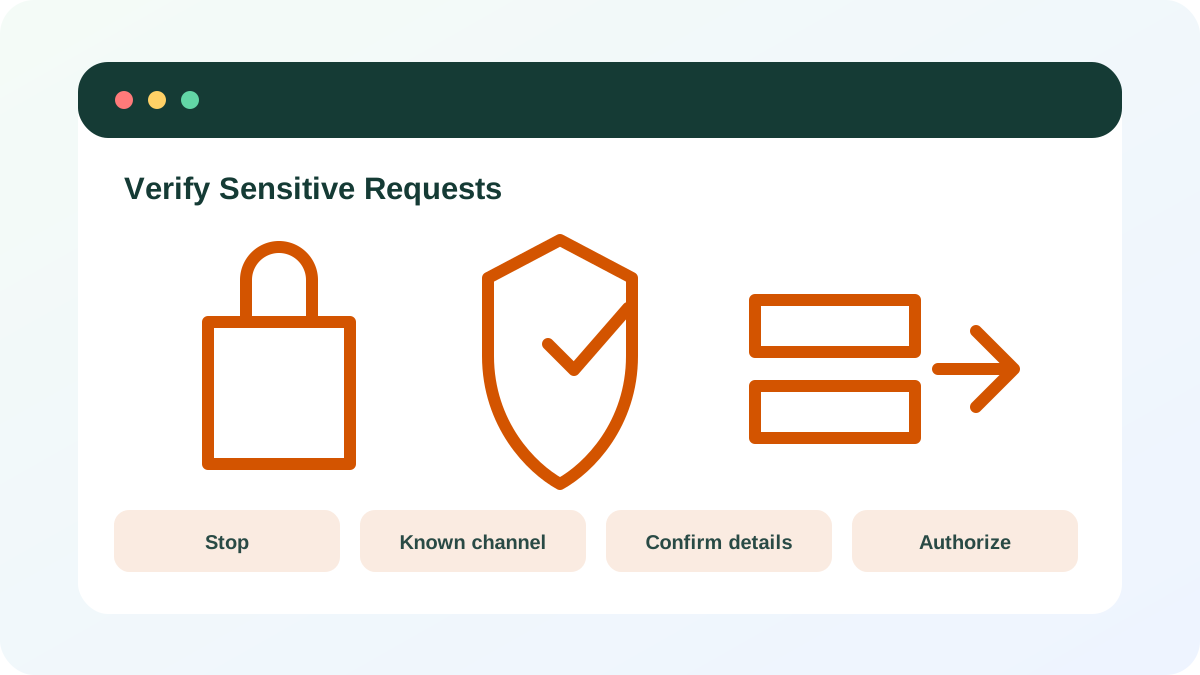
Leave the incoming channel
Use a saved phone number, existing conversation, official account portal or directory entry. Do not use a callback number inside the suspicious message. If the claimed requester says they cannot use the established channel, treat that as additional risk rather than a reason to weaken the process.
- 1
Pause the requested action.
- 2
Open a known contact record or official account page.
- 3
Start a new call or message rather than replying.
- 4
State the request you received without forwarding active links.
- 5
Ask the person to confirm the purpose and exact details.
Confirm the details that create harm
Identity confirmation alone is not enough. A real supplier can have a compromised mailbox, and a real colleague can misunderstand the request. Confirm destination account, amount, effective date, affected records and approval owner. For password-reset or MFA codes, the safe answer is generally never to share the code.
- 1
Read back payment or account details from a trusted system.
- 2
Confirm whether the change was initiated through the normal workflow.
- 3
Require a second approver for high-impact changes.
- 4
Do not share one-time codes, recovery codes or passwords.
- 5
Record the approval reference without copying confidential data into unsecured notes.
Respond to failed verification
When the requester denies the message or cannot be reached, preserve the original, report it and warn other likely recipients through a trusted channel. Do not continue engaging the sender to “investigate” unless a security team directs you; further replies can reveal which defenses worked.
- 1
Use the platform phishing-report feature or workplace process.
- 2
Notify the impersonated person or organization independently.
- 3
Cancel pending payments or account changes immediately.
- 4
Contact the bank or service provider if information was already sent.
- 5
Review related accounts for unauthorized changes.
- The contact route was independent of the request.
- Critical details and authorization were confirmed.
- Codes and credentials were never shared.
Design a verification rule
Write a short rule for personal or workplace high-risk requests.
- 1
List five request types that require a pause.
- 2
Name the trusted verification channel for each.
- 3
Define when a second approver is required.
- 4
Write the information that must be confirmed.
- 5
Add the reporting route when verification fails.
Common mistakes to avoid
- Replying to the suspicious message for confirmation.
- Calling a number supplied only in the request.
- Confirming the sender but not the payment or data details.
- Sharing a one-time code with “support.”
Key takeaways
- High-impact requests deserve a predefined verification rule.
- Independent channels break impersonation workflows.
- Authorization and details must both be confirmed.
Frequently asked questions
What if the request is truly urgent?
A legitimate urgent request can still survive a brief verification. Urgency increases the need for a trusted channel.
Can a real supplier email a fraudulent bank change?
Yes. Their mailbox or business process can be compromised. Confirm bank changes through a known separate contact and established procedure.
Sources and further reading
- Phishing scams can be hard to spotFederal Trade Commission
- Recover a hacked or compromised Microsoft accountMicrosoft Support
Ready to continue?
Mark the lesson complete so your Learning Path progress stays current on this device.