Table of Contents
ASUS Vivobook 16X (K3605) refers to a laptop family with configurations that can differ by region and exact model code. The name alone does not confirm the processor, graphics card, display, memory, ports, or weight. Check the full SKU on the product label and compare it with the seller's written specifications before buying.
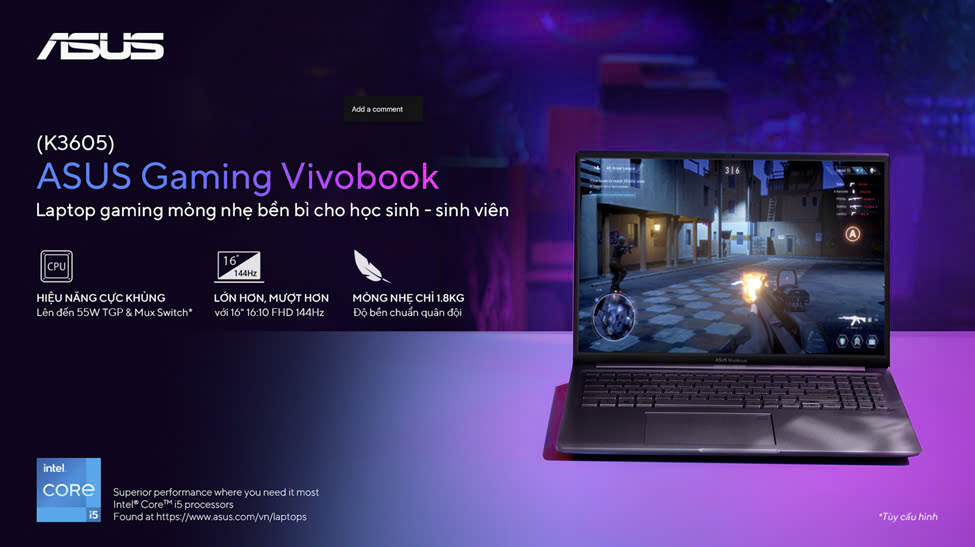
Check the graphics configuration for games
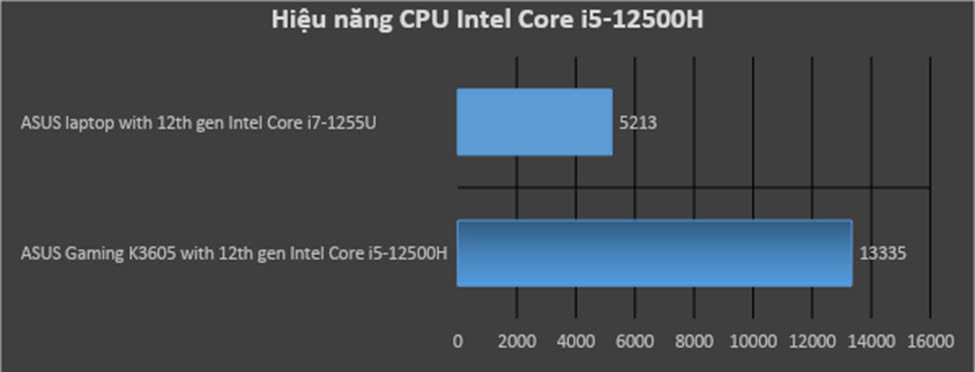
Some K3605 variants have discrete NVIDIA graphics, while other configurations may differ. Compare the exact GPU and its power limit (TGP), cooling design, and independent gaming tests. The same GPU name can perform differently at different power limits. A MUX switch is only relevant if the exact model includes one; confirm it in the specifications.

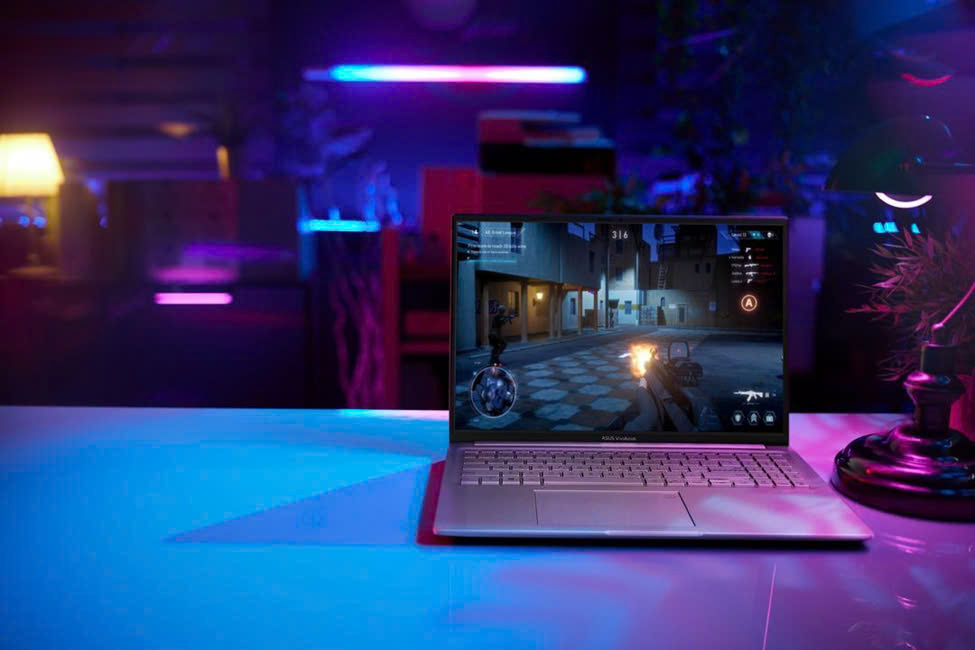
Compare the display and memory
Check whether the offered screen is IPS or OLED, its resolution, refresh rate, brightness, and color coverage. A high refresh rate can make motion smoother when the system renders enough frames. Confirm memory capacity and whether it is soldered or upgradeable, along with SSD size and replacement options.

Assess portability and everyday use
Look up the exact model's weight, battery capacity, charger size, port selection, and tested battery runtime. Manufacturer estimates and charging speeds depend on configuration and usage. A military-standard test claim describes a defined test program; it does not mean a laptop is rugged, waterproof, or immune to damage in ordinary use.
Before you buy
- Get the full model code and verify it against the manufacturer's current specifications.
- Check warranty, return terms, and local availability for the exact configuration.
- Read independent reviews for sustained gaming performance, fan noise, and temperatures.
- For a used laptop, inspect battery health, screen, keyboard, ports, and charger.
See ASUS's K3605 specifications and confirm the model code with the seller. Specifications can differ across K3605 variants and markets.
Related Articles
 Asus VivoBook 14 laptop review: Meet the needs of everyday use
 Asus VivoBook S15 review: A great, comprehensive experience
 Asus Vivobook touchscreen adds 13 and 15.6 inch size
 Asus quietly came out with a 13-inch touchscreen Vivobook laptop
 The thinnest and lightest 16-inch laptop in the world
 2019 Asus Vivobook, popular laptop with super high-speed SSD 512GB SSD storage, priced from 11.99 million
Reader Comments 0
Sign in with email or Google to join the discussion.