Explore the key improvements that make the Pixel Watch 3 worth it!
1. Size 45mm for Large Wrists
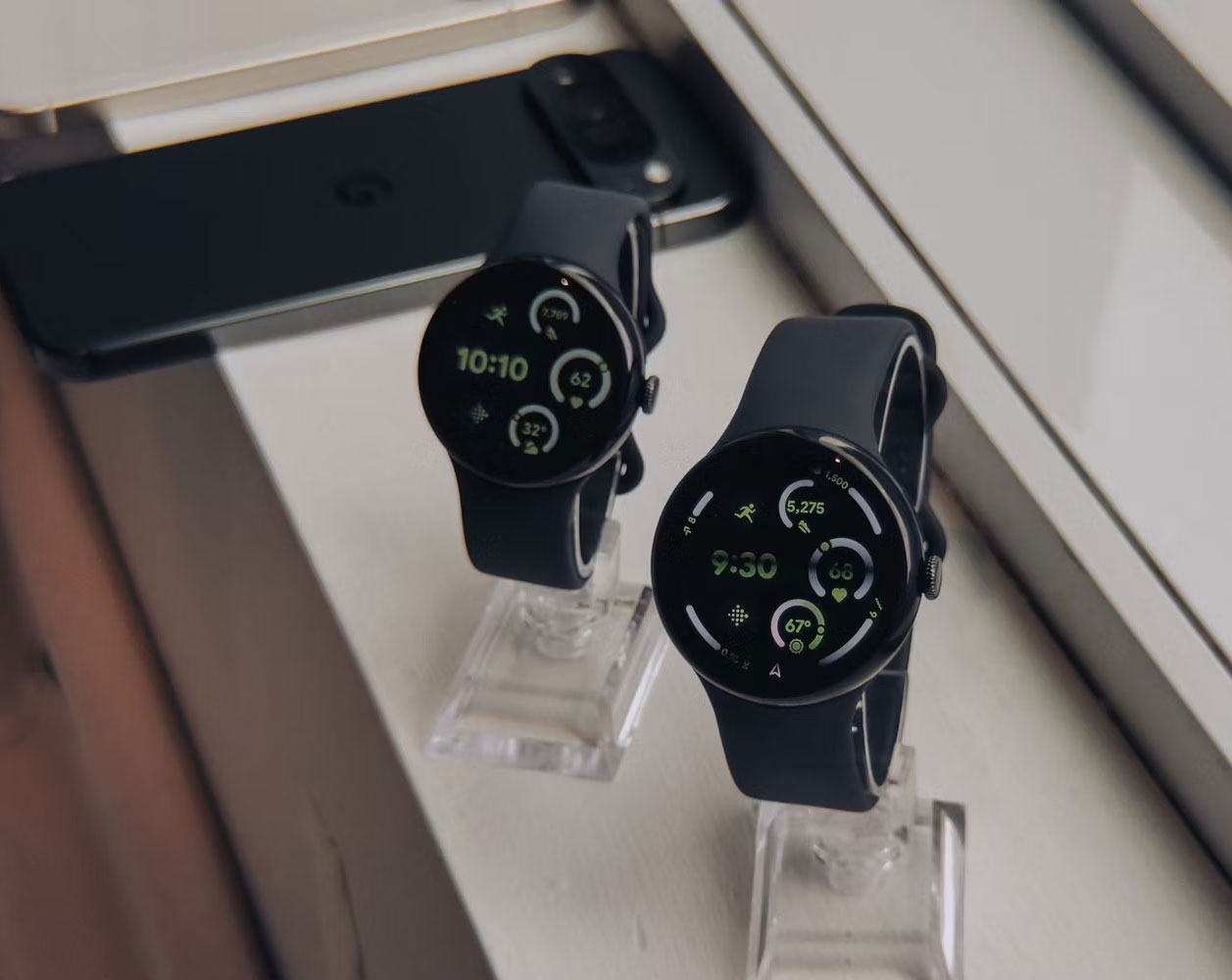
Many Pixel Watch fans admire its small size and discreet appearance. While that's aesthetically great, it's unfortunately not really practical for people with large wrists.
That won't be a problem anymore because the Pixel Watch 3 comes in two sizes: The standard 41mm size and the new 45mm variant. You can choose the size that best suits you.
2. Bigger, Brighter Screen with Thinner Bezels
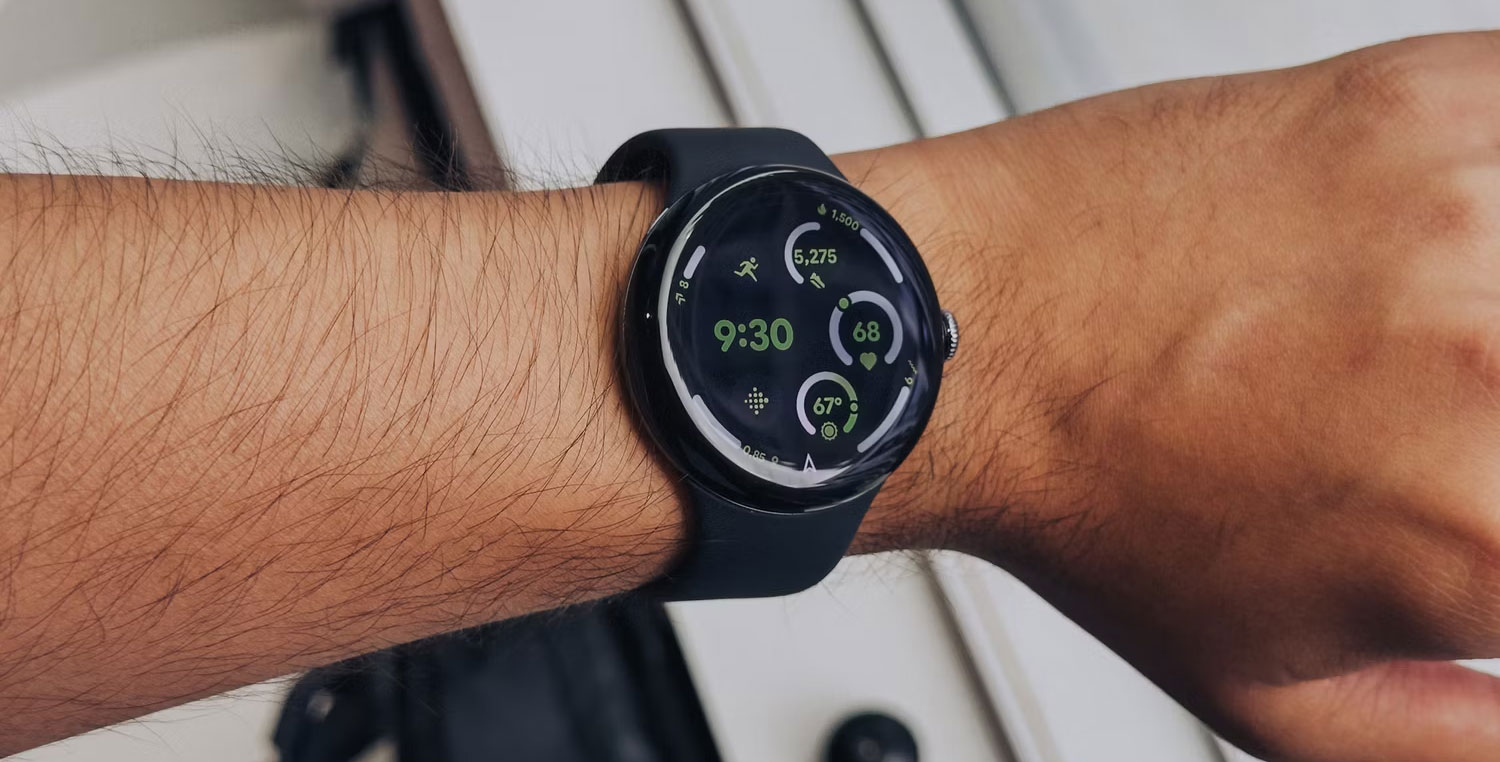
Of course, the 45mm version also has a larger screen - 40% larger to be exact - which is useful if you've previously had trouble navigating the Pixel Watch's small screen and need more surface area to avoid accidental touching.
Outdoor visibility on the Pixel Watch 2 isn't bad, but many users found it inadequate in direct sunlight. Google has solved this problem by increasing the maximum brightness of the Pixel Watch 3 to 2,000 nits, double that of its predecessor. This puts it on par with the Galaxy Watch 77 and Apple Watch Series 9.
And if you're curious, the screen can also be reduced to 1 nit when the Always-on Display is active, avoiding interruptions in dark environments - for example when you're watching a movie.
3. Long Battery Life and Faster Charging
The 45mm version of the Pixel Watch 3 has a larger 420mAh battery than its predecessor (306mAh), which should significantly improve battery performance. Google claims battery life of 24 hours with AOD enabled and up to 36 hours when using Battery Saver Mode.
Pixel Watch 3 automatically turns Battery Saver Mode down to 15% and turns on Bedtime Mode when it detects sleepiness, turning off notifications and AOD.
Google has also increased charging speeds by 20%, allowing the Pixel Watch 3 45mm to fully charge the larger battery in roughly the same time as before - 50% in 28 minutes.
4. Morning Brief to Start the Day the Right Way
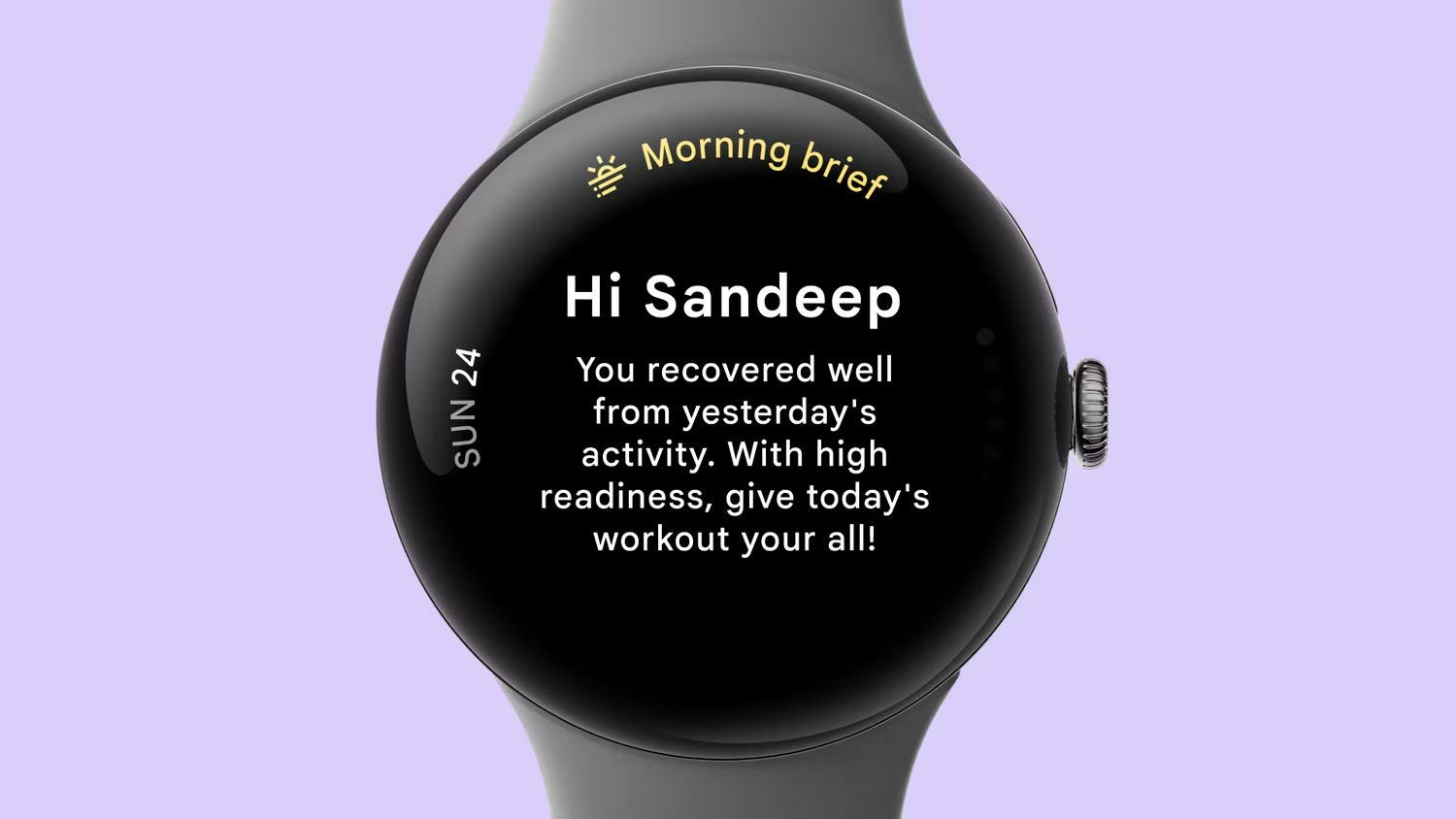
Morning Brief is a new wellness feature that gives you a quick summary of your most important health and fitness metrics every morning. For example, it can tell you how well you slept and for how long, your progress towards your fitness goals and your readiness score, which shows whether you have enough energy to workout or need more time. recovery time?
This feature also notifies you when any health metrics, such as heart rate variability, breathing rate or SpO2 levels, are outside the normal range so you can visualize your improvement over time. time.
Morning Brief also informs users about weather conditions, so you don't miss a thing. All these insights help you avoid looking at your phone first thing in the morning and still get all the important information.
5. Deeper Integration with Google Services
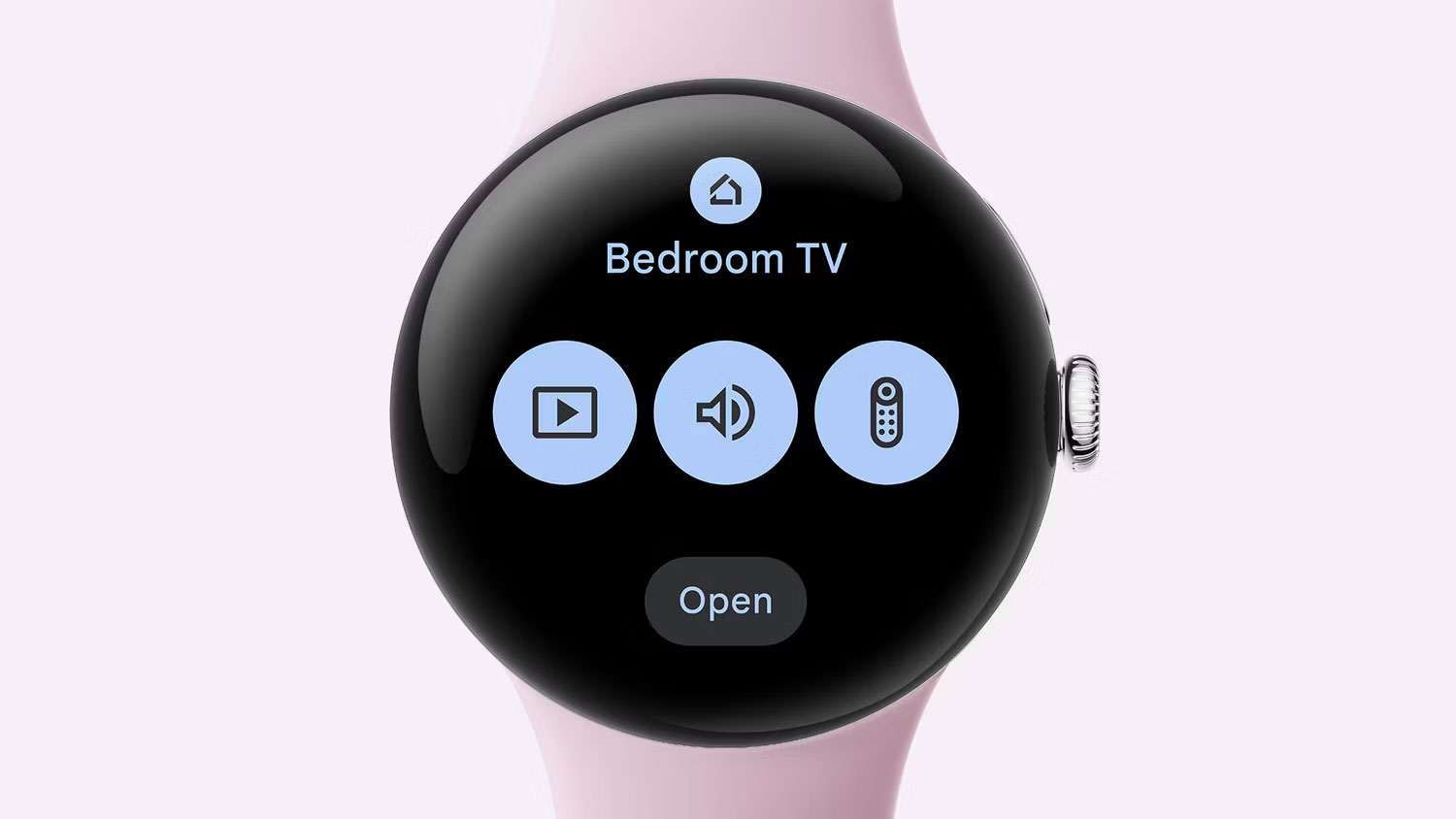
If you already own a Pixel phone and other Google products, the Pixel Watch 3 is a no-brainer. Deeper integration with the Google ecosystem means you can use your Pixel Watch for more than just achieving your fitness goals.
For example, you can use the watch to watch a live stream from the Nest Doorbell camera and respond to visitors, access Google Maps offline, do screenings, put phone calls on hold, and control the camera shutter on your Pixel phone. You can even use the watch as a remote for Google TV to pause shows, change channels, or adjust the volume.
Google has improved the Pixel Watch with each generation, and the Pixel Watch 3 is no exception. All these improvements for the same starting price of $349 make the Pixel Watch 3 worth your money.




Reader Comments 0
Sign in with email or Google to join the discussion.