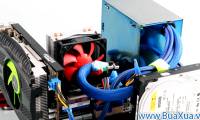
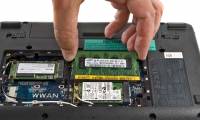
Computer internal partssmall parts may look complicated, but what's inside a computer isn't really so mysterious
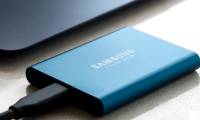
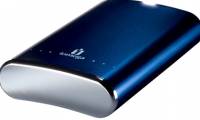
The Best External Hard Drives for 2020in an era when 50gb of icloud storage is 99 cents per month, and trim, slim external ssds are getting inexpensive, external hard drives might seem less important than they once were.
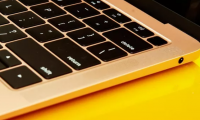
Slow MacBook Air or Pro? Here's how to speed up your Mac 5 wayshas your once shiny and speedy mac lost a step or two? if you are seeing the spinning beach ball more frequently as your mac struggles to keep up, then it's time to perform a bit of maintenance to put a little pep back in its step.
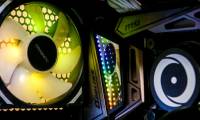
Best gaming PCs for 2020from cheapies that can just about handle hd to 4k monsters, we'll help you navigate the terrain.
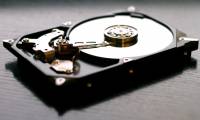
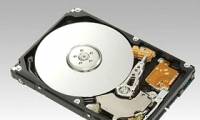
Learn about HDD hard drivehard disk drive (hard disk drive) is the main and largest hardware device that stores data in a computer. operating systems, software and other files are stored on the hdd.
Check and monitor hard drive capacity with WinDirStattipsmake.com - in the following article, we will introduce you to the free tool windirstat - with the function to list and display specifically how the capacity of the hard drive is being used.
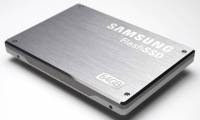
MacBook Air foretells death of hard drive?analysts say apple's support and the declining price of ssds may convince consumers and cios that hard drives are not always necessary.
The best mobile hard drives in the worldpocket-sized portable hard drives are the best devices for backing up or storing users' large media files. here are the 10 best portable hard drives in the world.
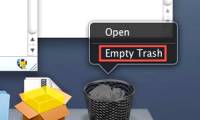
Delete Files on Mac - Empty Trash or Secure Empty Trash?deleting files in mac os is not a difficult matter in any way, but it can cause confusion. most people know how to drag files into the trash in the dock, but to really delete them, there are two options in the finder menu - empty trash and secure empty trash.
Your understanding of computer hardware P9in the previous posts, network administrator has sent you to read extremely interesting multiple choice questions around the topic of computer hardware. in this article, we will send you the next section. let's follow it.
 Computer internal parts
small parts may look complicated, but what's inside a computer isn't really so mysterious
Computer internal parts
small parts may look complicated, but what's inside a computer isn't really so mysterious